EasyManua.ls Logo

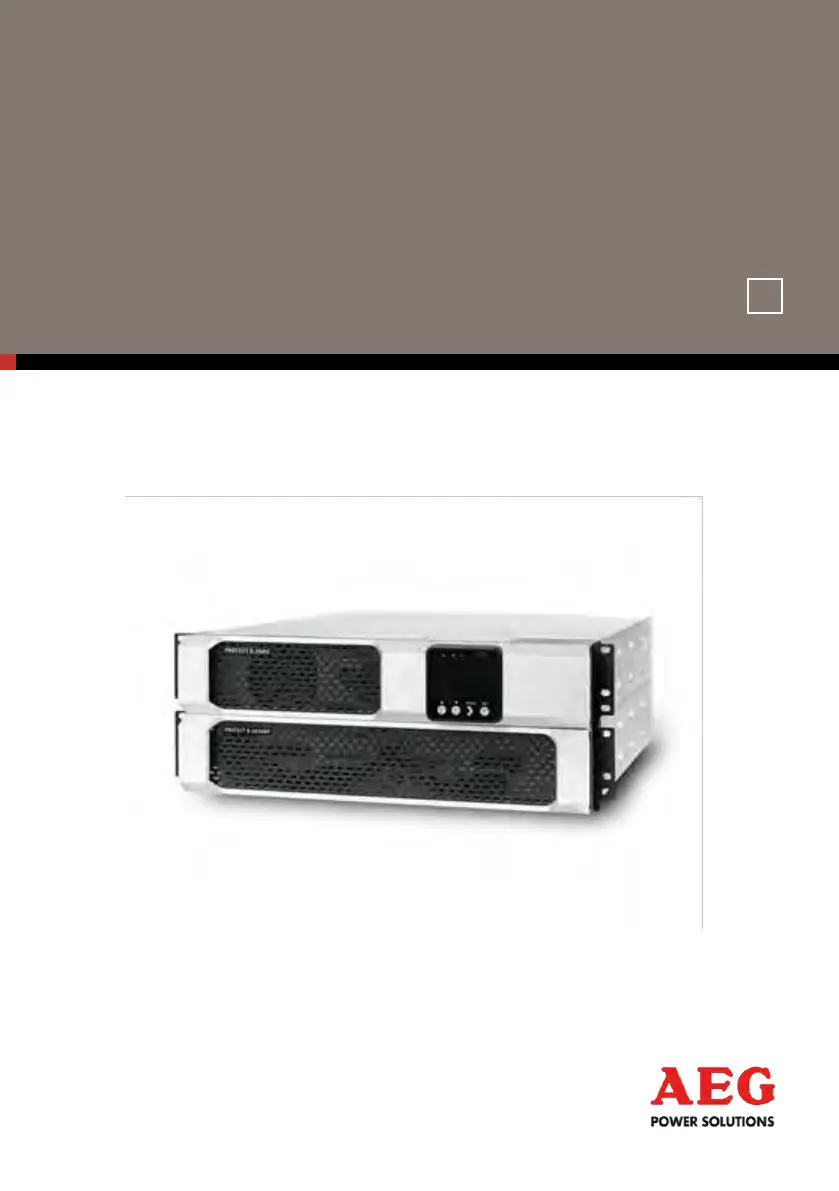
AEG protect d. 1500 - User Manual

AEG protect d. 1500
76 pages
Print Icon
To Next Page IconTo Next Page
Loading...
OPERATING INSTRUCTIONS
EN
Protect D
Protect D. 1000 Protect D. 1000 BP
Protect D. 1500 Protect D. 1500 BP
Protect D. 2000 Protect D. 2030 BP
Protect D. 3000

Questions and Answers

  • A
    Andrea TaylorAug 8, 2025
    What to do if AEG protect d. 1500 shows Heat sink Over Temperature alarm?
    • G
      gonzalezjosephAug 8, 2025
      If the AEG UPS displays a Heat sink Over Temperature alarm, ensure that the fans are functioning correctly and that the air intake vents on the uninterruptible power supply are not blocked. The cause may be fan failure. After the maximum temperature is reached, the uninterruptible power supply shuts down.
  • P
    Paul LiuAug 13, 2025
    What to do if AEG protect d. 1500 reports Fan Failure?
    • N
      Nathan BeanAug 14, 2025
      If the AEG UPS reports a Fan Failure, contact your service representative immediately and remove the load.
  • T
    tashawongAug 20, 2025
    What to do if my AEG protect d. 1500 UPS shows Charger Failure alarm?
    • S
      Stacey SanchezAug 20, 2025
      If your AEG UPS shows a Charger Failure alarm, contact your service representative.
  • J
    Joanna GutierrezAug 27, 2025
    What to do if AEG UPS signals Battery DC Over Voltage?
    • M
      Matthew TorresAug 27, 2025
      If the AEG UPS signals a Battery DC Over Voltage, contact your service representative.
  • L
    Lauren HansonSep 1, 2025
    How to fix Battery Disconnected alarm on AEG protect d. 1500 UPS?
    • K
      Kenneth ThorntonSep 1, 2025
      To address a Battery Disconnected alarm on your AEG UPS, ensure that all batteries are correctly connected. If the condition persists, contact your service representative.

Summary

Notes on Operating Instructions

Customer Support Hotline

Contact details for questions and support.

General Information

Protect D Technology

Overview of the PROTECT D UPS system components and features.

Protect D System Description

Explanation of how the UPS connects and functions within the system.

Protect D Technical Data

Detailed technical specifications of the PROTECT D UPS units.

Safety Regulations

General Safety Instructions

Important safety precautions for operating the UPS and battery modules.

Specific Safety Instructions for PROTECT D

Crucial safety guidelines for installing, operating, and maintaining the PROTECT D.

Installation Guide

Unpacking and Checking Contents

Procedure for unpacking the device and verifying its contents.

Electrical Connections

Main Power Connection

How to properly connect the UPS to the main power supply.

Connecting Load Segments

Instructions for connecting the protected load segments to the UPS outputs.

Operation Modes and Controls

Initial UPS Start-up Procedure

Step-by-step guide for turning on the UPS for the first time.

Interfaces and Communication

Emergency Power Off (EPO)

How to install and use the Emergency Power Off connection.

Troubleshooting Guide

Troubleshooting Malfunctions

Guidance on interpreting error messages and resolving UPS malfunctions.

Alarm and Error Messages

List of alarms and error messages with possible causes and actions.

Maintenance Procedures

Battery Replacement Guide

Instructions and precautions for replacing the UPS batteries.

AEG protect d. 1500 Specifications

General IconGeneral
Product typeUPS
Nominal input voltage230 V
Input voltage range160 - 286 V
UPS topologyLine-Interactive
Emergency Power Off (EPO)Yes
Audible alarm(s)Yes
Operating Temperature0 - 40 °C
Output voltage230 V
Output frequency50/60 Hz
Wave typeSine wave
Battery TypeSealed lead acid
Communication InterfaceUSB
Relative Humidity0-95%

Related product manuals