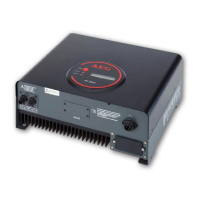
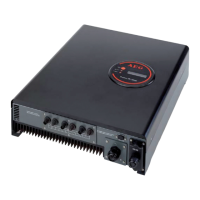
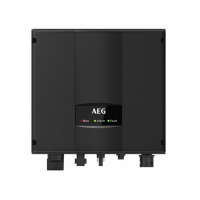
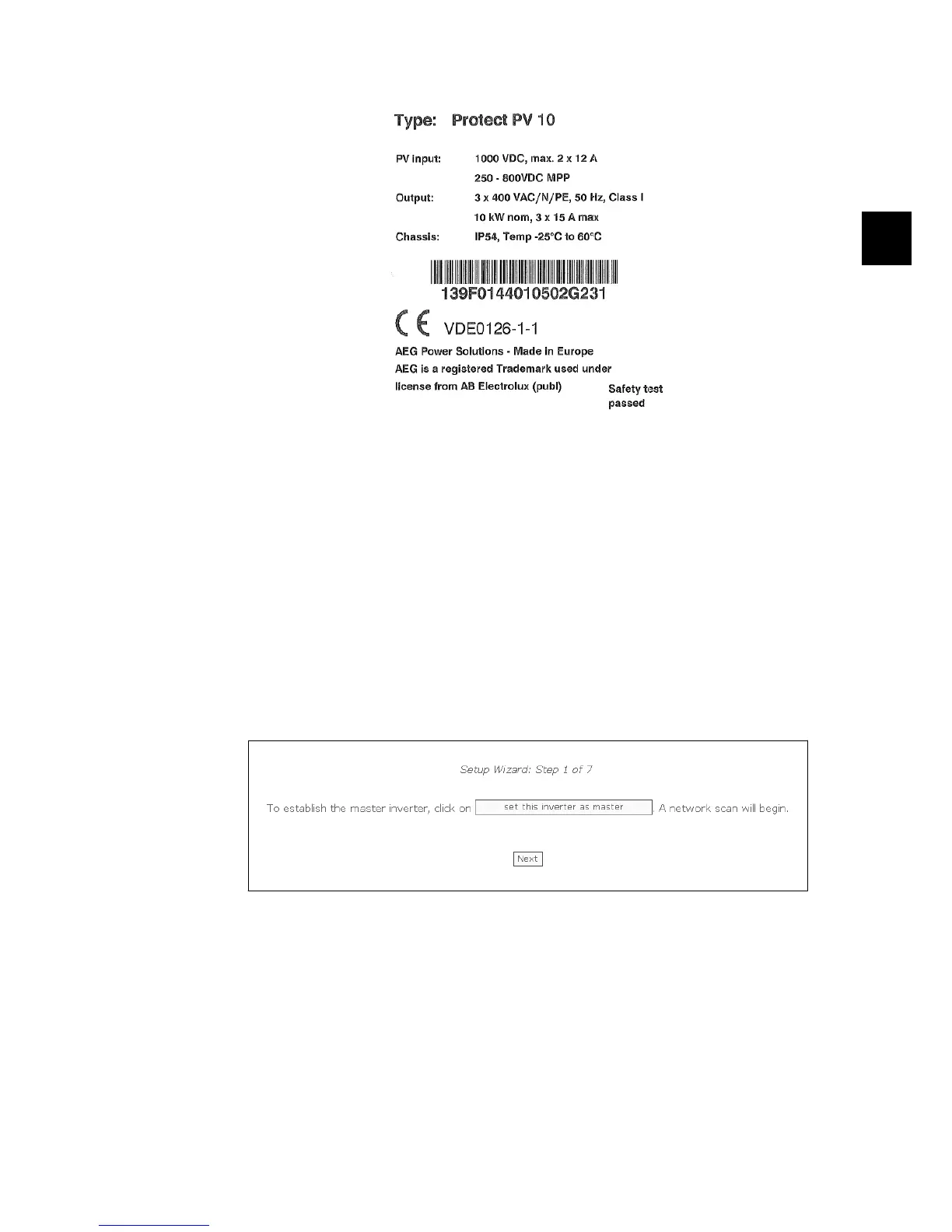
Illustration 3.1: Product Label
6. The Web Server logon dialog opens.
7. Type 'admin' in the user and password fields, and click [Log in].
8. At initial logon the inverter runs a setup wizard. Ensure pop-ups are enabled before
the wizard starts.
3.3.2. Setup Wizard
Step 1 of 7: Master setting
To set up a master inverter, click on [Set this inverter as master].
• A scan runs to identify inverters in the network.
• A pop-up window shows the inverters successfully identified.
Click [ok] to confirm that the correct number of inverters has been found.
Illustration 3.2: Step 1 of 7: Master Setting
To change this setting later, refer to
Setup, Inverter Details
.
Step 2 of 7: Display language
Select display language. This is not a country setting.
• The default language is English.
3. Web Server Quick Guide
8000038784_00_BAL_en / L00410565-01_02 13
3



 To Next Page
 Loading...