3. Touch and hold down Anti-arrugas/
Rugas and Alarm. buttons at the same
time.
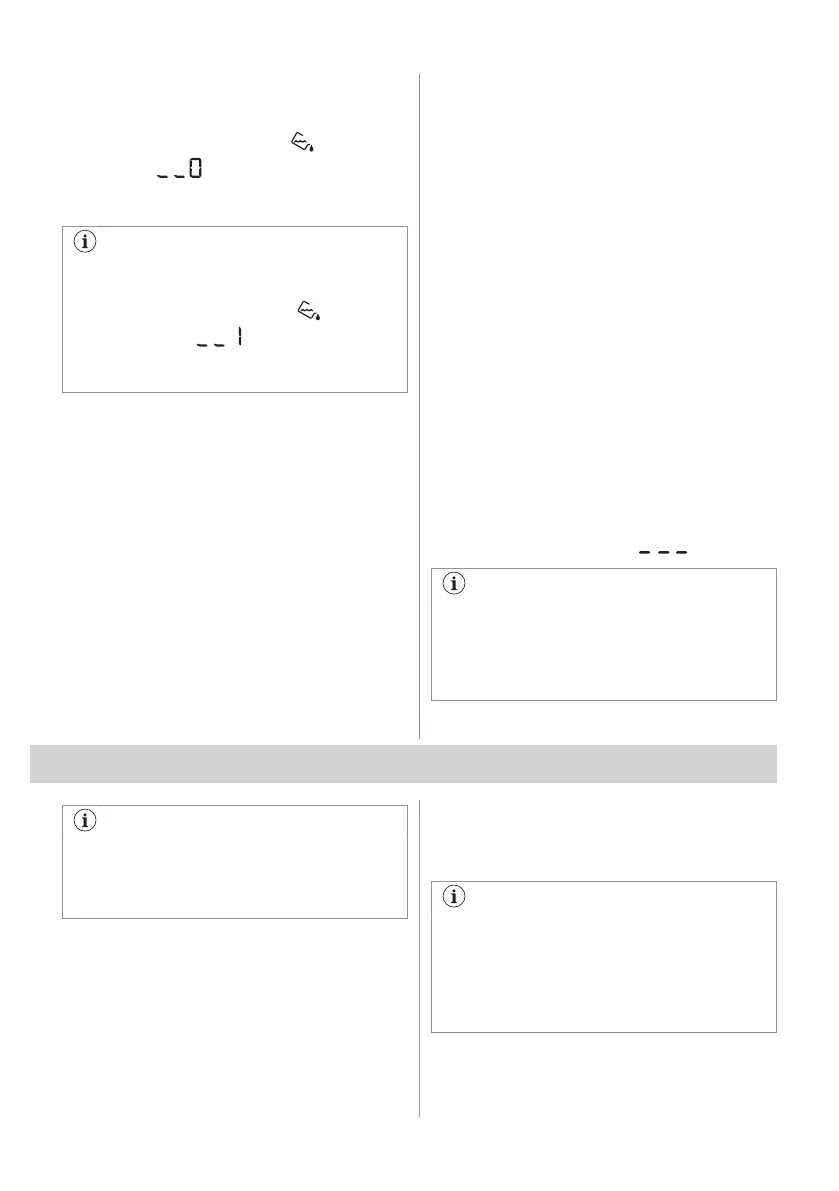
The water container indicator: is off and
the symbol appears - the water
container indicator is permanently
deactivated
To activate the water container indicator
back, follow the above procedure again.
The water container indicator: is on
and the symbol appears - the
water container indicator is permanently
activated
8.2 Operating hours counter
This function gives a possibility to display the
total operating time of the appliance in hours,
which is counted from the moment it is first
switched on. The actual operating time of the
cycles is shown (does not include pauses or
delayed start time).
To visualise this value, proceed as follows:
1. Switch the appliance on by pressing the
On/Off button.
2. Press and hold the Nivel de Sec. and
Alarm. buttons for some seconds.
3. After 3 seconds the total hours operated
by the appliance are shown in the display:
e.g. if the operating time is 1276 hours,
the display shows the text Hr for 2
seconds then 12 for 2 seconds followed
by 76. This value is displayed with a
sequence of two digits at a time: the first
two digits indicate thousands and
hundreds, the second two digits indicate
tens and units.
To exit this mode, either press any button,
turn the selector knob or switch the appliance
off.
8.3 Factory Defaults
This function allows to restore the factory
default settings. The saved options and
working modes will be reset.
To activate this option follow steps below:
1. Switch the appliance on by pressing
On/Off button.
2. Wait approximately 8 seconds.
3. Press and hold the Tiempo/Tempo sec.
and Inicio Diferido buttons for some
seconds.
4. The appliance will acknowledge the
operation by displaying
.
If the procedure does not work (this could
be due to timeout or wrong keys
combination), switch the appliance off
and repeat the sequence from the
beginning.
9. BEFORE FIRST USE
Rear drum locks are removed
automatically when dryer is activated for
the first time. Possible to hear some
noise.
To unlock the rear drum locks:
1. Switch on the appliance.
2. Set any programme.
3. Press the Start/Pause button.
Drum starts to rotate. Rear drum locks are
automatically deactivated.
Before you use the appliance to dry items:
• Clean the tumble dryer drum with a moist
cloth.
• Start a 1 hour programme with moist
laundry.
At the beginning of the drying cycle (first
3-5 min) there could be a slightly higher
sound level. This is due to the
compressor starting up. This is normal for
compressor powered appliances such as
refrigerators and freezers.
9.1 Unusual smell
The appliance is tightly packed.
ENGLISH 43



 To Next Page