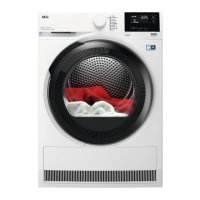
If the appliance is on, some indicators appear
on the display.
10.4 Low power mode
To decrease the energy consumption, the low
power mode turns the appliance off
automatically:
• if the Inicio/Pausa touch button is not
touched within 5 minutes.
• 5 minutes after a cycle ends.
Push the On/Off button to turn on the
appliance.
If the appliance is on, some indications
appear on the display.
10.5 Setting a programme
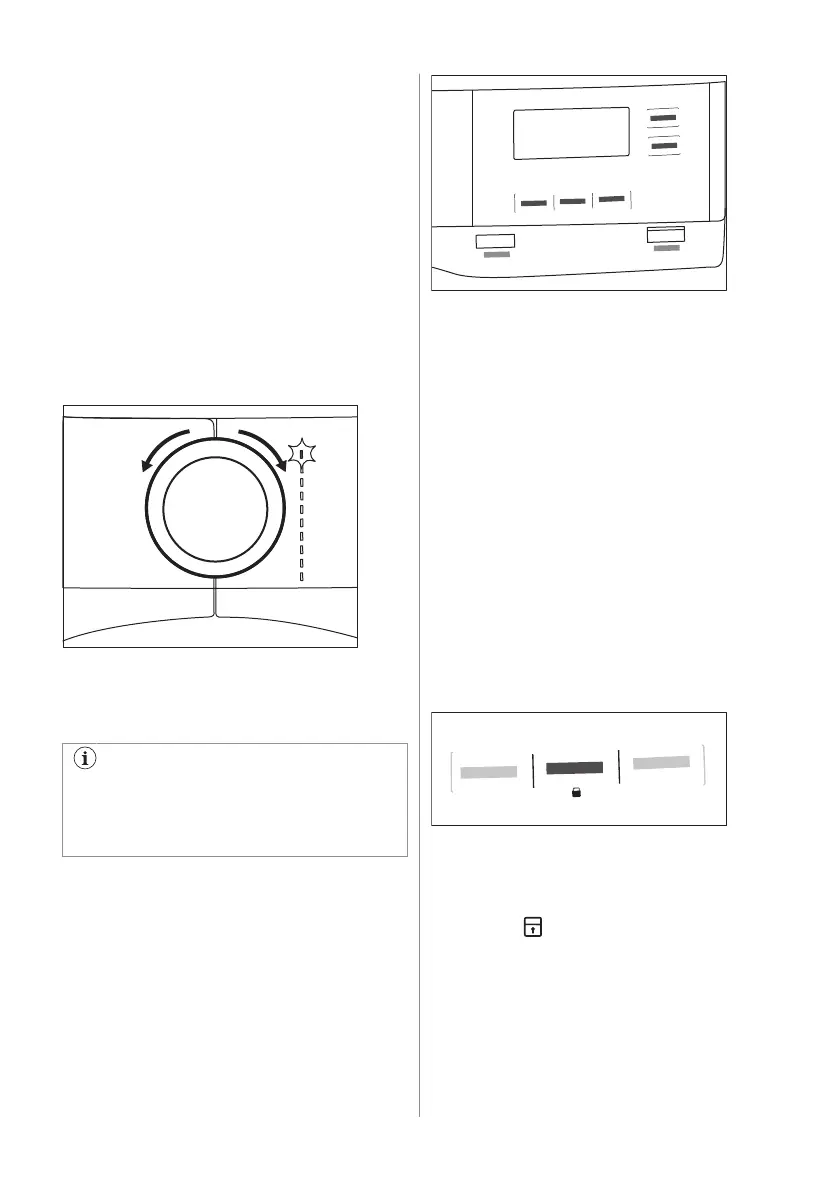
Use the programme dial to set the
programme.
The approximate programme duration
appears on the display.
Real drying time will depend on type of
the load (quantity and composition), the
room temperature and the initial moisture
of your laundry after spinning phase.
10.6 Options
Together with the programme you can set 1
or more special options.
To activate or deactivate an option touch the
relevant button or a two button combination.
Corresponding symbol on the display or the
led above the button lights up.
10.7 Child lock option
The child lock can be set to prevent children
from playing with the appliance. The child
lock option locks all touch buttons and the
program dial (this option does not lock the
On/Off button).
You can activate the child lock option:
• before you touch the Inicio/Pausa button -
the appliance cannot start
• after you touch the Inicio/Pausa button -
programs and option selection is
unavailable.
Child lock option activation:
1. Turn the dryer on.
2. Select 1 of the available programs.
3. Touch and hold down Anti-arrugas/
Rugas button by around 3 seconds.
The symbol appears on the display.
4. To deactivate the child lock, touch the
above button again until the symbol
disappears.
46 ENGLISH



 To Next Page