11. HINTS AND TIPS
11.1 Ecological hints
Loading the drum up to the maximum
capacity indicated for the respective
programmes will contribute to the energy
saving.
• Spin the laundry well before drying.
• Do not exceed the load sizes which are
specified in the programmes chapter.
• Clean the filter after each drying cycle.
• Do not use fabric softener to wash and
then dry. In the tumble dryer laundry
becomes soft automatically.
• The water from the water container can be
used to iron the clothes. You must first
filter the water to eliminate remaining
textile fibres (simple coffee filter is
suitable).
• Always keep the airflow slots at the bottom
of the appliance clear.
• Make sure there is good airflow where the
appliance is to be installed.
12. CARE AND CLEANING
12.1 Periodic cleaning schedule
Periodic cleaning helps to extend the life
of your appliance.
If the appliance is not used for a long time
unplug the appliance.
Indicative periodic cleaning schedule:
Cleaning the filter
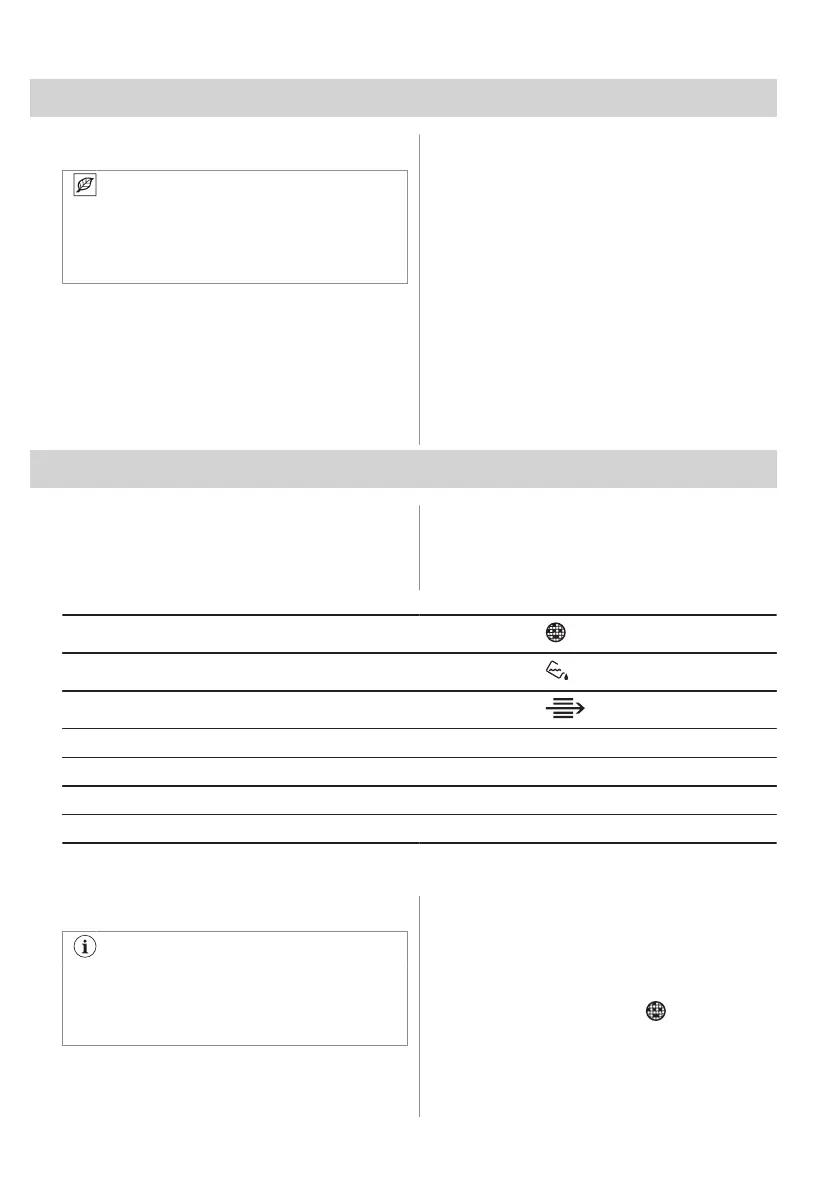
When the indicator flashes
Empty the water container
When the indicator flashes
Cleaning the condenser
When the indicator flashes
Cleaning the humidity sensor At least 3 or 4 times a year
Cleaning the drum Every two months
Cleaning the control panel and housing Every two months
Cleaning the airflow slots Every two months
The following paragraphs explain how you should clean each part.
12.2 Removing the foreign items
Make sure that the pockets are empty
and all loose elements are tied up before
running the drying cycle. Refer to the
"Preparing the laundry" section.
Remove any foreign items that you may find
in the drum after the drying cycle (e.g. metal
clips, buttons, coins, etc).
12.3 Cleaning the filter
At the end of each cycle the
filtro
symbol
comes on the display and you must clean the
filter.
48 ENGLISH



 To Next Page