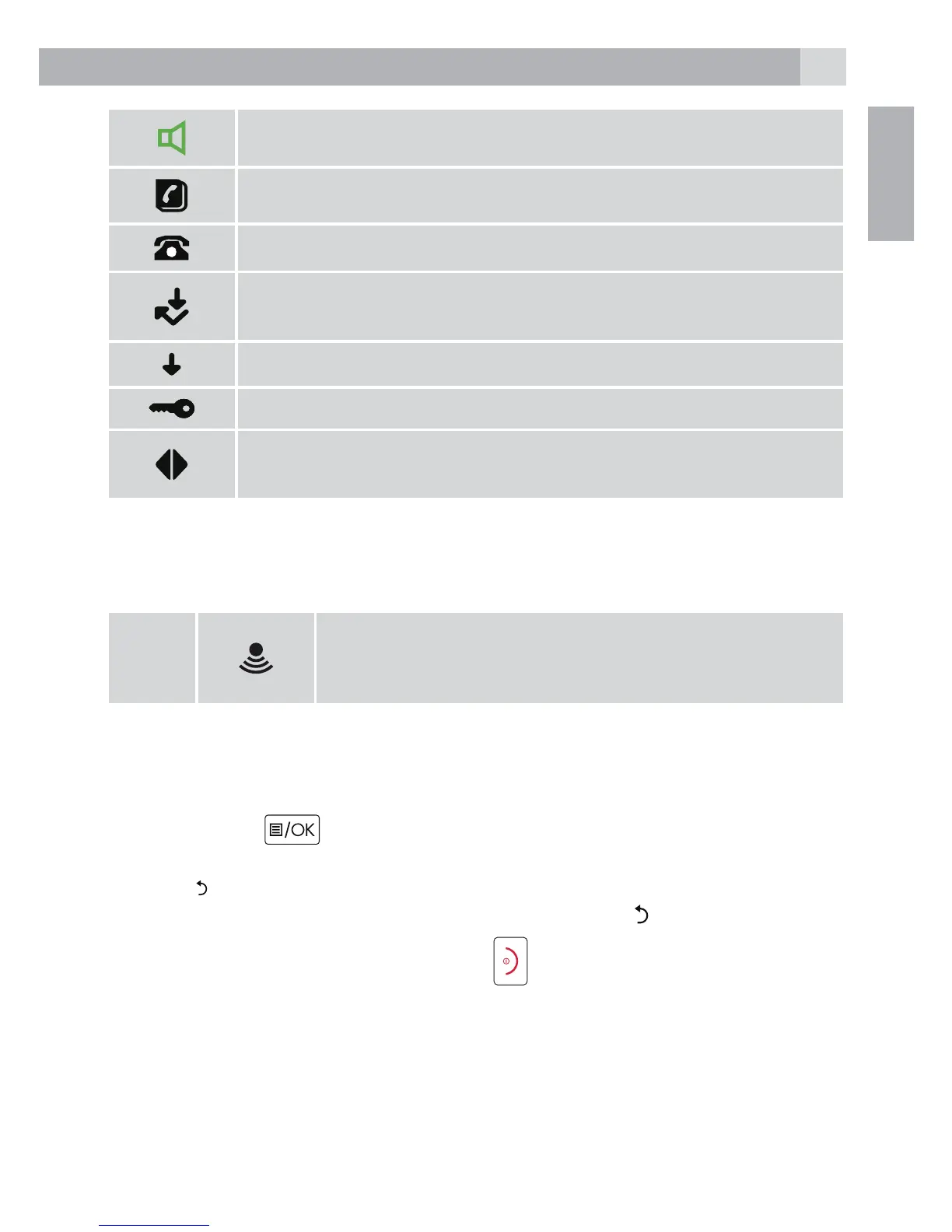
Hands-free mode is ON
Phonebook is opened
Flashes to indicate new call in call list
Answered call (when viewing the Calls list)*
Unanswered call (when viewing the Calls list)*
Keypad is locked
Displayed number is longer than
12 digits
* For this feature, subscribe to the Caller ID from the network operator.
5.3 Base station (see P4)
14
Press to nd misplaced handsets registered to the
base.
Use to register handsets to the base.
5.4 Navigating the menu
The phone has an easy to use menu system.
When the handset is switched on and in standby:
1. Press Menu to open the main menu.
2. Then use Up or Down buttons to scroll through the available options.
3. Press to select an option.
To return to the previous menu level, press Return . To exit the menu
and return to standby, press End call .
Note:
If no button is pressed for 20 seconds, the handset returns to standby
automatically and is preset to tone dialling.



 To Next Page