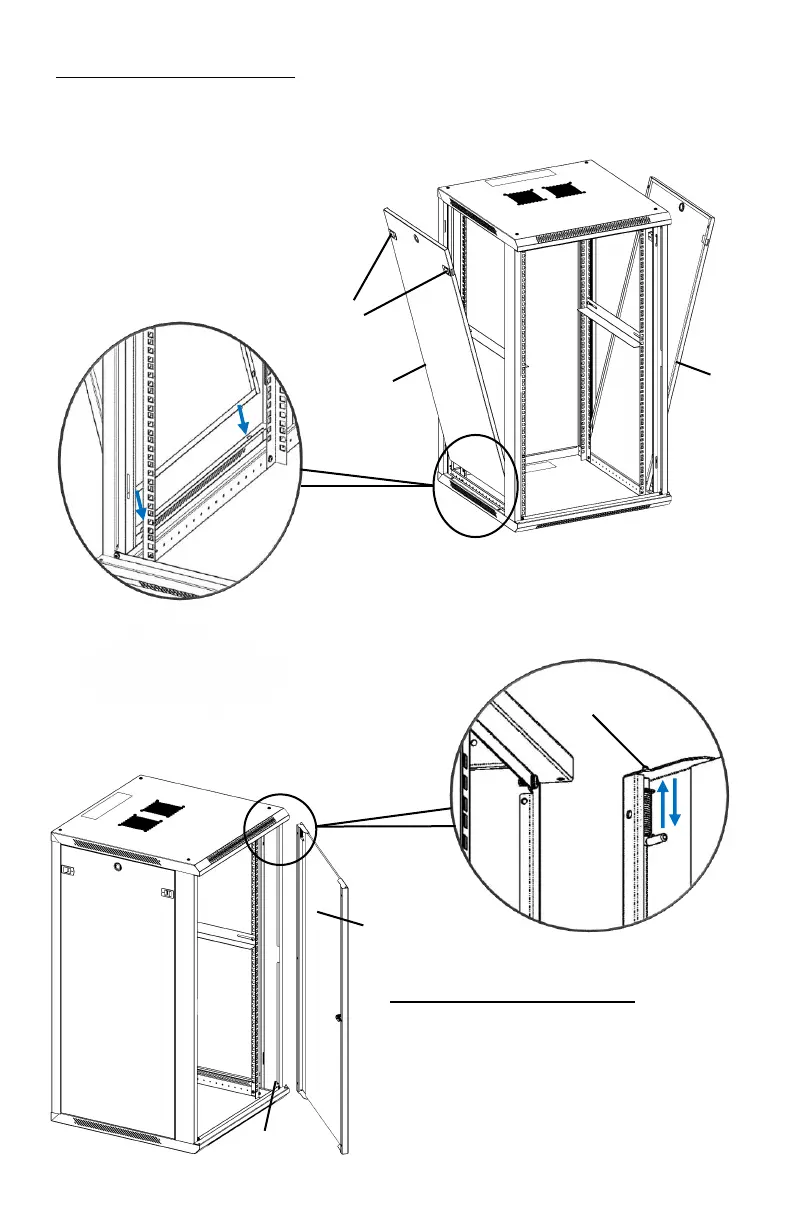
Step 4: Install Side Panel
Alight the pins at the bottom of Side
Panel
○
L to the slots of cabinet frame.
Click the Side Panels
○
L into cabinet
frame using the latch on either side.
Step 5: Install Front Door
Insert the fixed pin into door hinge hole
at bottom. Pull down on the spring pin
and slide it into door hinge hole at top
and release. The pin should click into
place and secure the door
○
K .



 To Next Page