MP2C
Manuale operativo - Operating manual MO.MP2C.518
Pag. 17
SET POINT 1
SET POINT 1
Valori Impostabili: -99999 ÷ +99999
S = segno NNNNN = valore
Per programmare il set point negativo selezionare l'intero numero,
spostando il cursore fino a quando il numero rimane fisso, e variare
il segno con il tasto © (-NNNNN).
Descrizione:
Quando il valore campionato raggiunge il Set Point impostato, viene
attivata l’uscita a relay SP1 e viene acceso il led corrispondente
all’indicazione grafica SP1.
Nota:
All’accensione i Set-Point vengono attivati in ritardo per permettere
allo strumento di stabilizzarsi.
Selectable values: -99999
÷
+99999
S = sign NNNNN = value
To program the negative set point, select the whole number by
moving the cursor until the number remains fixed, then change the
sign through © key (-NNNNN).
Description:
When sampled value reaches selected Set Point, SP1 relay output
is activated and the led corresponding the graphic indication SP1 is
switched on.
Note:
At instrument starting, set points are activated later in order to
enable the digital indicator to stabilize itself.
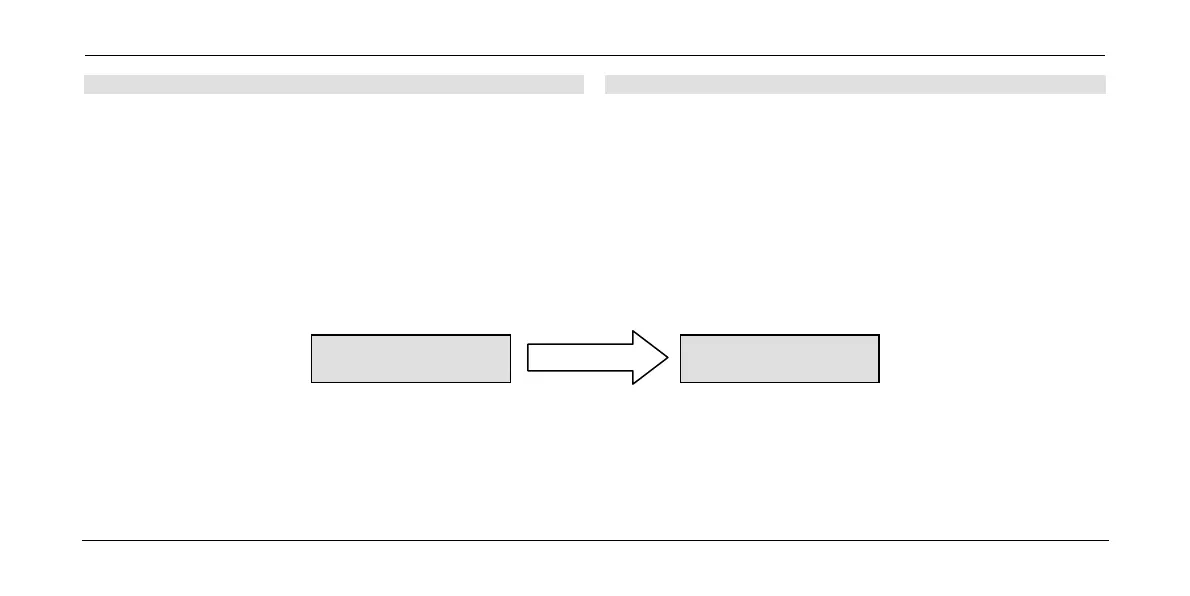
SEtP 1
ENTER
SNNNNN
Come Impostare il Parametro:
1) ESC = esce dal menu senza modificare il parametro.
2) §¨ = sposta il cursore lampeggiante sulla cifra da modificare.
3) © = incrementa la cifra selezionata dal cursore lampeggiante.
4) ENTER = memorizza il dato; mostra il passo successivo.
How to set parameters:
1) ESC = to exit from menu without modifing the parameter.
2) §¨ = to set flashing cursor on the digit to be modified.
3) © = to increase the digit selected by flashing cursor.
4) ENTER = to store the data; to display next step.


 To Next Page