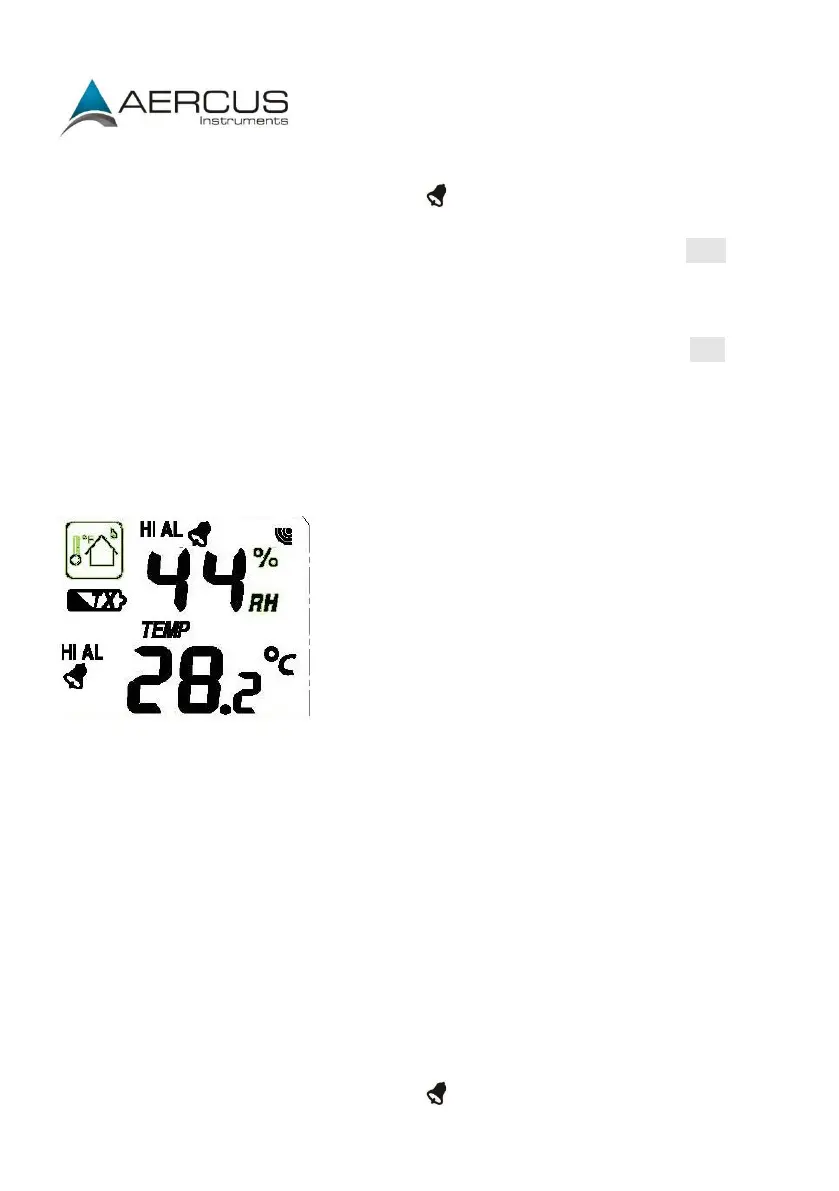
Indoor temperature low alarm (press ON/OFF to enable/disable). If the
alarm is enabled, an alarm symbol appears in the display.
Maximum temperature (since last reset). Resetting the maximum indoor
temperature value - when both the indoor temperature value and MAX icon
are flashing, hold the ENTER key for 3s, the maximum indoor temperature
value will be reset to the current reading.
Minimum temperature (since last reset). Resetting the minimum indoor
temperature value - when both the indoor temperature value and MIN icon
are flashing, hold the ENTER key for 3s, the minimum indoor temperature
value will be reset to current reading.
Outdoor Humidity
Press the MENU key eight times to select the OUTDOOR HUMIDITY section.
Procedures and settings are like Indoor Humidity above.
Outdoor Temperature
Press the MENU key nine times to select the OUTDOOR TEMPERATURE section, the
OUTDOOR TEMPERATURE section digits will start flashing. Press the UP or DOWN key
to change the temperature display mode between Temperature, Wind Chill and Dew
Point.
Press the ENTER key to select the following modes, then press the UP or DOWN key to
set the value:
Temperature unit display °C or °F.
Outdoor temperature high alarm (press ON/OFF to enable/disable). If the
alarm is enabled, an alarm symbol appears in the display.


 To Next Page