19
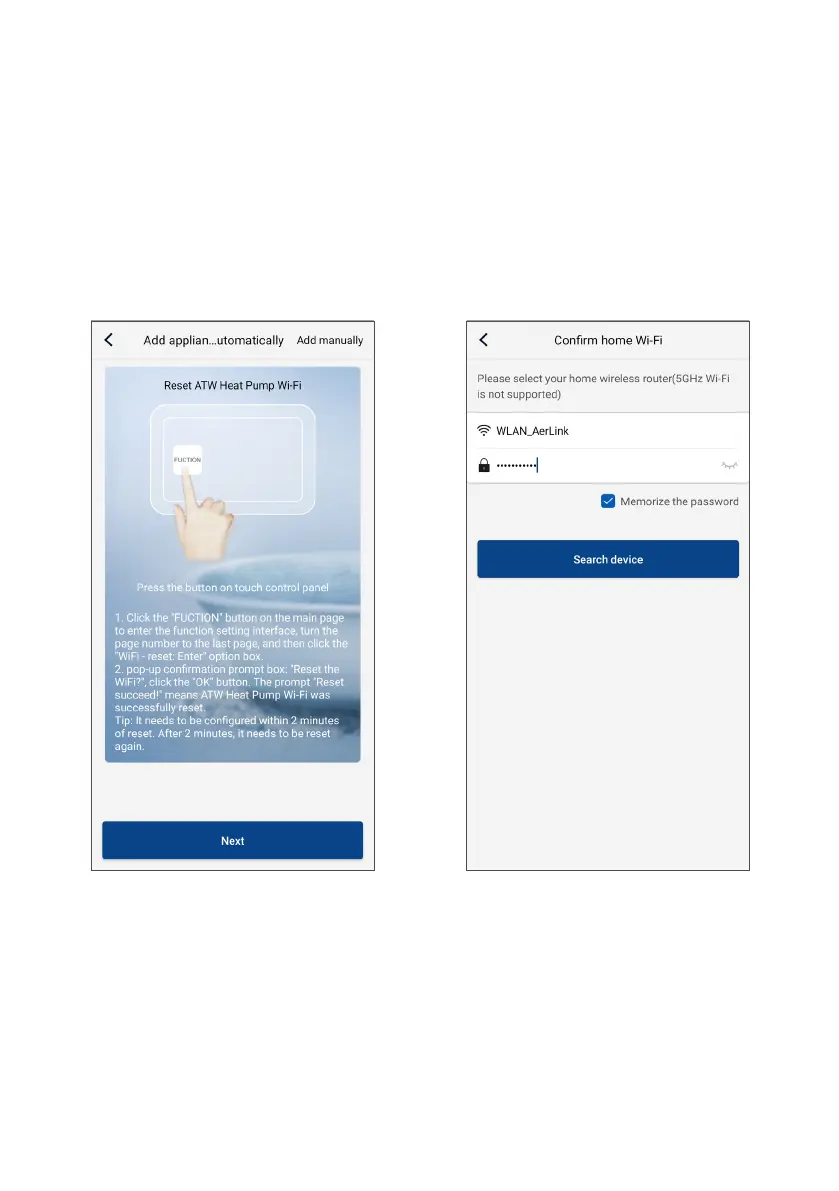
4. Once the unit's WiFi device has reset, return to the
EWPE APP and tap "Next" to continue.
5. The application will ask you to enter the name and
password for the WiFi network to which you want
to connect the unit. If the smartphone or tablet is
already connected to the network, the application
will only ask for the password. Then tap “Search
device”.



 To Next Page