20
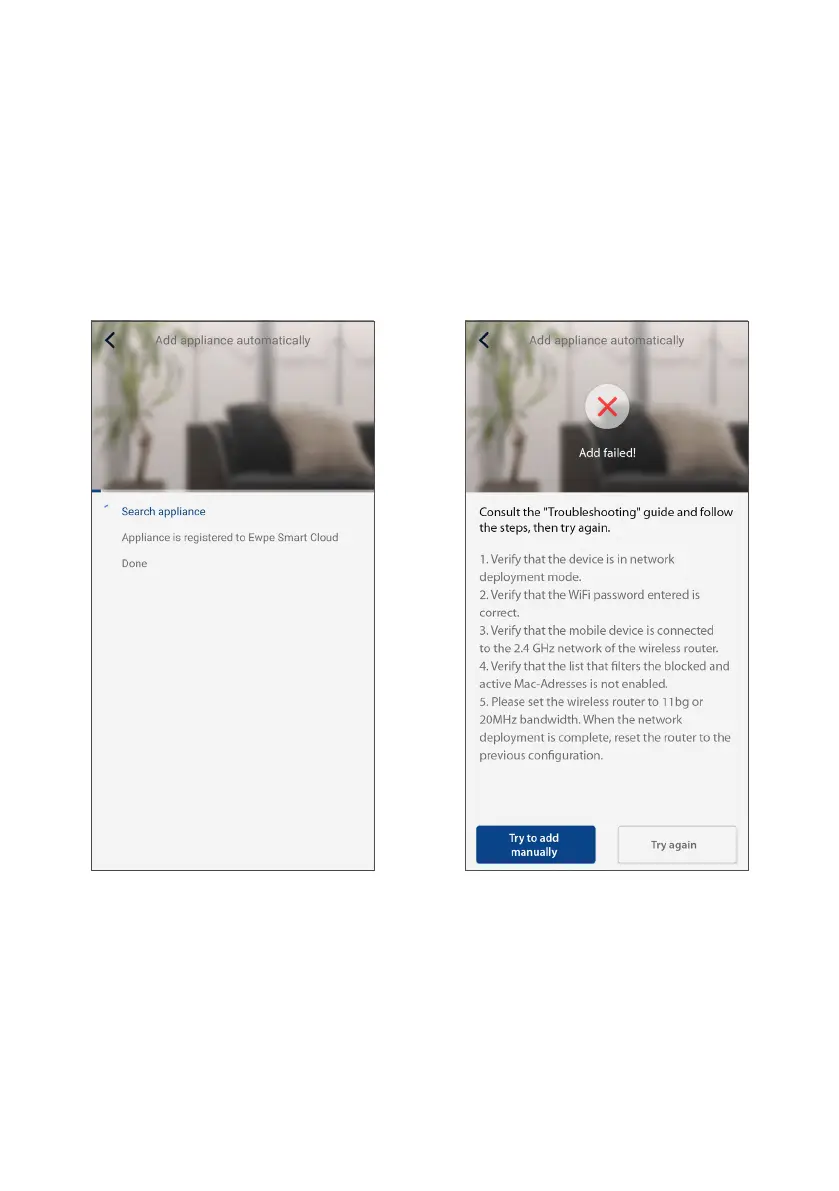
6. Then a search will start for the unit's WiFi module.
Once it is found, it will be automatically added to the
list and will appear on the home screen.
7. If this notice appears, this means that the procedure
was not successful. To solve the problem:
• Follow the instructions that appear on the screen
and tap “Try again”.
• Perform manual pairing by tapping "Try to add
manually”.



 To Next Page