.
SPL user manual Page 10 of 24 0412-6180459 – rev.00
9 MODIFYING THE SET-POINT
Before going into detail on the operational procedures necessary to carry out the variation of a SET-POINT
parameter, the potential variables present in the menu must be clearly explained.
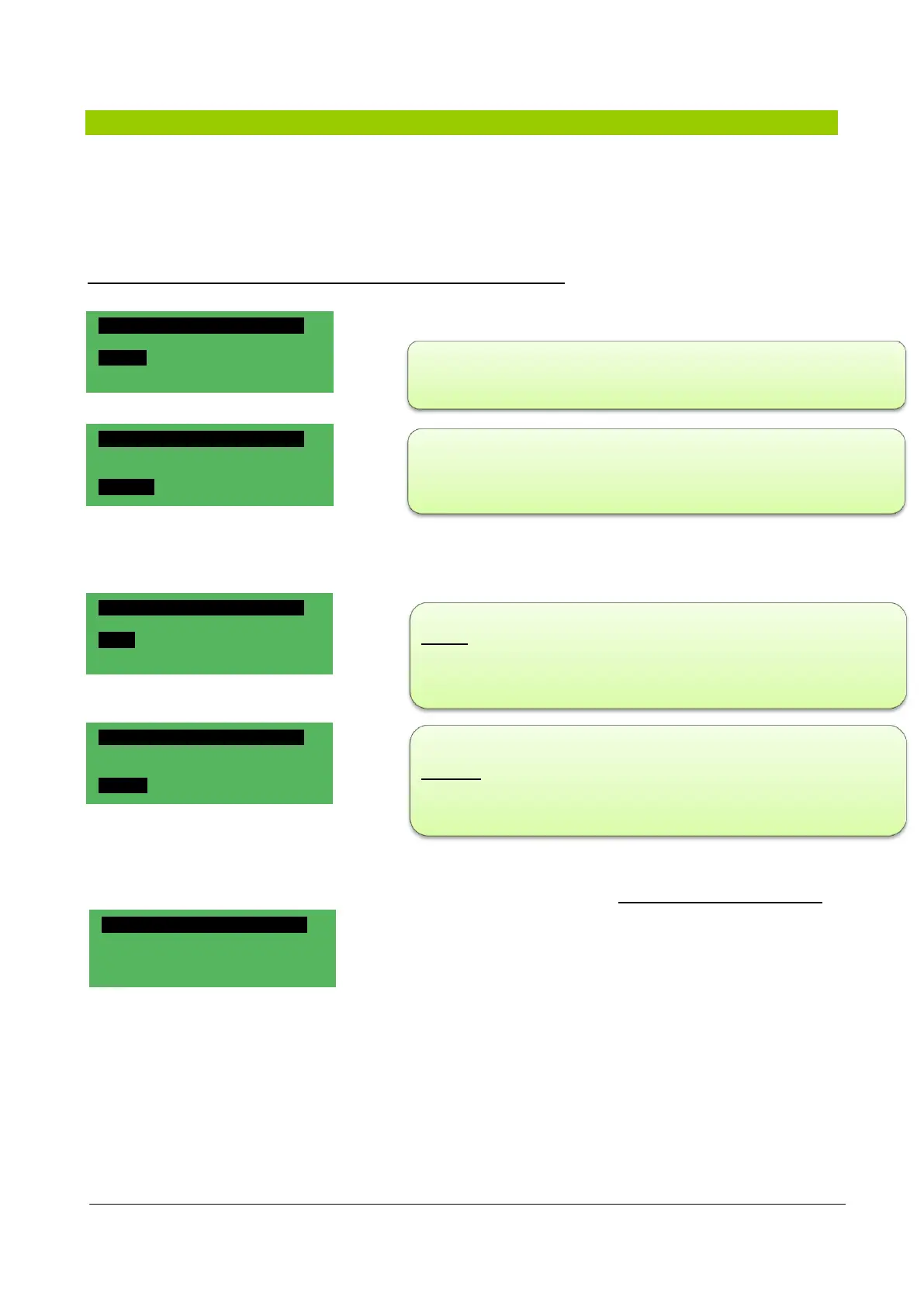
2 programs are discussed on page 1/3 with which it is possible to set the water temperature in the tank in
“Comfort” mode and in “Economy” mode
All temperatures are detected in the recovery part of the machine.
Two parameters which related to the temperature of the internal air are discussed on page 2/3:
Page 3/3 provides information on the Post Vent., a piece of data which relates exclusively to the delivery part
of the unit, this data cannot be manipulated and is always equal to the
temperature of the water in the "Comfort” mode tank
SET-POINT 03/03
Post Vent. 25.0°C
The "Comfort" menu provides the option to vary the temperature of
water in the tank, in accordance with the needs of the customer
(sports, recreational, therapeutic etc.)
The "Economy" menu is used when no activities are scheduled for the
pool (e.g. at night), and it maintains the water temperature at a level a
few degrees below the one set for the “Comfort” mode.
SET-POINT 01/03
Pool
Comfort: 29.0°C
Economy: 27.0°C
Offset in which the ∆t (temperature difference) between the water in
the tank and the air is indicated; to be indicated at the customer's
discretion in accordance with the intended use.
Humidity in which the percentage of humidity required within the pool
premises is entered.
SET-POINT 02/03
Ambient
Offset: 0.0°C
Humidity:
50 %
SET-POINT 01/03
Ambient
Comfort: 29.0°C
Economy: 27.0°C
SET-POINT 02/03
Ambient
Offset: 0.0°C
Humidity 50 %



 To Next Page