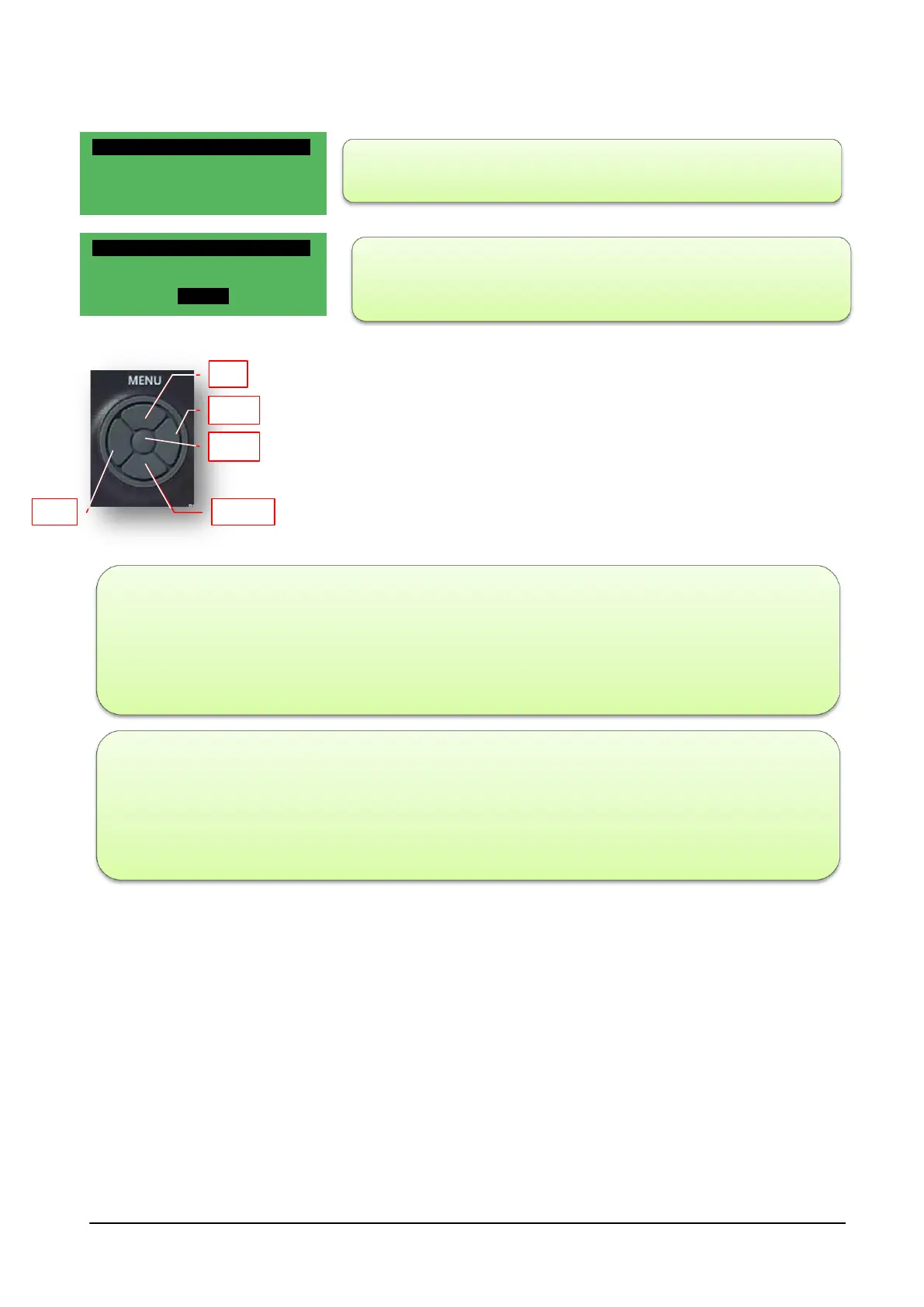
Once the MODE in which the machine must operate in slot 1 has been
determined, press the ESC button once to return to the previous menu
It is possible, from the SET menu, to choose whether to perform a
Comfort cycle (usually during the day) or an Economy cycle (usually at
night).
Timer Type WEEK: for this type of selection, the software manages each day of the week in the
same way; The settings are defined step-by-step in the previous paragraph 7/7; there are four time
slots for this module also.
Timer Type 5+2: for this type of selection, the software manages the week into two sections, the work
section from Monday to Friday and the festive section, from Saturday to Sunday, managing them
individually; there are four time slots for this module also. To enter the time slots, use the same method
proposed for the 7/7



 To Next Page