.
SPL user manual Page 8 of 24 0412-6180459 – rev.00
8 SWITCHING ON AND OF
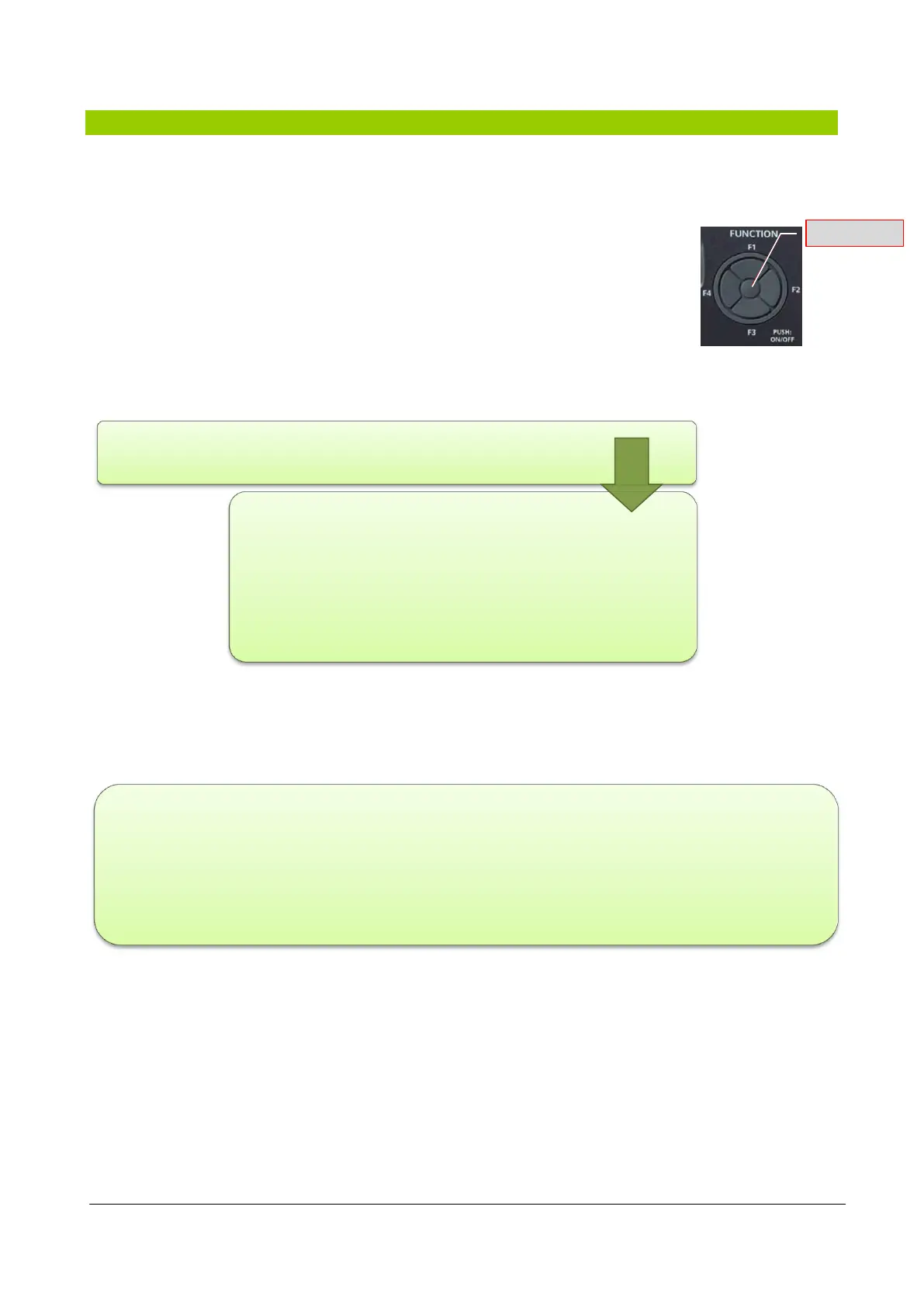
The unit is turned on or off by pressing the centre button for a few seconds (PUSH: ON / OFF).
The unit can be turned on or off by pressing the Push: ON/OFF key (centre button of the
Function keys) on the machine control panel or remote control panel (accessory) for a
few seconds.
In the event of power failure during the operation of the machine, when the power returns, the unit starts to
operate again in the same manner prior to the power supply failure.
When the unit turns off the "shut down" procedure starts and stops the machine. "OFF" is displayed only after
all components have been switched off.
In the event of power failure during the shut down procedure of the machine, when the power returns the
machine restarts Off (standby).
If the unit has already been activated with the Push:ON/OFF key, it
can be subsequently turned off and on again
- from the dedicated remote digital input
(refer to the wiring diagram for indication of
the remote ON/OFF contact). This contact
can only turn the unit off: the unit cannot be
turned on again by the Push: ON/OFF if the
contact is closed
- by the time slot, if enabled.
- to use the remote contact for the first time, turn the unit on with the Push: ON/OFF key;
- the switch on/shut down of the unit via the remote contact is priority both on the start-up/shut down by
the Push: ON/OFF key as well as on the time slot;
- if the Push: ON/OFF key has to be used, the remote contact must be ON and/or the time slot disabled.



 To Next Page