18
Aermec. 16.01. 5140901_01
4
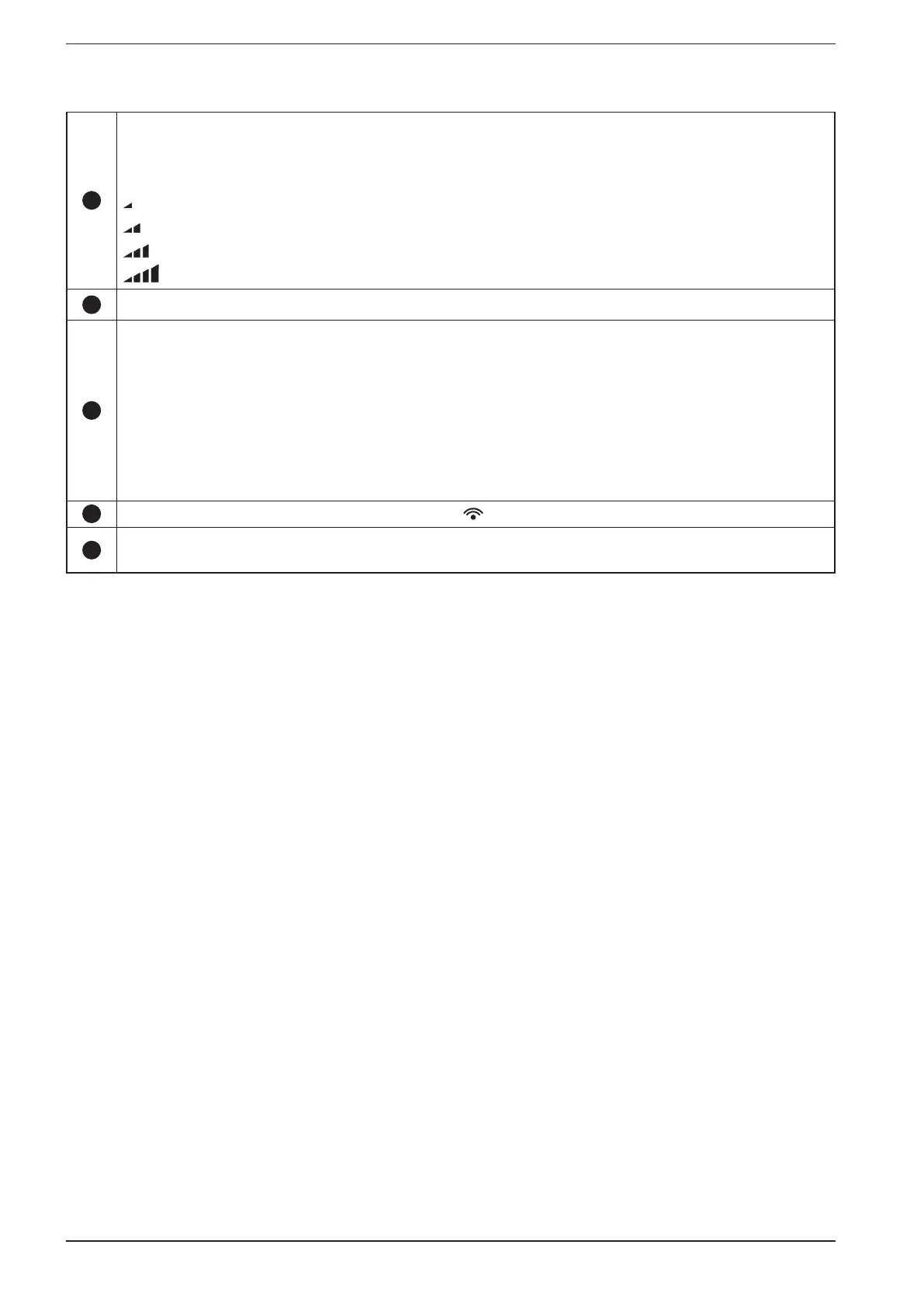
FAN button
Press this button to select the fan speed:
5 ventilation modes:
AUTO Automatic speed
Speed 1
Speed 2
Speed 3
Speed 4
5
SWING button
Press this button to select the fan mode, from left to right.
6
Timer button
PROGRAMMED SHUT-OFF FUNCTION
When the unit is turned on, pressed the Timer button to set the programmed shut-off function. The T-OFF and H icons on the display will
start to blink. In 5 seconds press the +/- buttons to set the shut-off time, then press the TIMER button to confirm. The T-OFF and H icons
will stop blinking.
PROGRAMMED START-UP FUNCTION
When the unit is turned off, pressed the Timer button to set the programmed start-up function. The T-ON and H icons on the display will
start to blink. In 5 seconds press the +/- buttons to set the start-up time, then press the TIMER button to confirm. The T-ON and H icons will
stop blinking.
DEACTIVATING THE TIMER
To deactivate the programmed start-up/shut-off functioned, press the TIMER button once to see how much time remains. Within 5
seconds, press the TIMER button a second time to cancel the function.
7
Infra-red signal (visible on the remote control with the symbol )
8
Sleep button
Press this button to turn on the Sleep function. Press thus button to cancel the Sleep function. Under the FAN and DRY functions, this
function is not available.


 To Next Page