Subject to Export Control, see Cover Page for details. 2-77
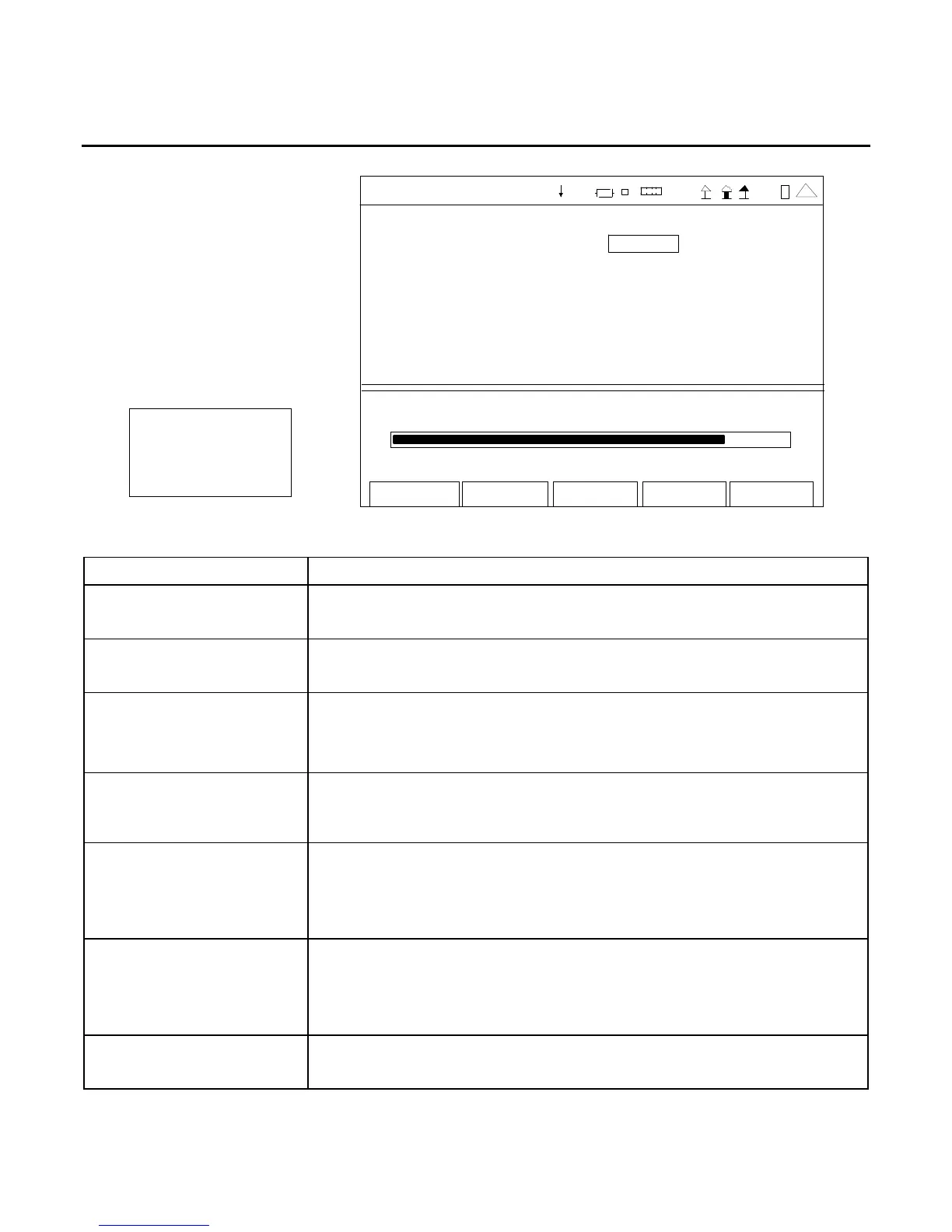
D. Modulation Meter Screen
Mo d- FM Dev
16.670 kHz
Edit
Ho l d
Re tur n
Modu lation Me ter
Me asure Typ e PK-P K/2
Peak Hold O ff
Avg Re ading 1
Rang e A uto
Limits Stat e
Lower 0.0 Off
Upper 10.0 Off
16. 670
0 .0 kHz 20.0
41 20 29
(MINI-METER)
SCREEN FEATURE FUNCTION
Measure Type Used to select the Modulation Meter units of measure.
Select: PK-PK/2, PEAK PLUS or PEAK MINUS
Peak Hold Used to select the Modulation Meter peak hold.
Select: On or Off
Avg Reading Used to select the Modulation Meter Averaging.
Select: 1 to 99
This is the number of readings to average for the displayed value.
Range Used to select the meter range.
Select: Auto, 0-1kHz, 0-2kHz, 0-5kHz, 0-10kHz, 0-20kHz, 0-50kHz
or 0-100kHz
Limits - Lower Used to enable the Modulation Meter Lower Limit.
Select: 0.0 to 100.0 kHz in 0.1 kHz increments
Sets the marker on the Modulation Meter Bar to the Lower Limit
selected.
Limits - Upper Used to enable the Modulation Meter Upper Limit.
Select: 0.0 to 100.0 kHz in 0.1 kHz increments
Sets the marker on the Modulation Meter Bar to the Upper Limit
selected.
State - Lower Limit Used to display the Lower Limit Marker on the Modulation Meter Bar.
Select: On or Off













 To Next Page