C-2 Subject to Export Control, see Cover Page for details.
C-3. REMOTE OPERATION CONFIGURATION
The 3500 / 3500A can be configured for remote operation using an Ethernet or RS-232 connection.
Both configurations require the Breakout Box is installed on the 3500 / 3500A (para C-2) and a PC is
installed utilizing the proper cables.
C-3-1. CONFIGURATION FOR ETHERNET
This is an example configuration for a static address on the PC
utilizing two Ethernet cables and a Fast Ethernet Switch.
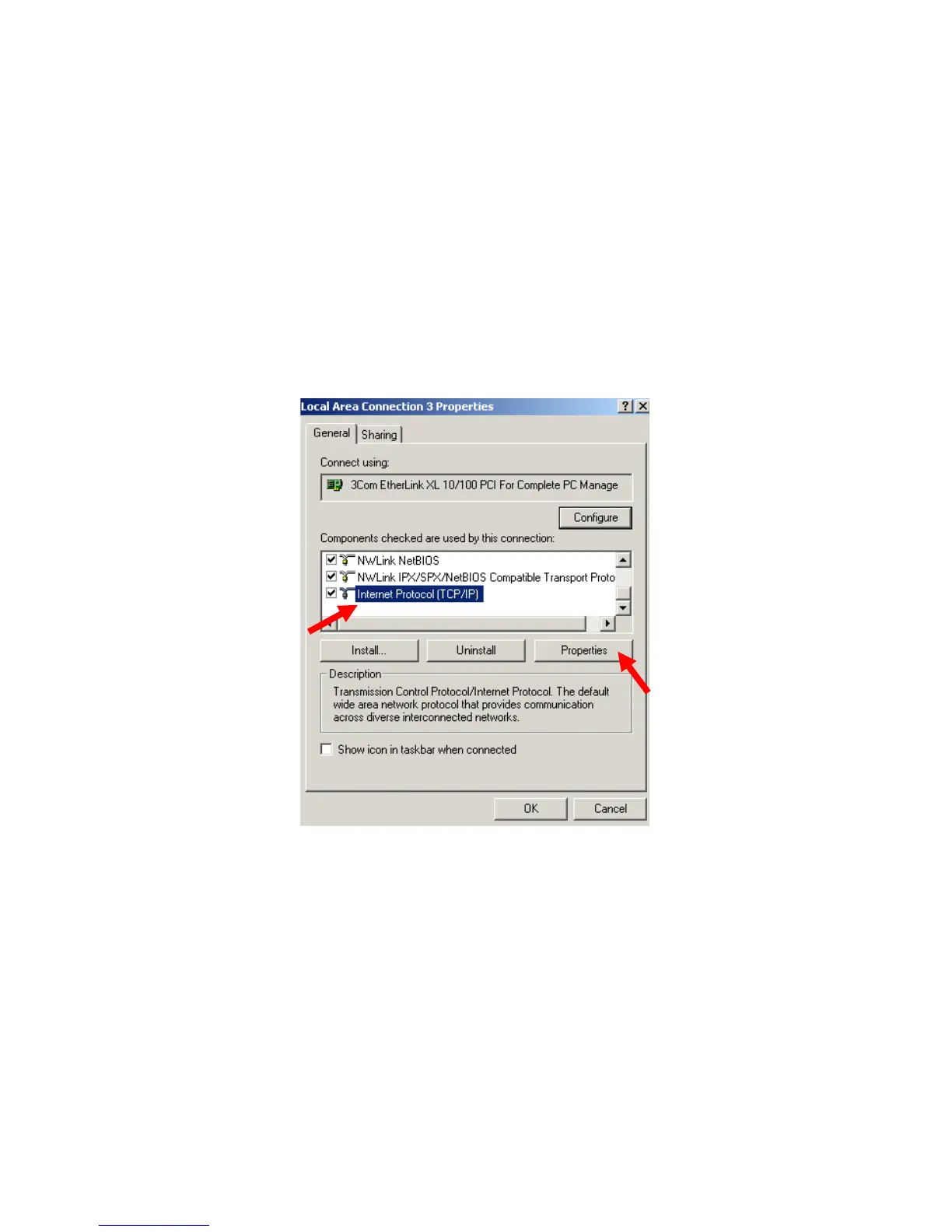
1. On the PC, select the Internet Protocol (TCP/IP). Select ‘Properties.’













 To Next Page