V1 Page 8
Calling time
9. Complete list of parameters
The table below show the complete list of features in the cellular part of the intercom.
Change programming password
Change access control password. This password allows entry by
phone for users not stored in Caller ID list.
Store first number to dial when call button is pressed
Store second number to dial when call button is pressed
Store third number to dial when call button is pressed
Delete a dial out number. n = 1, 2 or 3.
Relay time. Where ? = seconds, 1-9999.
Calling time, adjust this to avoid voicemail picking up a call (10-
99 secs)
12.4 Scheduled service calls
Store a service number to receive a scheduled call or SMS from
the unit. Useful for SIM cards which are not often used to
prevent switch off by the network provider.
Set the time schedule for the intercom to make a scheduled call
or SMS to the service number. 00-60 day time schedule. 00 = no
call or SMS.
Choose between making a scheduled call or scheduled SMS. 1
= SMS. 2 = call.
This is the time the unit will spend attempting to call a number before
aborting the call and calling the next number on the list. It is very
useful to adjust this time so that if there is voicemail or answer
machine on a number, that the intercom aborts the call before the
machine picks up, otherwise the unit will think the call is answered
and never call the next number. To adjust this time, send the following
SMS…
*12*1234#52??# (Where ?? = time in seconds 10-99)
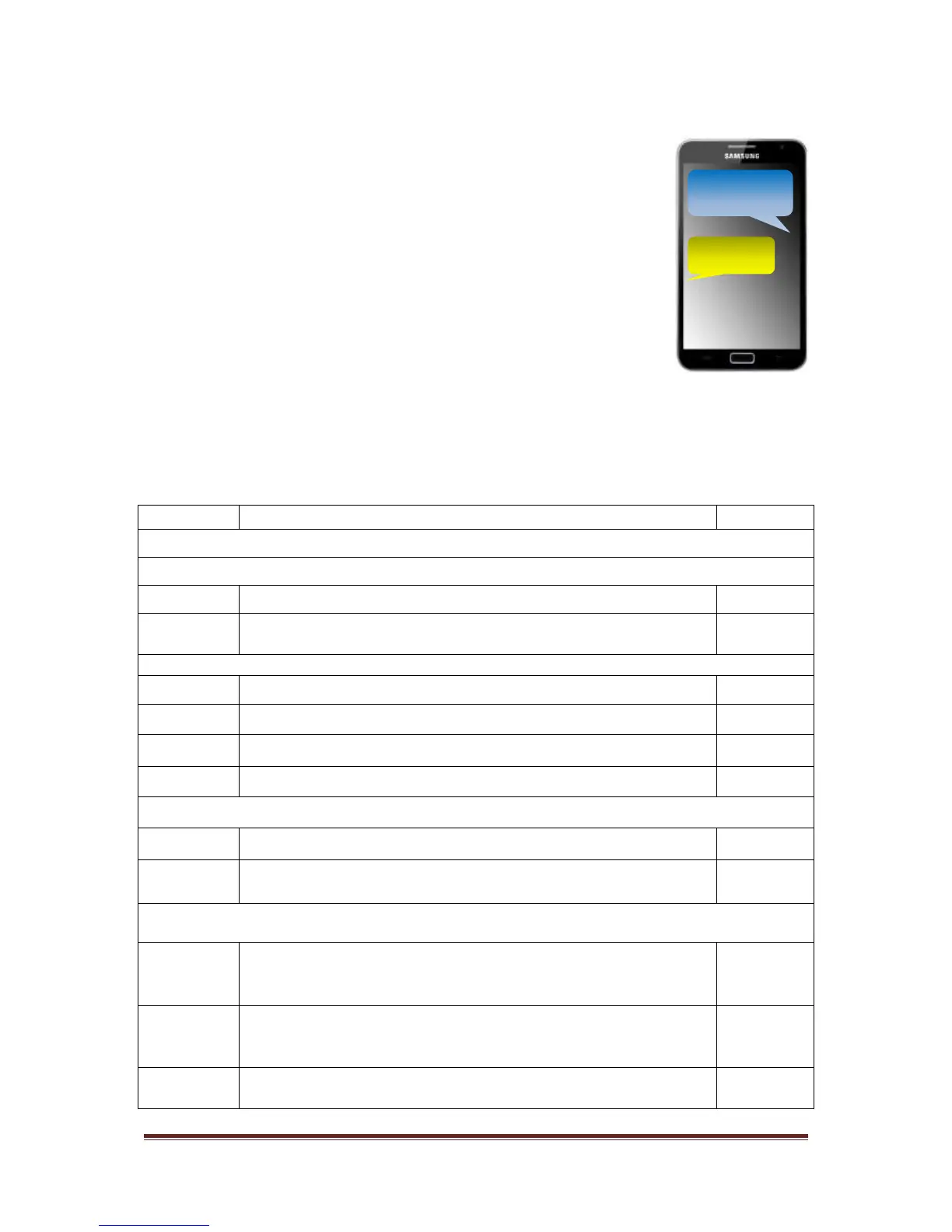
The example on the phone shows the time being set to 20 seconds.


 To Next Page