WIFI MANUAL
4
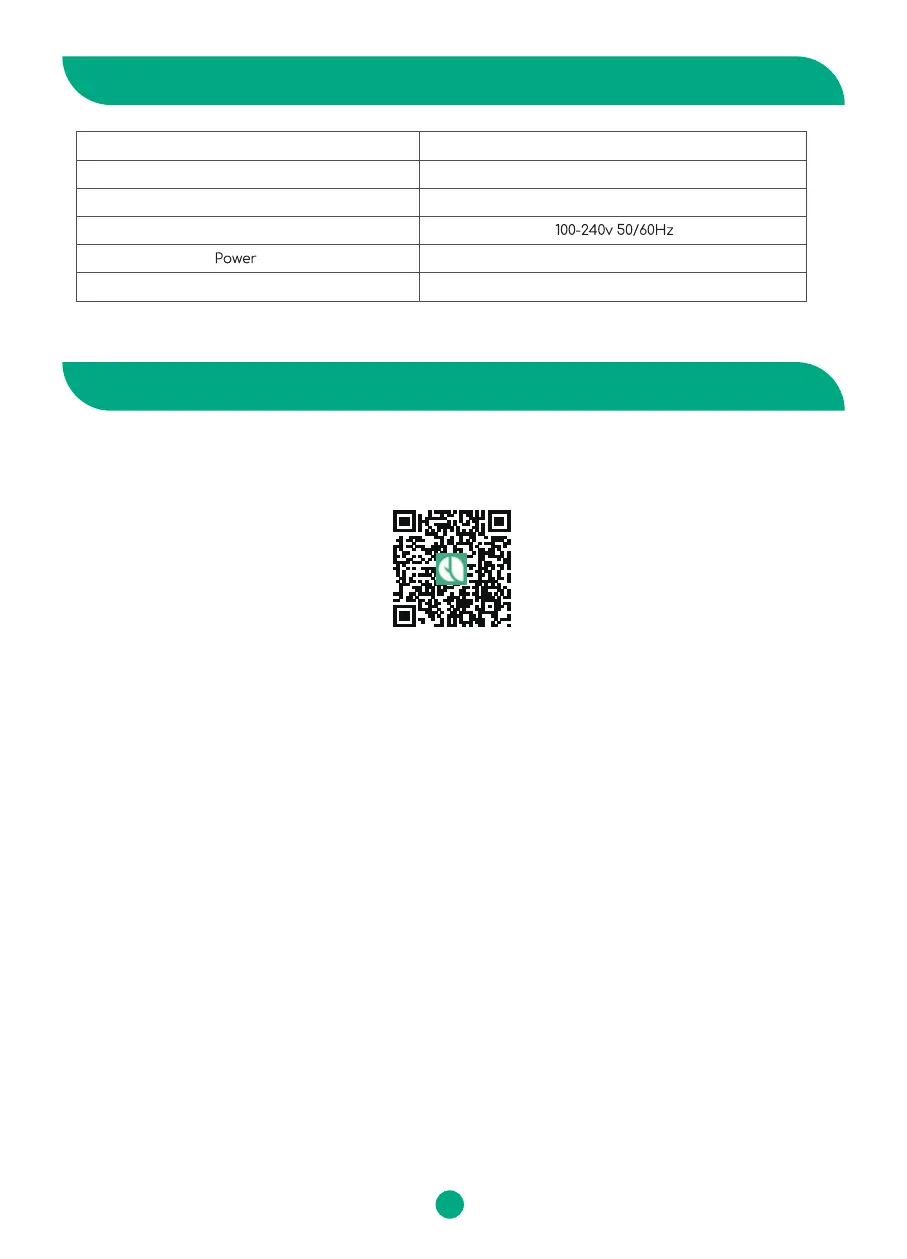
SPECIFICATION
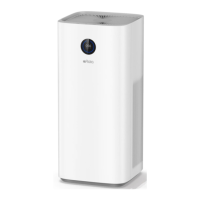
Model
Dimension
Weight
Rated voltage
Noise
Colin
700x310x310mm
8.3kg
65W
56dB
Part 1. Crate Afloia Home Account
1. 2 ways to install the “Afloia home” APP: ①Scan the QR code below to download it. ②Or search “Afloia
home” in the APP store or Google Play.
Part 2. Connect the device with your phone
1. Connect Automatically
1. 1 Turn on the air purifier→ Long press the WiFi button for 5S until a beep, the indicator blinks fast→
Turn on WiFi and Bluetooth of your phone→ Enter Afloia Home app→ Click “Add Device”→ “COLIN” will
be detected automatically→ Enter WiFi name and password to finish connection (Only work with 2.4GHz
WiFi network).
1. 2 If not detected automatically→ Click “Auto Scan” on the top of the phone page→ Click “Next”→ Select
“Colin” and Click ”+”→ Enter WiFi name and password→ Click “Next” to finish connecting.
If auto connection failed, turn to manual connection
2. Connect Manually
2.1 When the WiFi indicator blinks rapidly:
Connect your phone to the 2.4G network→ Enter Afloia Home app→ Click “Add Device”→ Add Manually→
Choose “Small Home Appliances”→ Air Purifier (Wi-Fi) → Click “Next” and wait for the connection→ Add
the device (COLIN), enter the WiFi name and Password (Only work with 2.4GHz WiFi network).
2.2 When the WiFi indicator blinks slowly:
Open the Bluetooth of you phone→ Enter Afloia Home app→ Click “Add Device“ → Add Manually→
Choose “Small Home Appliances”→ Air Purifier (BLE+Wi-Fi) → Click “Next”→ Enter your WiFi name and
password (Only work with 2.4GHz WiFi network) → Go to the WLAN setting interface, connect the WiFi
network named "SmartLife_Colin"→ Return to the "Afloia Home" APP to finish connection.
2. Open the "Afloia Home" app. Log in and sign up.
3. Follow the in-app instructions to set up your own “Afloia home” account.


 To Next Page