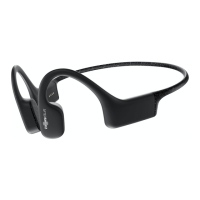
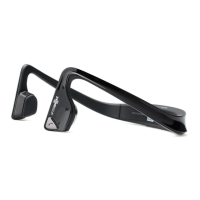
ENGLISH
1. Charge
2. Pair
3. Connect
Charge the headphones with the included USB-C charging cable. The LED
indicator will change from red to blue when charging is complete.
Begin with your headphones powered off. Enter pairing mode by pressing
and holding volume+ until Audrey says “pairing” and the LED indicator
flashes red and blue.
Open your device’s Bluetooth
®
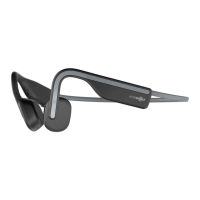
menu and select “OpenMove by
AfterShokz.” Audrey will say “connected” and the LED indicator will flash
blue one time.
Let us take care of you! Protect your headphones against defects.
Make sure to register your OpenMove at
Aftershokz.com
How to Set Up OpenMove



 To Next Page