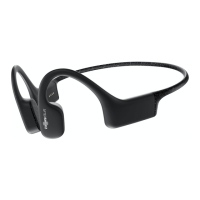
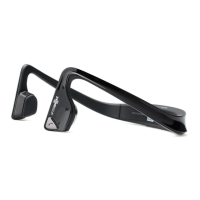
AfterShokz LLC
3200 Gracie Kiltz Lane, 4th floor, Austin, TX 78758
Manufacturer
Optional Accessories
Earplugs (D)
Use earplugs with headphones in environments where it is safe to block out
ambient noise, such as on a train or airplane.
1. Roll earplugs firmly between fingers and place in ears.
2. To adjust EQ settings for earplugs, press and hold volume+ and volume- buttons
simultaneously while music is playing. Continue through options until "earplug mode."
3. Switch EQ to other settings when you take out the earplugs.
How to Reset Your Headphones
1. Begin with your headphones powered off.
2. Enter pairing mode by pressing and holding volume+ until Audrey says “pairing”
and the LED indicator flashes red and blue.
3. Press and hold the multifunction button, volume+ button and volume- button
(all three buttons) simultaneously for 3-5 seconds, until you hear two beeps or
feel vibrations.
4. Turn your headphones off. OpenMove is now reset and can be re-paired to
your device.



 To Next Page