7
5. Operating the AGA Total Control
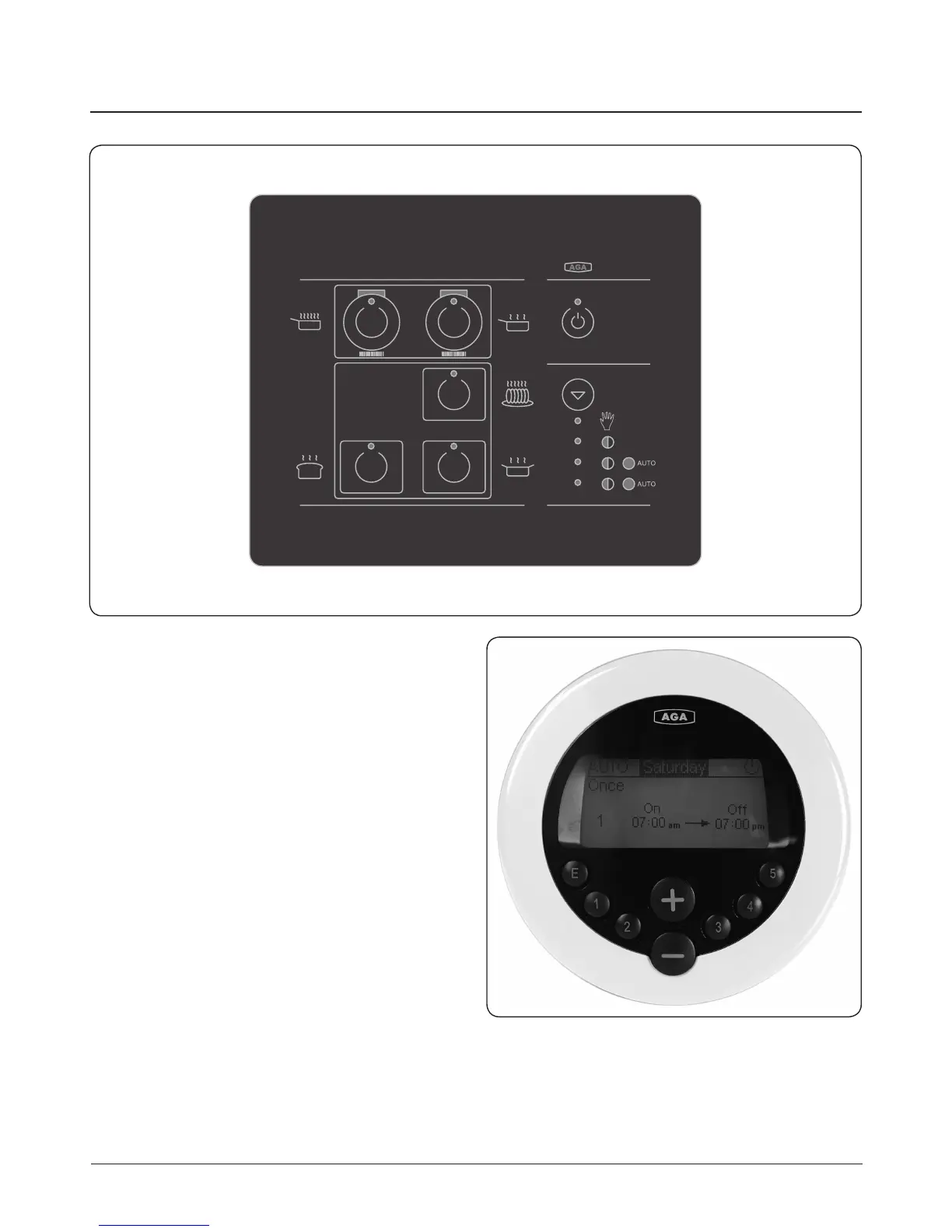
Control Panel Fig. 5.1
This is situated behind the top left hand door. The control
panel contains touch sensitive buttons with a green or
orange light (LED indicator) to indicate which zone is
activated. An audible beep will conrm selection.
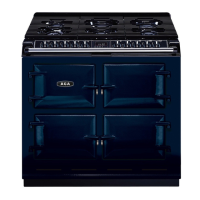
Handset Fig. 5.2
Your AGA Total Control cooker also comes with a Handset
which can be used to program the ovens. It displays the time,
date and program events. The hotplates work on Manual only.
Fig. 5.1
Fig. 5.2
DESN 517464
DESN 517465


 To Next Page