16 17
The AgaMatrix Jazz System has 2 different levels of control
solution: Normal and High. Select the level of control solution
you want to use.
The control solution is used to:
[1] Ensure that your AgaMatrix Jazz Meter and Test Strips are
working together properly.
[2] Practice testing without having to use your own blood.
Control solution tests should be performed when you:
[1] First get your meter.
[2] Suspect that your meter or test strips are not working
properly.
[3] Think your test results are not accurate.
[4] Have dropped or damaged your meter or exposed your
meter to liquids.
[5] Are advised by your healthcare professional to do so.
Control solution should only be used for 90 days after first
opening the bottle or until the expiration date printed on the
label, whichever comes first.
Performing a Control Solution Test
7
CHAPTER
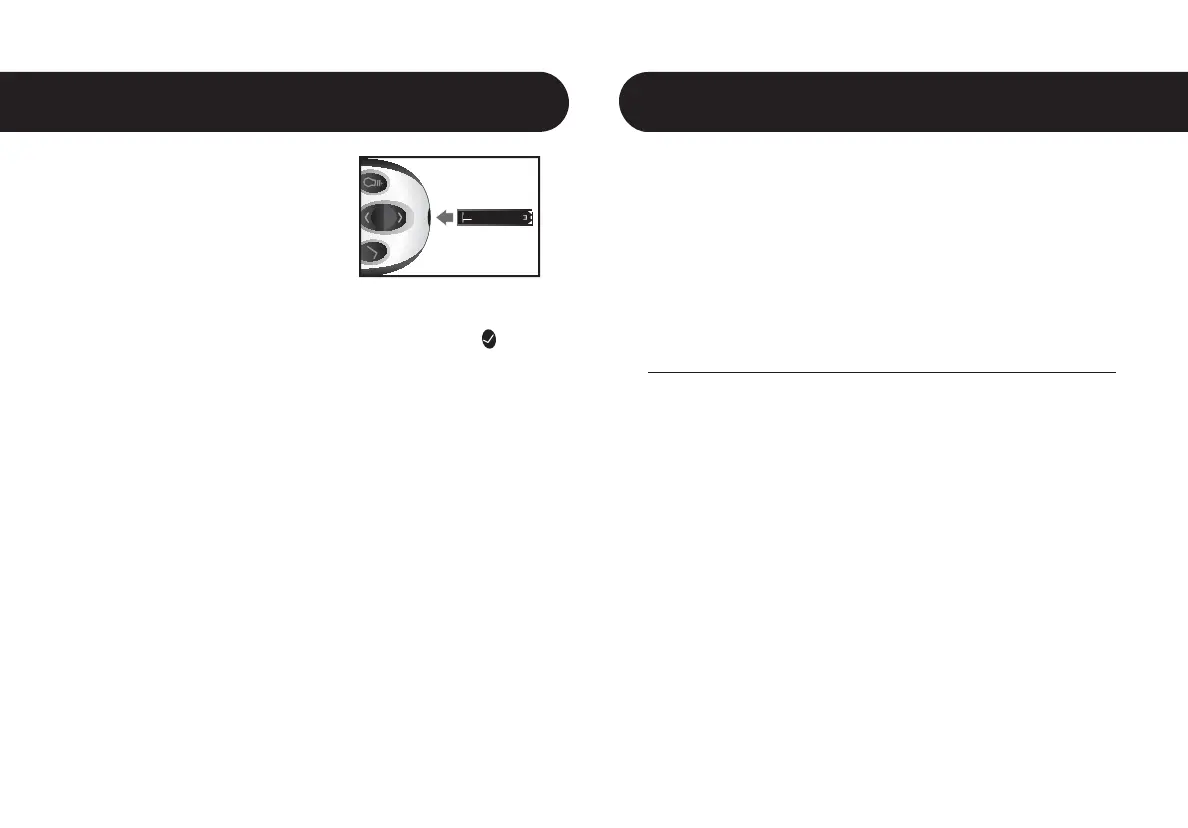
[1] Insert an AgaMatrix Jazz Test
Strip: Insert a new AgaMatrix Jazz
Test Strip into the meter. Make sure
you insert the test strip, with the
contact bars facing up, into the test
strip port. The meter will be activated
automatically.
Note: If you do not start the test within 5 minutes, the meter will
be deactivated. To reactivate your meter, press the CHECK (
)
button or remove the unused AgaMatrix Jazz Test Strip and
reinsert it into the meter.
[2] Meter Ready for Test: The meter now
displays the blood drop symbol and the word
“Fill”. The AgaMatrix Jazz System is now ready
for you to apply control solution or blood.
Preparing For a Test With Your
AgaMatrix Jazz Meter
6
CHAPTER



 To Next Page