46 47
The AgaMatrix Jazz includes a unique positive feedback
feature where a happy face symbol is displayed with test
results that fall within the glucose target range. By setting a
target range for what your glucose levels should be before or
after a meal, you customize when this symbol appears. Always
consult your healthcare professional for your recommended
target ranges.
IMPORTANT: First set the hypoglycemic and hyperglycemic
warning alarms to your recommended thresholds before
making changes within the glucose target range menu
(refer to chapters 15-16 for setting these alarms).
Note: The glucose target range is limited by the values set for
your hypoglycemic and hyperglycemic warning alarms. Your
meter will not allow you to select a number beyond these alarm
settings, even if the warning alarm is turned off.
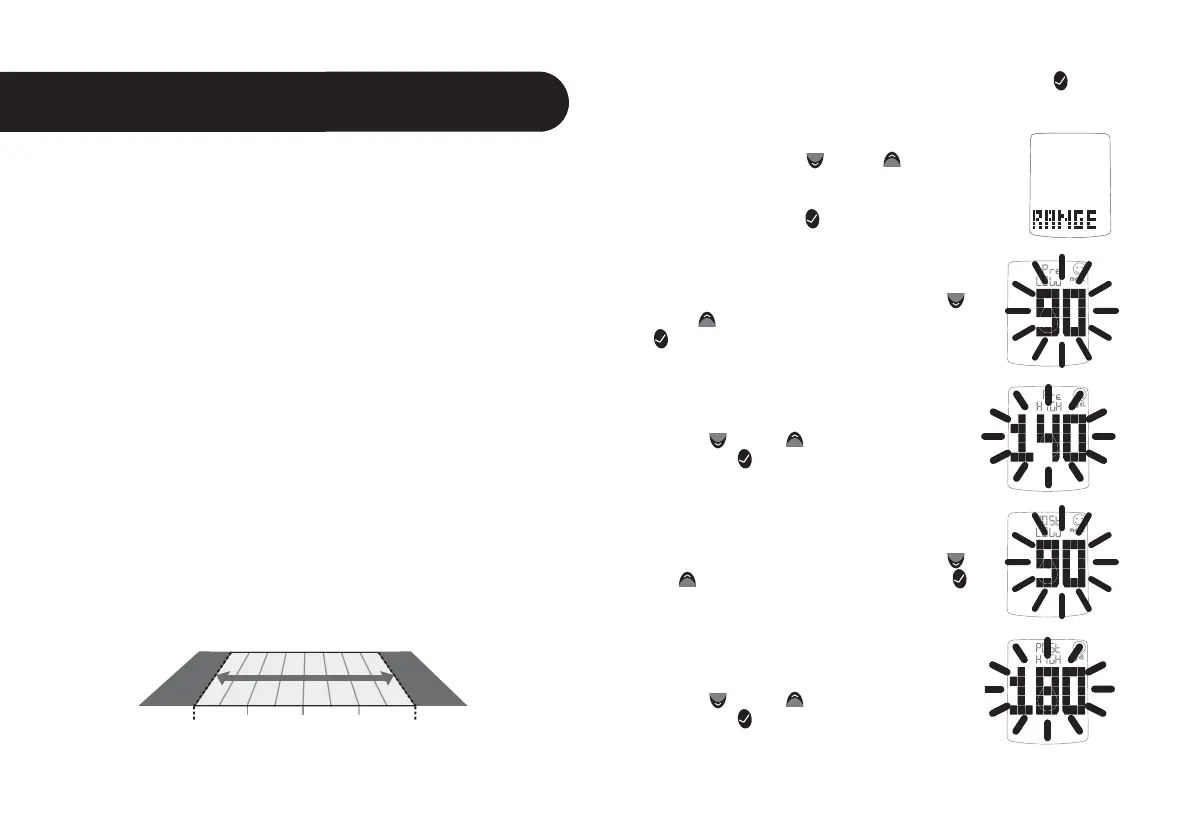
For example: If you want the pre meal target range to begin
at 90 mg/dL, then the hypoglycemic alarm needs to be set at
90 mg/dL or less; or if you want the post meal target range to
end at 180 mg/dL, then the hyperglycemic alarm needs to be
set at 180 mg/dL or higher.
Setting
The Glucose Target Range
17
CHAPTER
[1] When your meter is deactivated, press the CHECK ( )
button once to enter menu mode. The word “MEM” is
displayed.
[2] Press the DOWN (
) or UP ( ) arrow buttons
until the word “RANGE” is displayed.
[3] Press the CHECK (
) button to enter and edit
the glucose target range settings.
[4] Set the lower limit of the pre meal glucose
target range (flashing) with the DOWN (
)
or UP (
) arrow buttons. Press the CHECK
(
) button to confirm your selection and con-
tinue on to the upper limit pre meal setting.
[5] Set the upper limit of the pre meal
glucose target range (flashing) with the
DOWN (
) or UP ( ) arrow buttons. Press
the CHECK (
) button to confirm your se-
lection and continue on to the lower limit
post meal setting.
[6] Set the lower limit of the post meal glucose
target range (flashing) with the DOWN (
) or
UP ( ) arrow buttons. Press the CHECK ( )
button to confirm your selection and continue
on to the upper limit post meal setting.
[7] Set the upper limit of the post meal
glucose target range (flashing) with the
DOWN (
) or UP ( ) arrow buttons. Press
the CHECK (
) button to confirm your
selection and return to the menu.
Hypoglycemic
Threshold
Hyperglycemic
Threshold
GLUCOSE TARGET RANGE
(mg/dL)



 To Next Page