46
Press the CENTER button to confirm your selection and move
on to the hour setting.
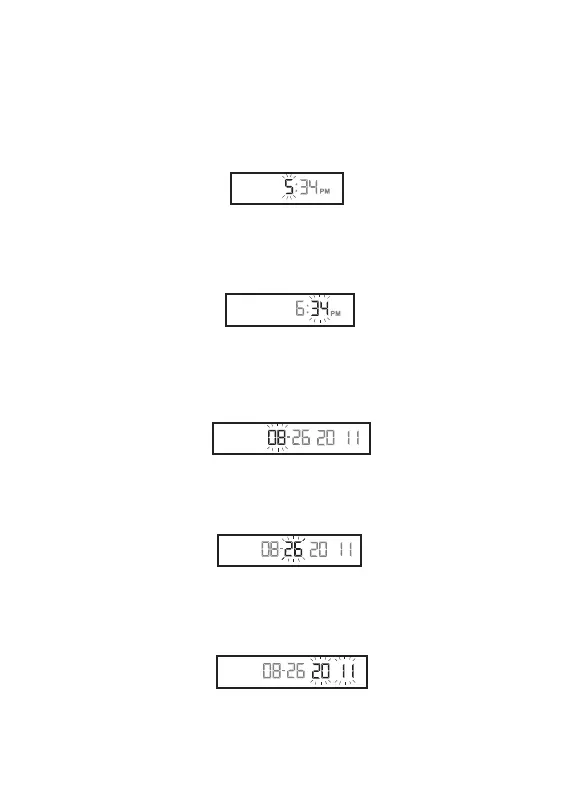
Set the hour (flashing) with the RIGHT or LEFT arrow buttons.
Press the CENTER button to confirm and continue on to set
the minute.
Set the minute (flashing) with the RIGHT or LEFT arrow
buttons. Press the CENTER button to confirm and continue on
to set the date.
[4] Setting Date: Set the month (flashing) with the RIGHT or
LEFT arrow buttons. Press the CENTER button to confirm and
continue on to the day setting.
Set the day (flashing) with the RIGHT or LEFT arrow buttons.
Press the CENTER button to confirm and move on the year
setting.
Set the year (flashing) with the RIGHT or LEFT arrow buttons.
Press the CENTER button to confirm and continue on to set
the Hypo Limit.
Year:
Day:
Hour:
Minute:
Month:



 To Next Page