45
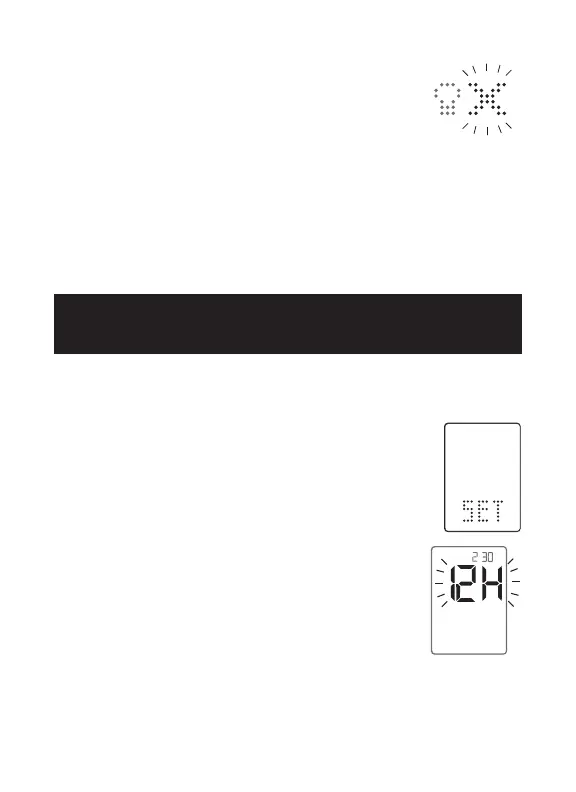
[4] Setting Backlight Option: You can enable or
disable the backlight. The default setting for the
backlight is disabled.
Select the preferred setting with the RIGHT or
LEFT arrow buttons. Press the CENTER button to confirm and
continue on to set the Time Format and Time.
Note: Disabling the backlight in the SET menu also disables
backlight for alarms.
[1] Enter MENU Mode: When your meter is deactivated, press
and hold any button for 2 seconds to enter the MENU mode.
[2] Enter SET Option: The MEM symbol will
appear. Press the RIGHT or LEFT arrow buttons
until the SET symbol is displayed. Press the
CENTER button.
[3] Setting Time: Press CENTER repeatedly until
you see a screen with the message 12H or 24H,
you are ready to set the meter’s time.
Select a 12 or 24 hour clock format with the
RIGHT or LEFT arrow buttons.
The 12 hour clock display option is indicated by a 12H. The 24
hour clock display option is indicated by a 24H. Your selection
will be highlighted by the blinking of the symbol.
:
PM
15
CHAPTER
Setting Time Format,
Time, and Date



 To Next Page