44
will not sound, regardless of the individual alarm setting. Also, if
your meter is set to low volume mode, then an alarm set for high
volume will default to low volume mode.
[6] Setting Multiple Alarms: To set other alarms, press the
RIGHT or LEFT arrow buttons until the alarm you want to set
(AL1 to AL6) is displayed. Follow the previous steps in this
Chapter 13, “Setting Alarms.”
[1] Enter MENU Mode: When your meter is deactivated, press
and hold any button for 2 seconds to enter the MENU mode.
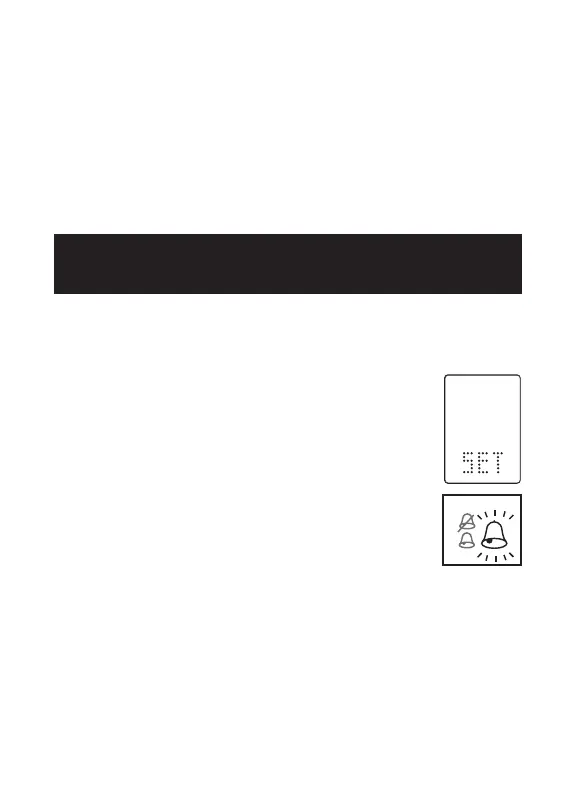
[2] Enter SET Option: The MEM symbol will
appear. Press the RIGHT or LEFT arrow buttons
until the SET symbol is displayed. Press the
CENTER button.
[3] Setting Meter Volume: There are three
beep volume options. The default setting is
“high.” Select the preferred volume setting with
the RIGHT or LEFT arrow buttons. Your selection
will be highlighted by the blinking of the symbol.
Press the CENTER button to confirm your selection. Continue
to set the MENU Mode Backlight option.
Note: The meter will always produce a beeping sound after you
have applied blood or control solution to a test strip. This sound
lets you know when to take your blood sample or control solution
away from the test strip. You will hear this sound if the volume is
set to ON or OFF in the SET Options.
14
CHAPTER
Setting Meter Volume
and Backlight



 To Next Page