support@agasio.com Page | 15 713-893-4514
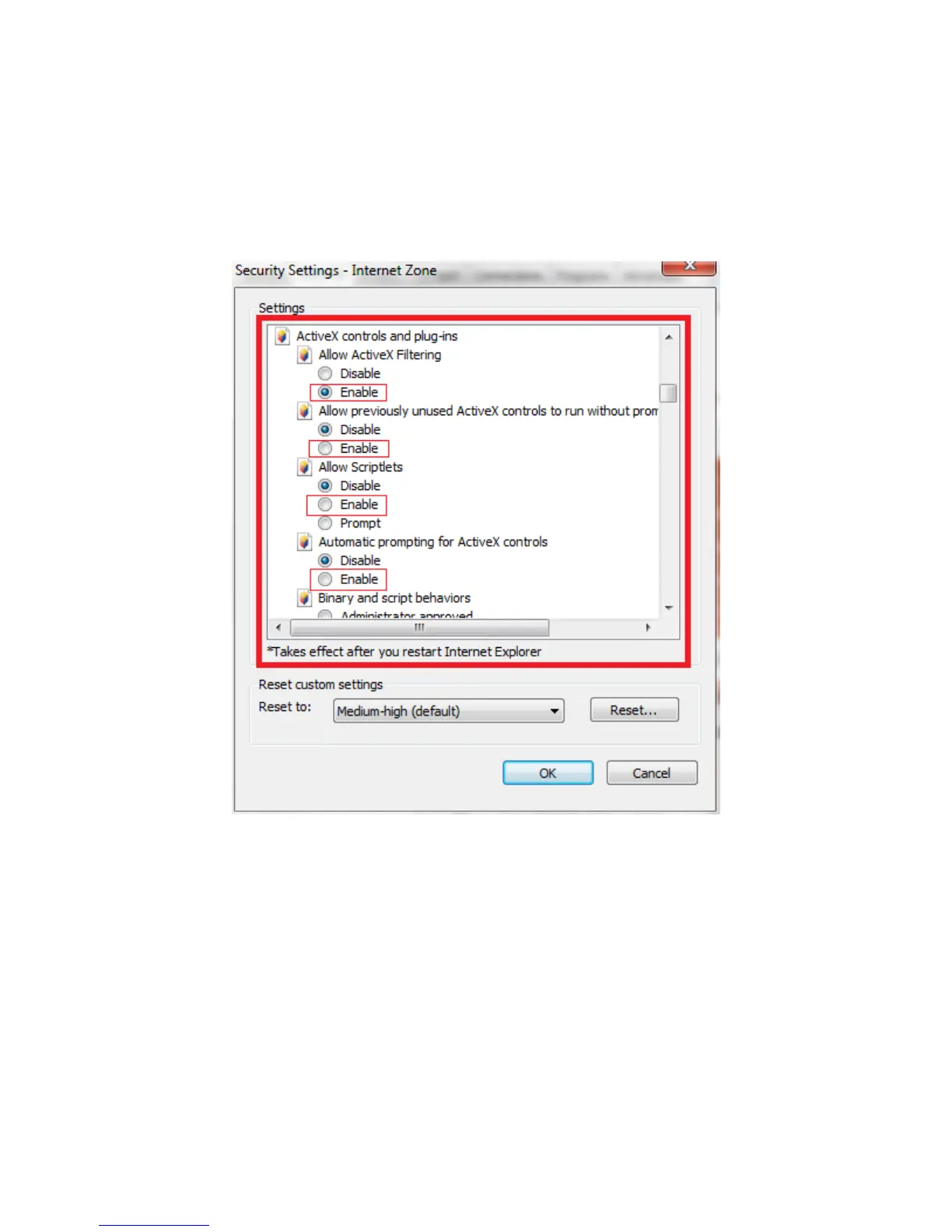
This will take you to the Advanced Settings where you can manually change the ActiveX control options.
Scroll down on this screen to where it reads “ActiveX controls and plug-ins” as the parent option, and set
the child options to “Enable.”
The most important options to keep enabled are the following:
Enable: “Download unsigned ActiveX controls”
Enable: “Initialize and script ActiveX controls not marked as safe”
Enable: “Run ActiveX controls and plug-ins”



 To Next Page