DX- D 600
User Manual
0242F EN 20181218
83
4.2.3.7 AUTO- TRACKING
This function allows the X-ray Tube to follow the DR Detector when it changes
its position or the other way around. By default, in most of the cases the SID
is constant.
Master refers to the equipment which initiates the movement and Slave to the
equipment which tracks the Master movement.
For safety reasons, the displacement speed of the Slave
equipment is always slower than the Master’s speed.
Auto-tracking function activation:
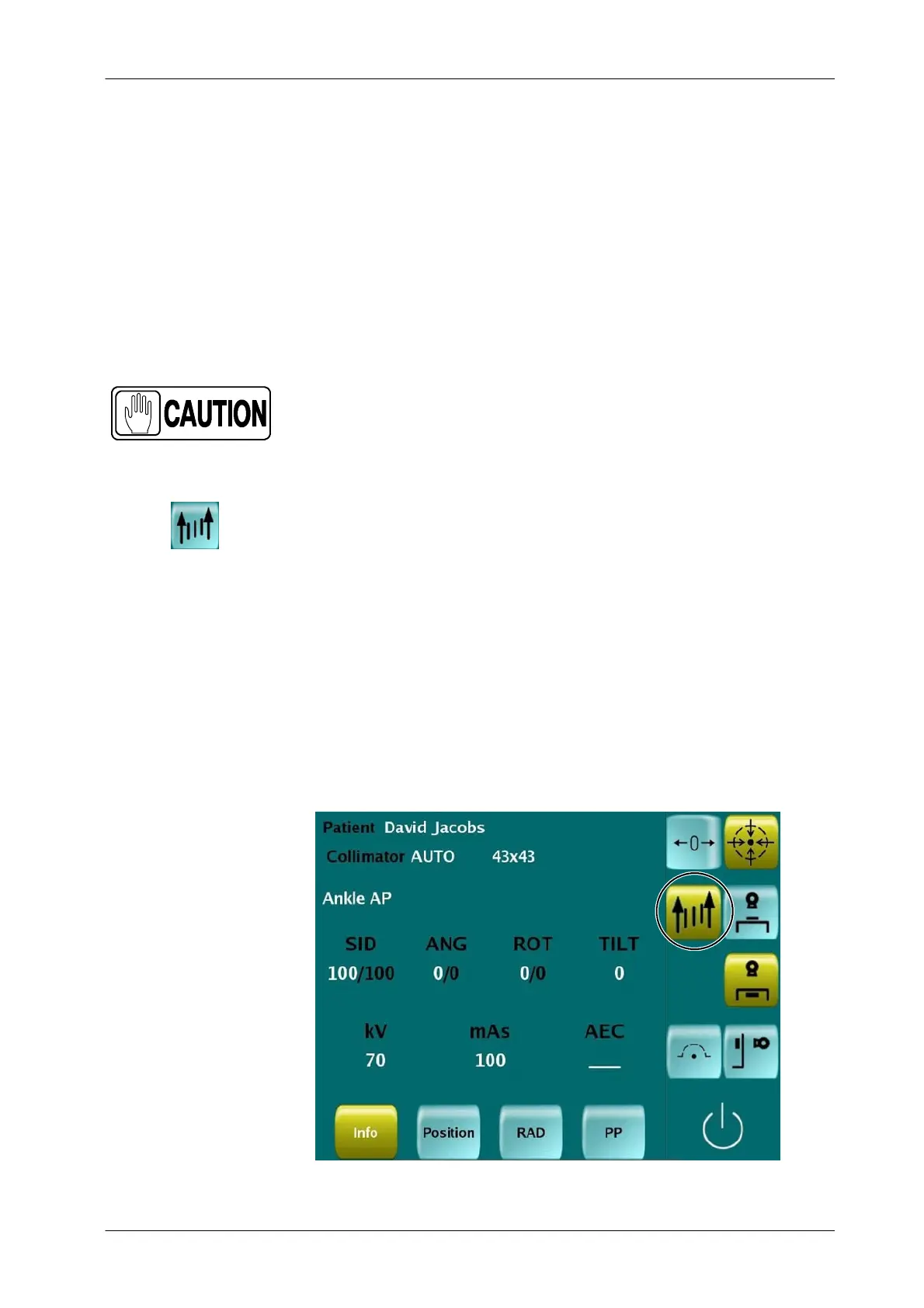
Manually, press the Auto-tracking Control in the Control Console or
Remote Control if available. The SID is set at the current distance.
When the Programmed Position (PP) is configured to have the
Auto-tracking function activated. It will remain ON automatically after
reaching the demanded Programmed Position. Refer to Section 4.2.6.
In case the last PP was configured with the Auto-tracking On, it
remains ON until it is deactivated, manually or selecting other PP
configured with the Auto-tracking OFF.
Illustration 4-21
Auto-tracking Function Control
Note .



 To Next Page