32
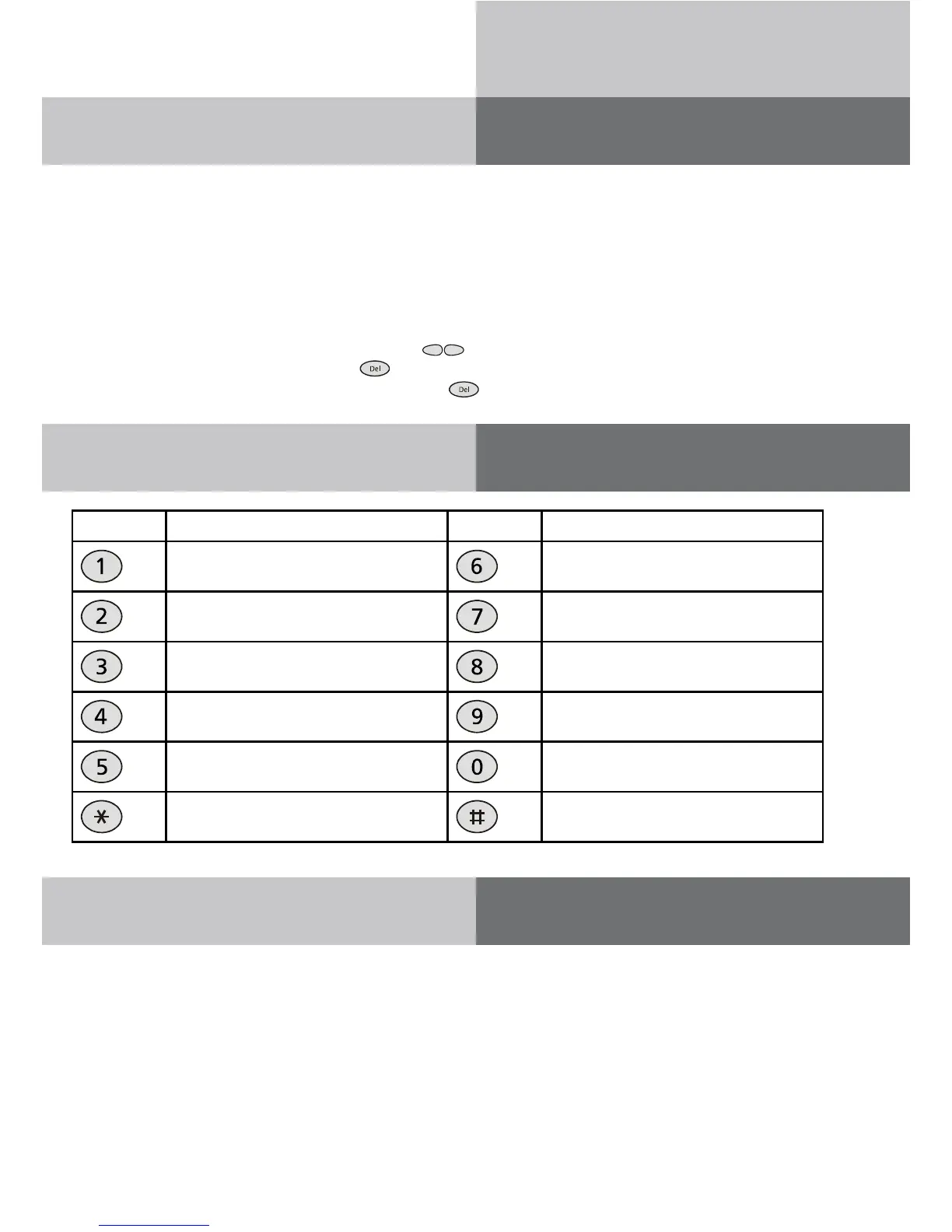
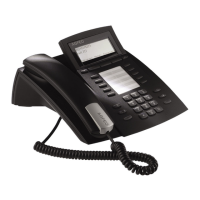
AGFEO T 18
If your telephone is set to text entry, you can enter names via the number buttons. You can
see which letters correspond to which buttons in the inscriptions on the housing and in the
table “Overview of available characters” table. When the telephone is set to text entry, press-
ing a number button will display the first available character. Each subsequent press of the
same button then switches to the next character.
Example: You want to enter a letter “c”. The letter “c” is found in position 3 on the number
button 2. So: press “2” three times in succession. If you do not press within one second, the
displayed character will be used and the cursor will skip to the next position.
Navigate text using the navigation buttons (
).
To delete a character, press “Del” (
).
To delete an entire line, press and hold “Del” (
) for three seconds.
Input name via keypad
Overview of available characters
Button Allocation Button Allocation
.,?!1:;'"()=+-/&%[]<> MNO6
ABC2 PQRS7
DEF3 TUV8
GHI4 WXYZ0
JKL5 (Space) 0
* #
Phone book
The AGFEO T 18 has a phone book with space for up to 99 entries. Each entry consists of
a name (search term) and a phone number. The first character in a name must be a letter.
Call numbers should be stored with dialling codes to ensure that incoming calls are associ-
ated with the correct name from the phone book (CLIP priority, see call list instructions on
page 30).


 To Next Page