4
Programming
the remote control
Manual programming
1. Switch on the device that you wish to
program the remote control for.
2. Look up the code list at the back of this
instruction and find the code number that
corresponds to your device (TV, video, DVD-
player etc)
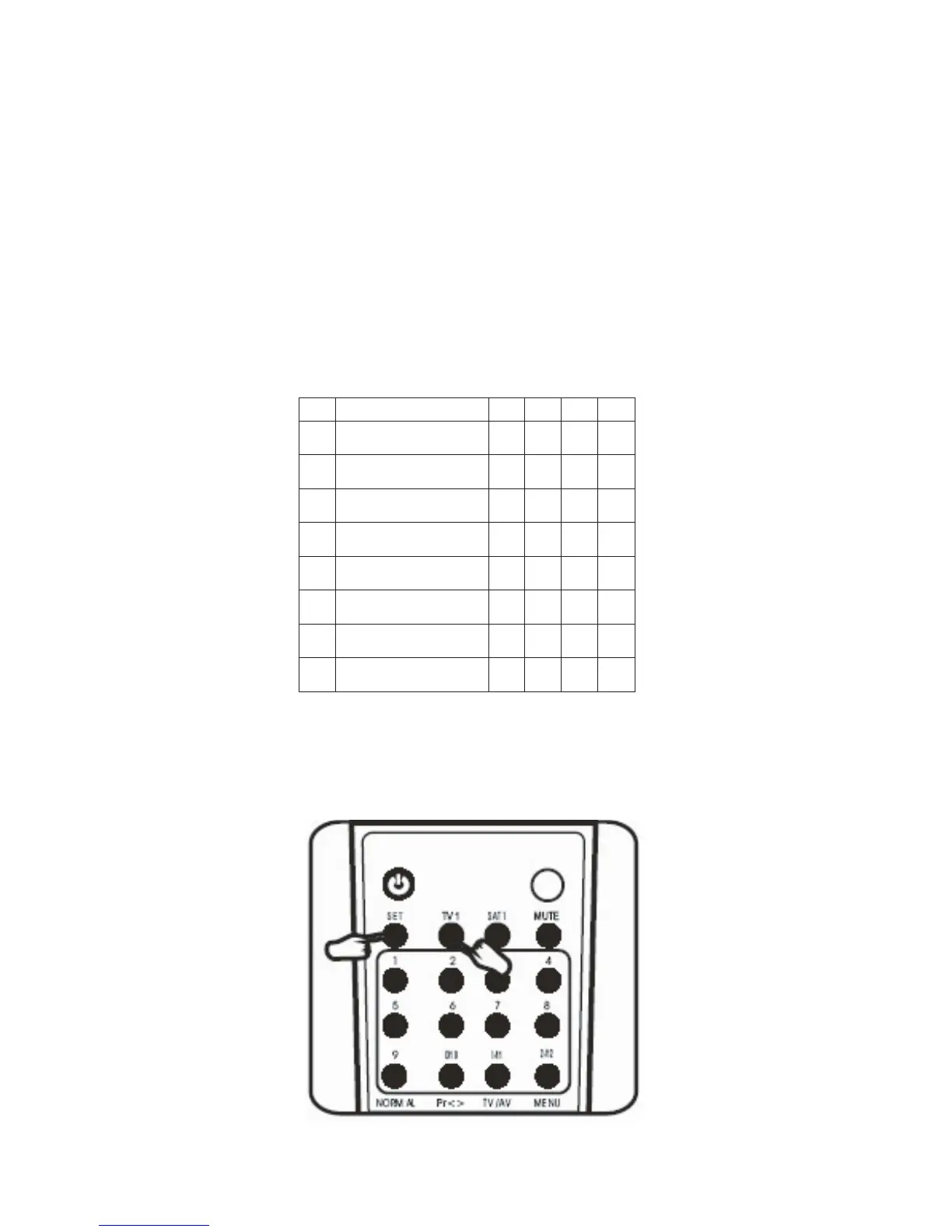
3. Press the ”SET” button and the button for
the device you wish to operate (TV1, TV2,
VCR, SAT etc.) at the same time.
NO. Mark
1
2
3
4
1
Denon 561
2
Hitachi
563
3 JVC 562
4
KLH 565
5
Panasonic 557
6
Philco
559
7
RCA
560
8
Sharp
566


 To Next Page