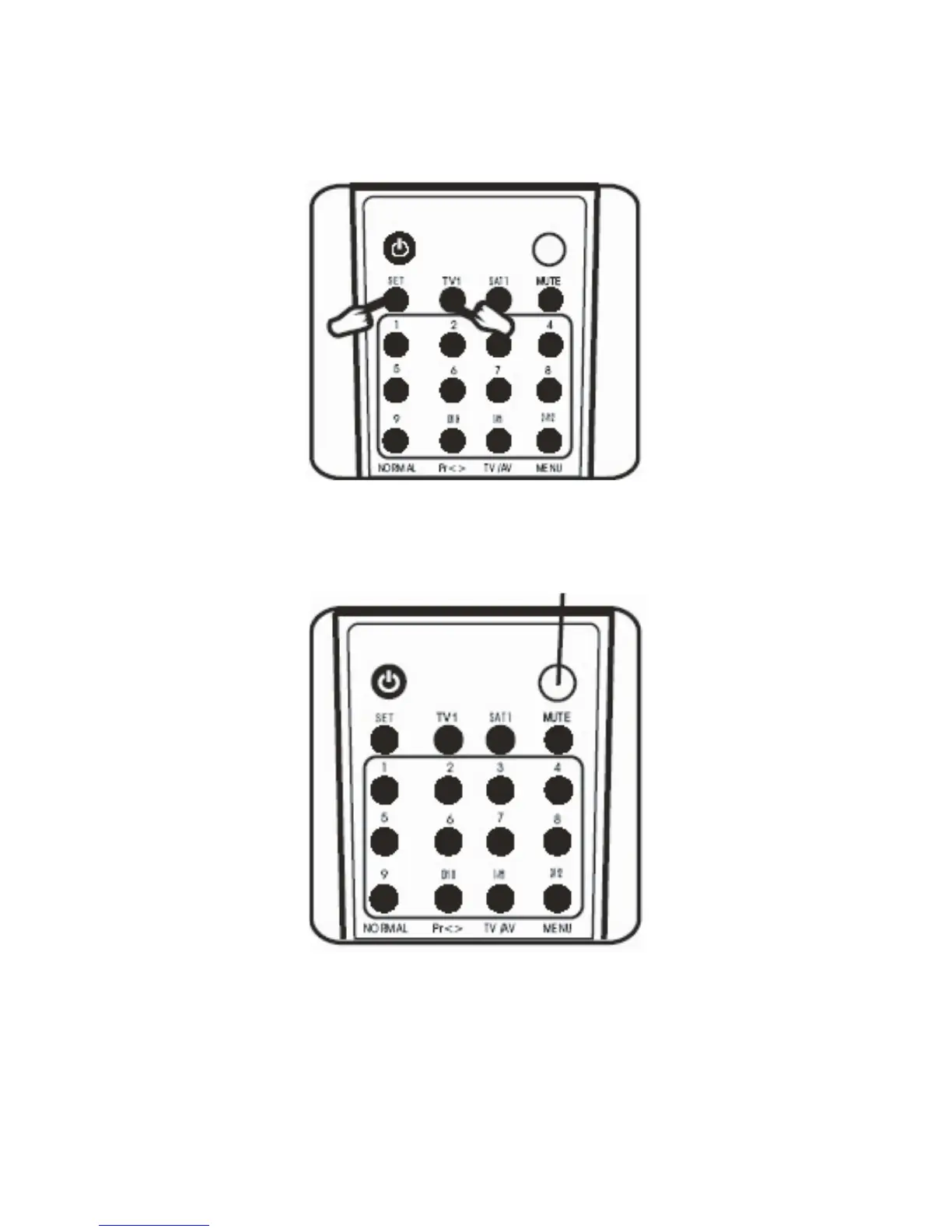
2. Now press the ”SET” button and the but-
ton corresponding to the device you wish to
operate (f.ex.. ”CD/LD” or ”DVD”) at the same
time. The status indicator will light up.
3. Now press the ”SET” button and release it.
The status indicator will now flash as a sign
that the On/Off search is activated.
You can now carry out a manual On/Off code
search or an automatic On/Off code search.
4. Manual On/Off code search:
Every time you press the ”On/Off” button on
the remote control, a new code number is
transmitted. Now continue pressing the
8


 To Next Page