ASP-MICRO USER MANUAL 17
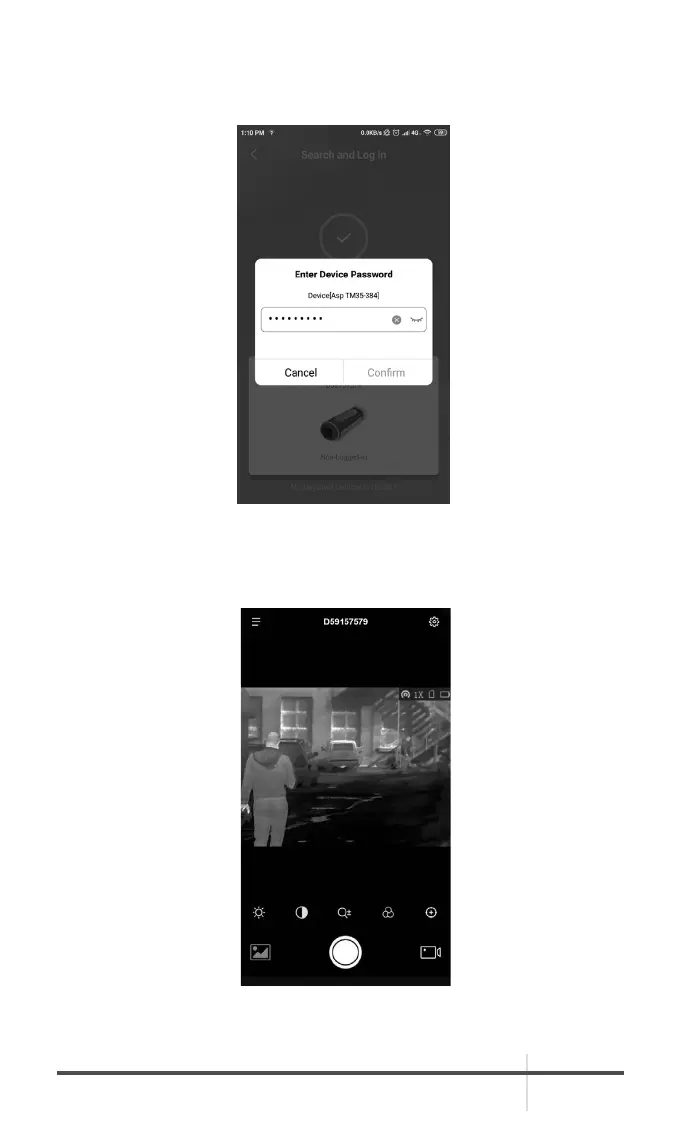
2. If the device is inactivated, set the password and activate it. If the device is
activated, enter the password to add it to app.
3. When the device is added, the live view can be seen. You can view the
interface of the monocular on the software. User can change such image
parameters as brightness, contrast, zoom, palettes directly via phone or pad
as well as record video on phone/pad memory.



 To Next Page