26 AGM Global Vision
1. Install per Paragraph 2.2.12.
2. To view a distant object more clearly, adjust the objective lens focus by turning the compass
clockwise.
3. To view the compass via the monocular, hold the compass with your index finger on top and your
thumb on the illumination button on the bottom. Press the button slowly with your thumb until
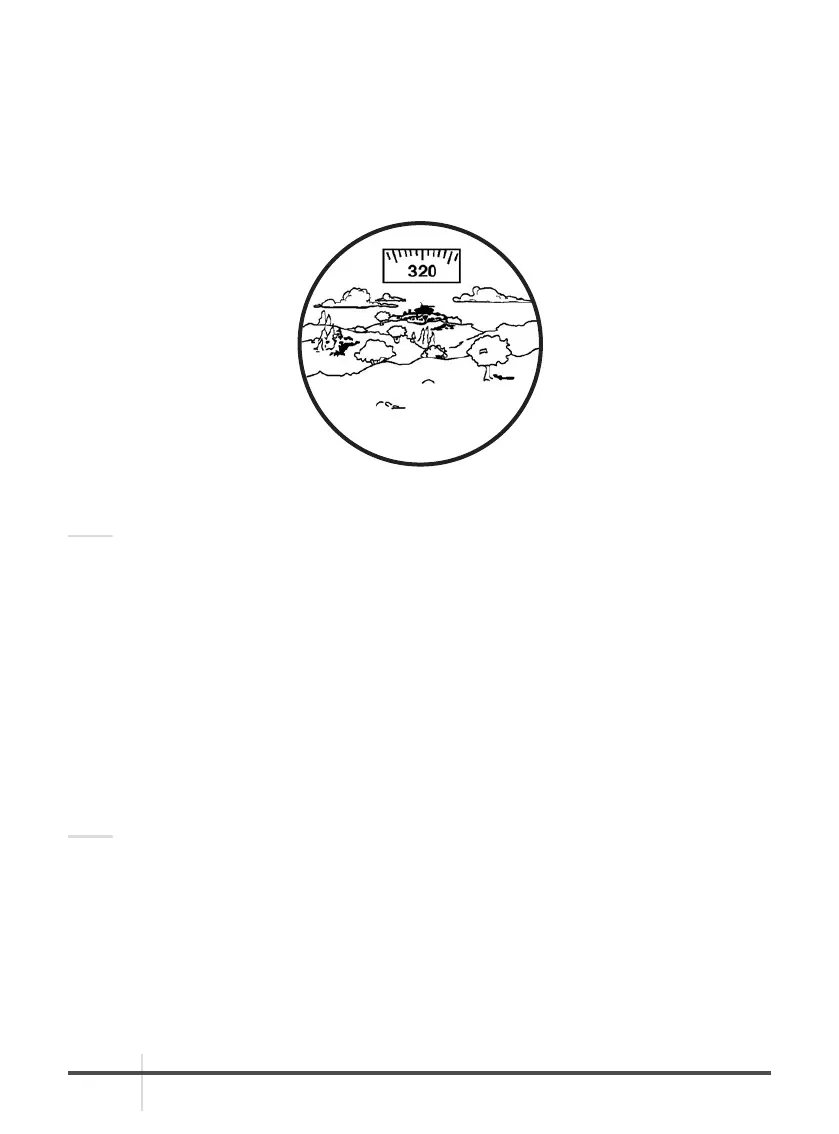
the desired brightness is obtained. The image should appear as shown in Figure 2-16.
NOTE:
• Increase brightness slowly. Excessive brightness may burn a temporary image into the image
intensifier. Do not increase brightness any more than is necessary to clearly read the compass
heading.
• For proper compass operation, the monocular must be focused at or near infinity.
4. Compass readings should change when you move your head from side to side. Rotate or tap the
compass to ensure that it is operating correctly. Hold the monocular in a level position to
confirm free rotation of the compass scale.
5. The tick mark closest to the center of the lighted display is the compass bearing. The tick marks
are in degrees, with longer tick marks every five degrees and bearing labels every 10 degrees.
2.3.7 OPERATION WITH A MAGNIFIER
1. Install per Paragraph 2.2.13.
NOTE:
The paired magnifier and objective lens will turn as a unit.
2. While viewing an object, adjust the magnifier focus until the image becomes sharp and clear.
FIGURE 2-16. VIEW THROUGH INSTALLED COMPASS



 To Next Page