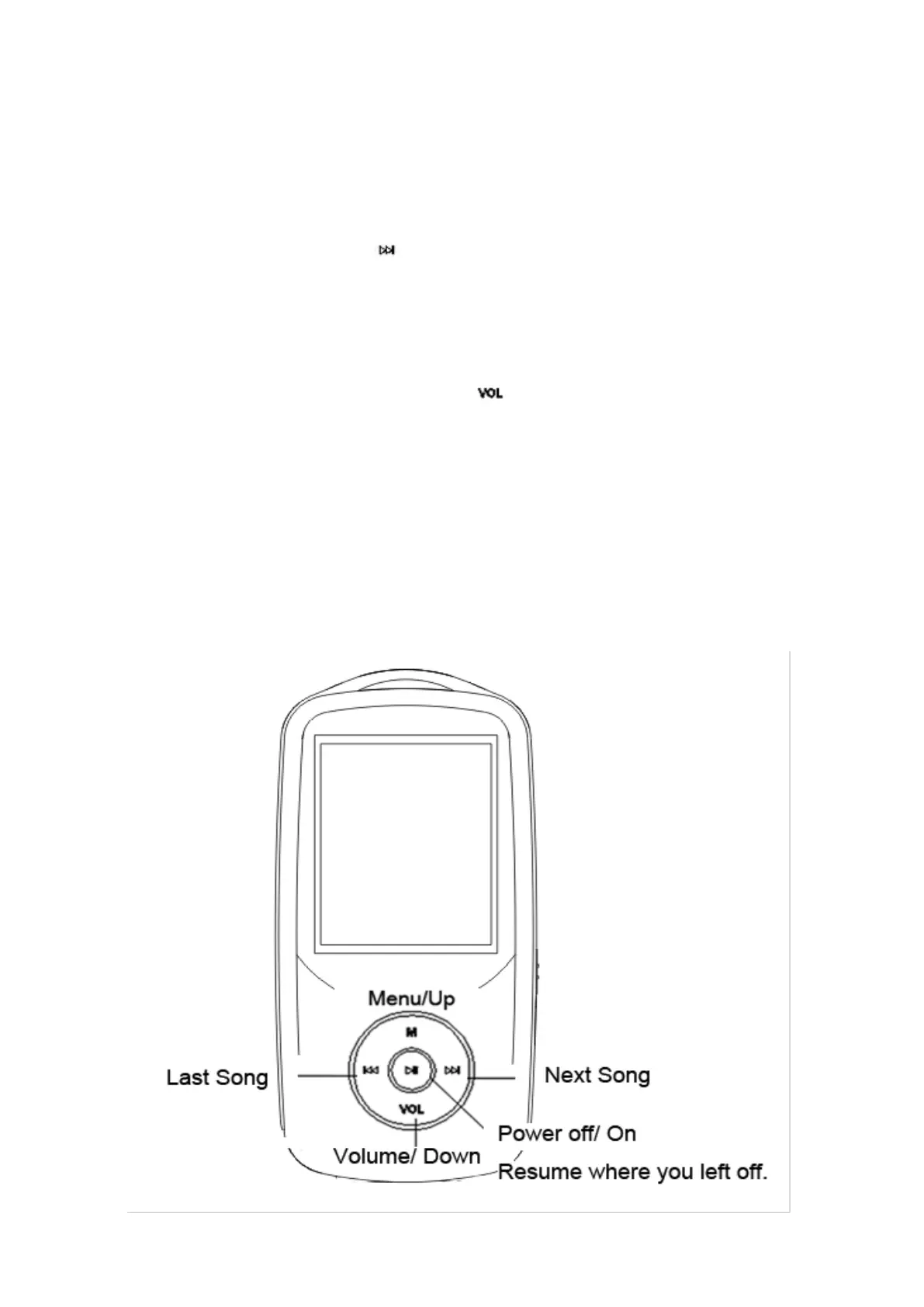
Quick guide
1. Plug Earphone into jack on bottom right of machine then turn power switch to on and
AGPtEK will show on screen.
2. Each time you push the button , it will bring you to one of its 11 different functions,
including Music, Video, Recordings, Pictures, FM Radio, EBook, Folder, Tools, Setting,
and Bluetooth and now playing.
3. Select the icon Music and push the button , a new list will appear showing the
following: All songs, update card data, artists, albums, genres, play lists, album art, local
folder and card folder.
4. Move to Local folder and Push the center button a new screen will appear showing:
Repeat all songs and list of songs if there is more than one song. Then push-(Center
button) on repeat all songs the first song will start playing.
3



 To Next Page