Transfer files to your player
1. Connect it to the computer with the enclosed Micro USB cable, the MP3 player will
show up as a removable disk as soon as the computer recognize it and then just drag
files onto the MP3 player. If your computer cannot recognize the player, the enclosed
Micro USB lead may has problem please use another Micro USB lead to connect it to
your PC.
2. When the slider is "off" the unit will power up when connected to a USB port, and
then go dead when disconnected. Slide the switch of the opposite position it will
power up OK.
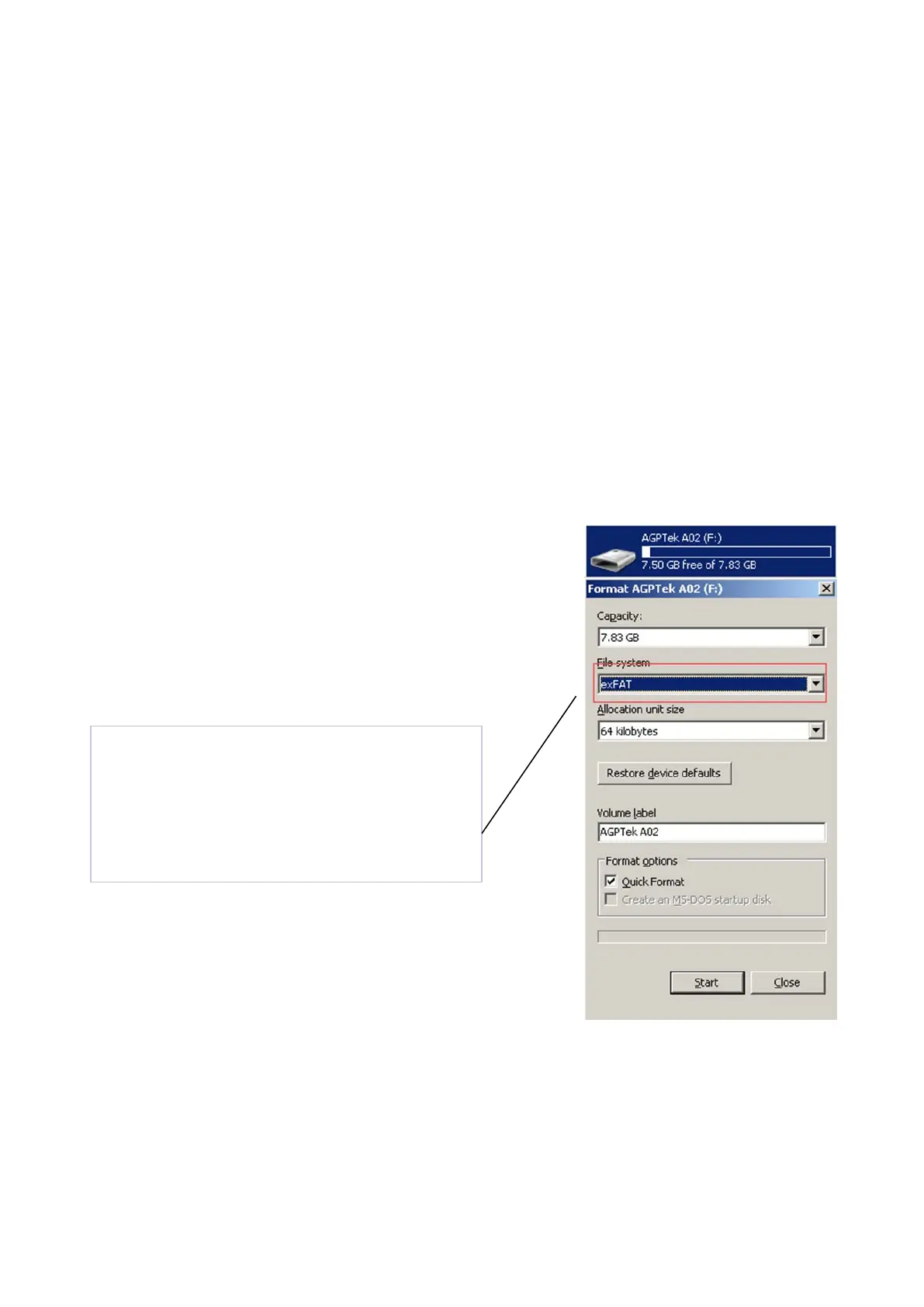
Note: if there is the “Disk error” showing for your
device, please connect your player with the computer,
and then format the disk with “exFAT” option.
Right-click your device on computer, and
then choose the item “Format” with
exFAT option
8



 To Next Page