Video and radio
1. Video
Note: The product only support 160*128 video, you may convert video files to this format
by the tools included in the device.
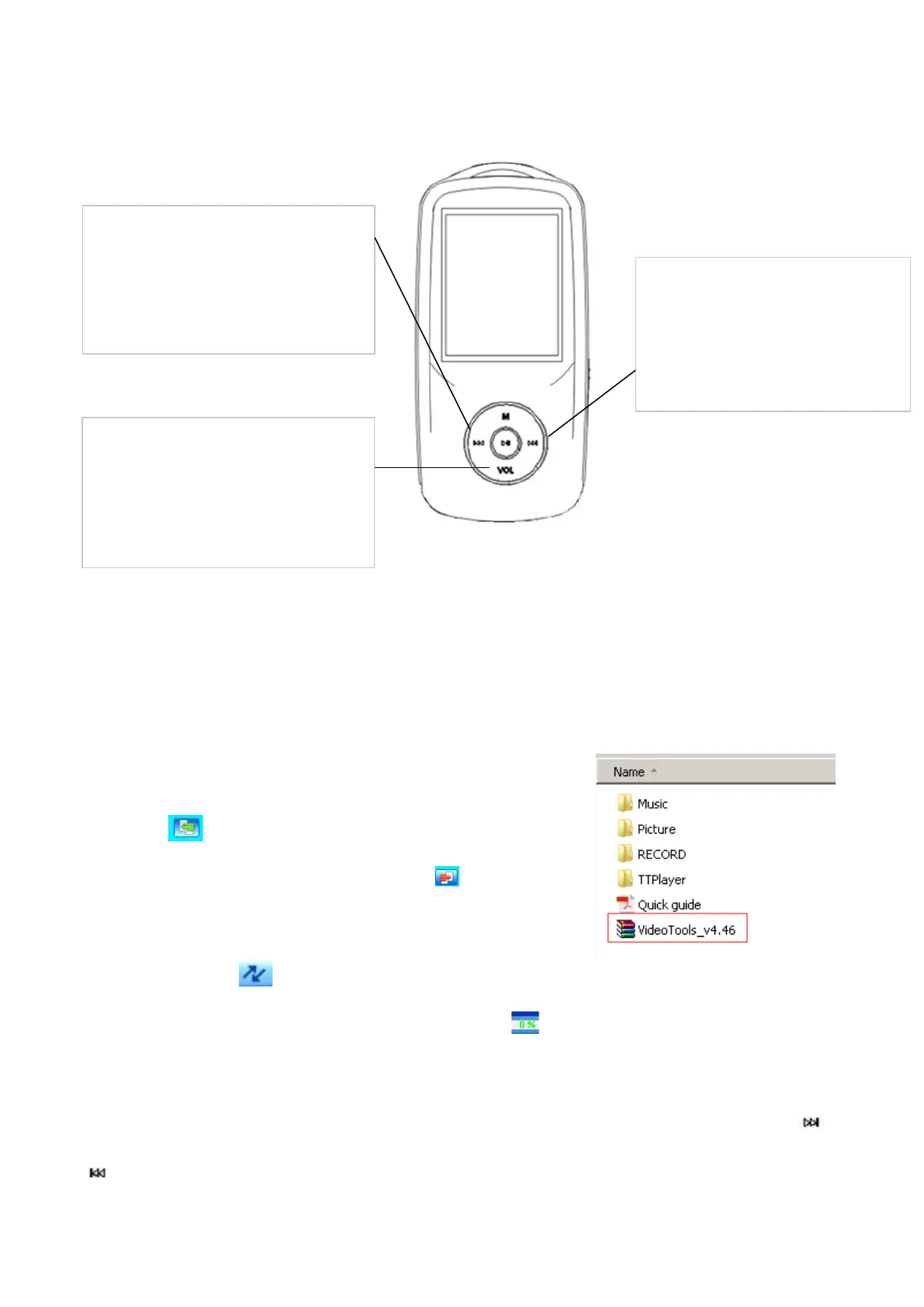
To use the “am transform” included in the device
Install the program on your computer first, and press
the icon to choose the file you want to convert
on your computer, and choose the icon to put
the converted video in the file on your A06 player.
Choose the icon to start convert, the bottom
will show the progress of converting for the icon , it will be ok until it showed 100%.
2. Radio
You can adjust the radio through “Manual tune” or “Auto tune”,press the button and
for rewind and forward search one by one, and long press the button for searching
Hold the right key to fast
forward, tap to the next
video.
Hold the left key to fast
rewind, tap to the previous
video
Tap the bottom Key and then
repeatedly tap the Left Key to
get back to Main Menu
9



 To Next Page