EasyManua.ls Logo

AGPtek A02ST - User Manual

AGPtek A02ST
66 pages
Print Icon
To Next Page IconTo Next Page
Loading...
AGPTEK
A05(T/ST) Music Player

Questions and Answers

  • R
    Rebecca McintoshAug 9, 2025
    What to do if my AGPtek MP3 Player won't turn on?
    • M
      marmstrongAug 9, 2025
      If your AGPtek MP3 Player won't turn on, or the screen is blank/black, or the player is crashed, try the following: * Power off the player and try turning it on again. * Slide the power switch to the “Left” side to turn off the player, then hold the play button for 10 seconds to reset the player. * Update the firmware by visiting the AGPtek website.
  • D
    danielle08Aug 30, 2025
    How to fix disk error on AGPtek MP3 Player?
    • J
      Julie RomeroAug 30, 2025
      If your AGPtek MP3 Player displays a 'Disk error' message, format the player. You can find the format option in 'settings' > 'Format device'.
  • I
    imillerSep 10, 2025
    Why my AGPtek MP3 Player doesn't recognize songs?
    • M
      Michelle BentleySep 12, 2025
      If your AGPtek MP3 Player doesn't recognize songs, it might be due to the song being in an incorrect format, encrypted, or simply not supported by the player. Ensure that the song format is compatible.

Summary

Buttons and Controls

Device Layout and Button Functions

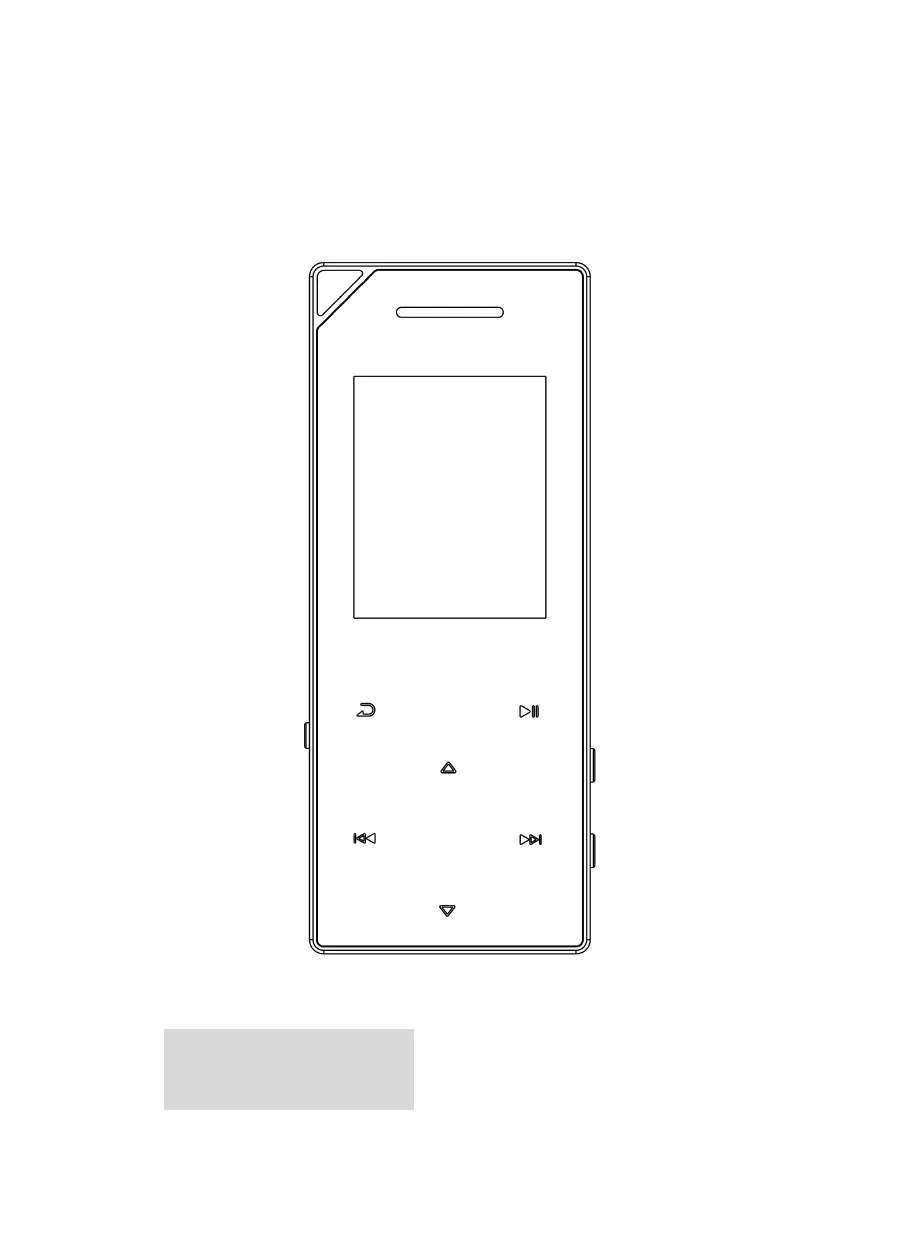
Identifies and describes the function of each button and port on the device.

Quick Guide

Charge the Player

Instructions on how to charge the AGPTEK MP3 Player using USB or a charger.

Basic Operation

Explains fundamental operations like power on/off, screen lock, and item browsing.

Home Menu

Music

Accessing and managing music files, including playback options and playlists.

Play the music

Details on how to play music, skip tracks, fast forward/rewind, and adjust volume.

Music Submenu

Accessing music playback options like repeat, shuffle, and A-B repeat.

Bluetooth

Bluetooth On;Off

How to enable or disable the Bluetooth function on the device.

Search Device

Instructions for manually searching for nearby Bluetooth-enabled devices.

Device List

Selecting and connecting/disconnecting from available Bluetooth devices.

Settings

Format device; Factory settings

Formatting storage or restoring the device to factory defaults.

Trouble Shooting

Re-choosing Language

Steps to reset the device and select a new language.

Player Not Turning On

Solutions for issues like a blank screen or device crash, including firmware updates.

Cannot Download Files

Troubleshooting steps for file transfer problems, checking connections and storage.

USB Connection Issues

Diagnosing and resolving problems with the computer recognizing the player via USB.

Specifications

Supported File Formats

Lists supported audio, lyric, video, recording, EBook, and picture file formats.

Playtime Specifications

Estimated battery life for various functions like music, video, and radio.

AGPtek A02ST Specifications

General IconGeneral
BrandAGPtek
ModelA02ST
CategoryMP3 Player
LanguageEnglish

Related product manuals