EasyManua.ls Logo

AGPtek A16 - User Manual

AGPtek A16
68 pages
Print Icon
To Next Page IconTo Next Page
Loading...

Questions and Answers

  • S
    Sara YoderAug 5, 2025
    What to do if I can't download files from computer to my AGPtek A16 MP3 Player?
    • R
      Roy EwingAug 5, 2025
      If you're having trouble downloading files to your AGPtek MP3 Player, first, ensure that the connection is properly established. Then, verify that the internal memory of your device isn't full. Lastly, inspect the USB cable for any signs of damage.
  • C
    carlagonzalezAug 15, 2025
    Why my computer doesn't recognize my AGPtek A16?
    • T
      Timothy GlennAug 15, 2025
      If your computer isn't recognizing your AGPtek MP3 Player when connected via USB, try these steps: 1. Disconnect the player, wait a few minutes, and then reconnect it. 2. Disconnect the player, restart your computer, and then reconnect the player. 3. Try connecting your player to a different USB port on your computer. 4. If the player hasn't been used for a while, charge it for about 10 minutes, and then try again.
  • D
    Dennis TurnerAug 27, 2025
    What to do if my AGPtek MP3 Player battery won't charge?
    • N
      nicole31Aug 27, 2025
      If your AGPtek MP3 Player battery isn't charging, try disconnecting and then reconnecting the player. Also, ensure you're charging the battery within a temperature range of 5°C (41°F) to 35°C (95°F).

Summary

Product Overview and Setup

Buttons and Controls

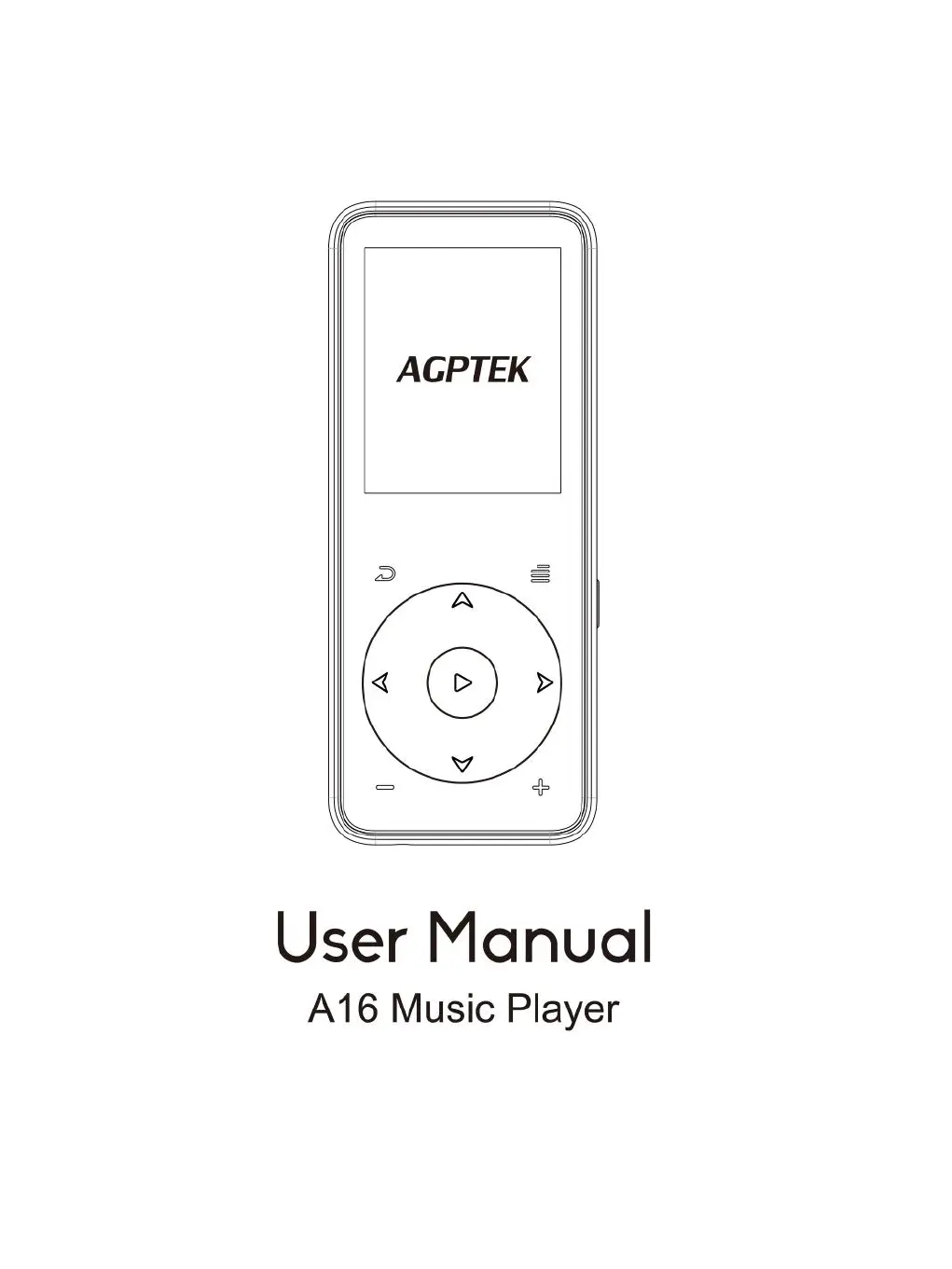
Identifies and describes the physical buttons and ports on the music player.

Quick Start Guide

Charging the Player

Instructions on how to charge the music player using a computer or charger.

Power On;Off

Instructions for turning the music player on and off.

Home Menu Navigation

Describes the main menu and its 8 functions on the player.

Basic Device Operation

Explains navigation and button functions for menus and playback.

Transferring Music Files

Guide to copying music and files to the player via USB.

Micro SD Card Handling

Instructions for inserting and removing a Micro SD card.

Music Functionality

Music Library Access

Lists available music categories like All songs, Artists, Albums, Genres, and Playlists.

Music Playback Controls

Details how to play, pause, skip tracks, and adjust volume during music playback.

Playback Options Menu

Accesses playback options such as play mode, repeat, and sound settings.

Playback Mode Settings

Configures playback modes like repeat, shuffle, and A-B repeat.

Audio Enhancement Settings

Adjusts audio settings like equalizer, playback speed, and volume limit.

Playlist and Track Management

Manages songs within the device's playlists and deletes tracks.

Bluetooth Audio

Bluetooth Device Pairing

Guides on searching for and connecting to Bluetooth devices.

Bluetooth Music Streaming

Instructions for playing music from the connected Bluetooth device.

FM Radio Function

FM Radio Operation

Covers presets, manual/auto tuning, and FM recording.

Radio Playback and Recording

Accesses submenu for Bluetooth radio, recording start, and saving presets.

FM Radio Recording

Starts, pauses, and saves FM radio recordings.

Audio Recording

Voice Recording Start

Starts voice recording and saves audio files.

Recording Management Options

Accesses library, sets storage, format, and recording settings.

Additional Tools

EBook Reader Functionality

Reads e-books in TXT format and navigates pages.

Video Playback

Plays video files in supported AVI/AMV formats.

Picture Viewing

Views image files in JPG, BMP, and GIF formats with slideshow options.

Stopwatch Usage

Uses the built-in stopwatch function to time events.

Pedometer Features

Pedometer Activity Tracking

Activates the pedometer to track steps, distance, calories, and time.

Pedometer Data Management

Sets personal info, reviews history, and clears pedometer records.

Device Settings

Date and Time Configuration

Sets the device's date and time format.

Display and Power Settings

Adjusts display settings and configures sleep/power-off timers.

Radio and Button Light Control

Manages radio background audio and button light behavior.

Device Information and Reset

Checks device information, formats storage, or restores factory defaults.

Troubleshooting Guide

Player Power Issues

Solutions for the player failing to power on, including charging checks.

Battery Charging Troubleshooting

Steps to resolve battery charging problems and temperature considerations.

File Transfer Troubleshooting

Troubleshooting steps for issues downloading files from a computer.

USB Connection Issues

Solutions when the computer does not detect the player via USB.

Technical Specifications

Screen and Physical Dimensions

Details screen size, housing material, unit size, and weight.

Supported Media Formats

Lists compatible audio, video, and photo file formats.

Storage and Interface Details

Specifies recording formats, interface type, internal memory, and SD card expansion.

Power, Charging, and OS

Details battery, charging time, and compatible operating systems.

AGPtek A16 Specifications

General IconGeneral
BrandAGPtek
ModelA16
Internal Memory8GB
Battery Life (Audio)Up to 15 hours
Display1.8 inches
Audio Formats SupportedMP3, WMA, WAV, FLAC, APE
Video Formats SupportedAVI
BluetoothYes
Charging Time2-3 hours
Additional FeaturesFM Radio, Voice Recording, E-book Reader
ConnectivityUSB

Related product manuals