28
There is now a
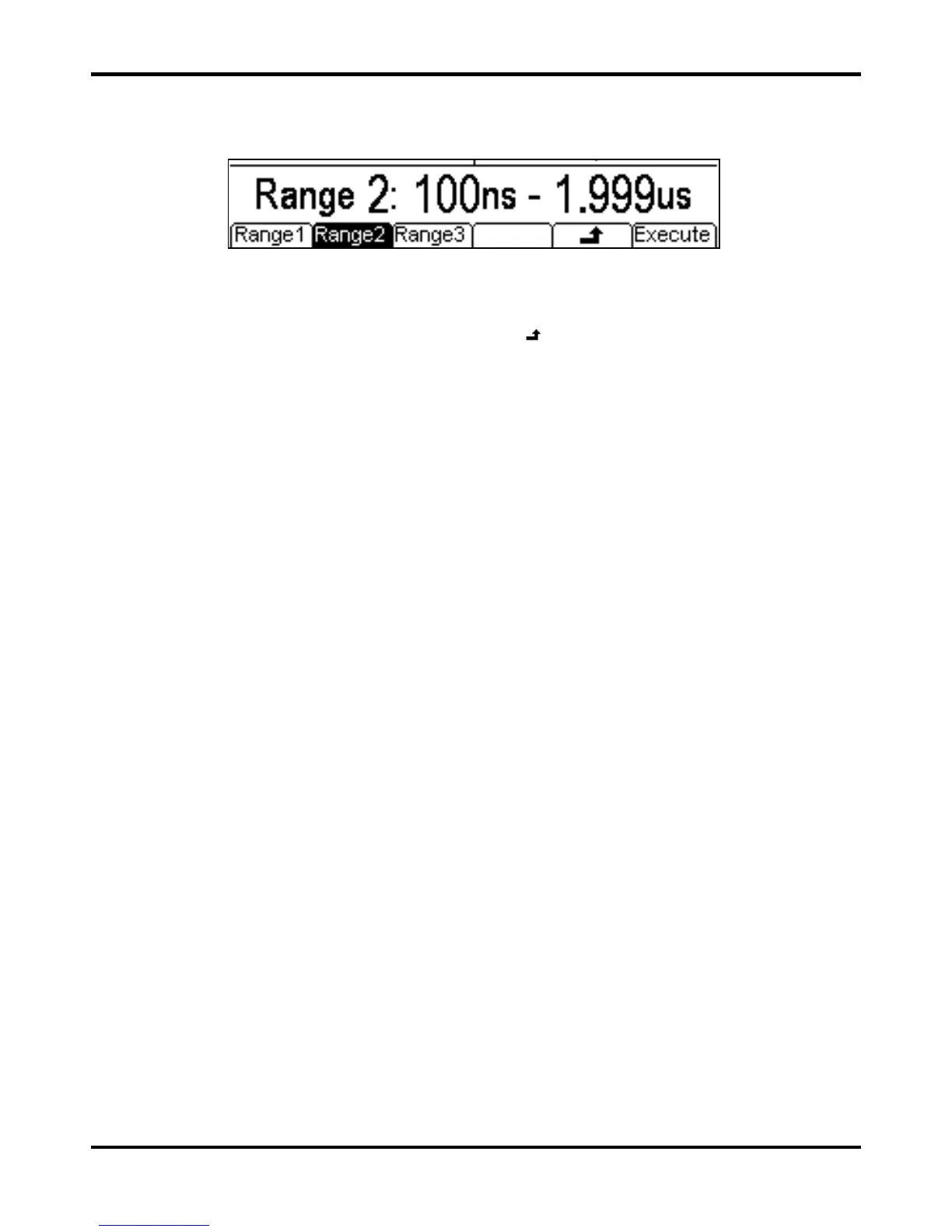
Range soft-key. If this is pressed the display changes to:
When using the independent options both edge times must use the same range. Choose the range
by pressing the appropriate soft-key. When using the coupled option the range will change
automatically as the edge times are edited. Press the
Execute soft-key to set the selected
range and return to the previous menu or press the
soft key to return without changing the
range.


 To Next Page