65
Utility Menu
General
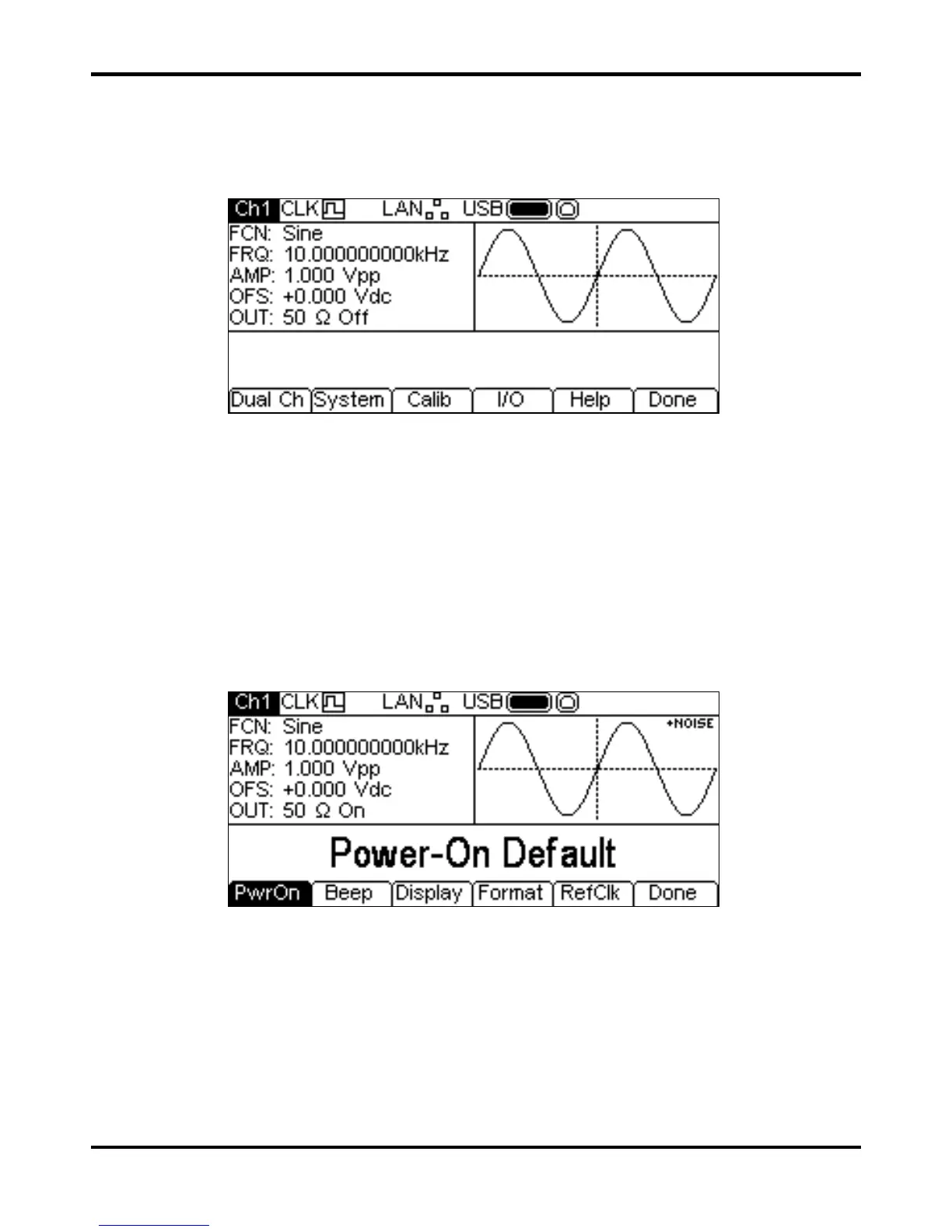
Pressing the Utility key presents several further menus which allow control of instrument and
system capabilities not available directly from the menus described so far.
Each of the soft-key selected menus is discussed in the following sections.
Dual Channel Operation
Pressing the Dual Ch soft-key gives access to the dual channel capabilities of the instrument.
See the Dual Channel Operation section for full details of these capabilities. This menu is not
available on a single channel instrument.
System
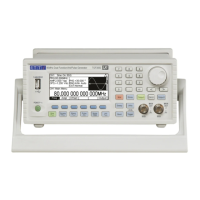
Pressing the System soft-key gives control of some system level functions.
Power On State
Pressing the PwrOn soft-key will alternate between Power-On Default and Power-On
Latest.
With
Power-On Default selected the instrument will power up with the factory default
parameters loaded.
With
Power-On Latest selected the instrument will power up with the parameters as they
were at the last power down.


 To Next Page