66
Beep State
Pressing the
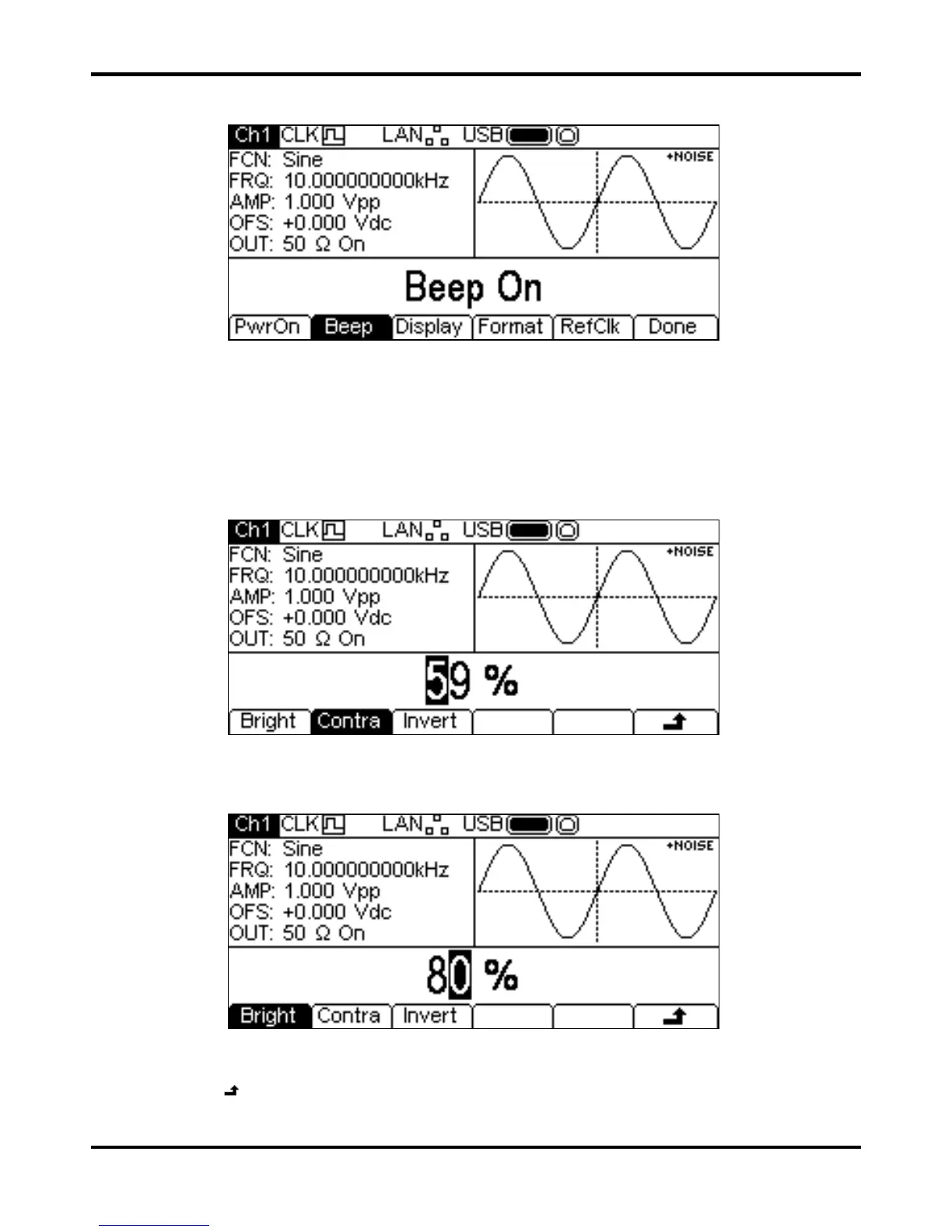
Beep soft-key will alternate between Beep ON and Beep Off. With beep on the
error and warning messages will be accompanied by a sound. These sounds are suppressed with
beep off.
Display Control
Pressing the Display soft-key will show the display control menu.
Pressing the
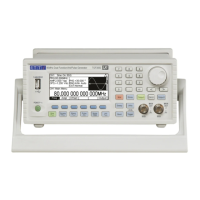
Contra soft-key allows the display contrast to be adjusted. The parameter may be
changed in either of the ways detailed in General – Numeric Editing.
Pressing the
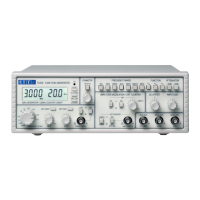
Bright soft-key allows the display backlight brightness to be adjusted. The
parameter may be changed in either of the ways detailed in General: Numeric Editing.
Pressing the
Invert soft-key will alternately set the display between black-on-white (the default)
and white-on-black .
Press the
soft-key to return to the top level System menu or press the UTILITY key to exit the
Utility menus.


 To Next Page