67
Number Format
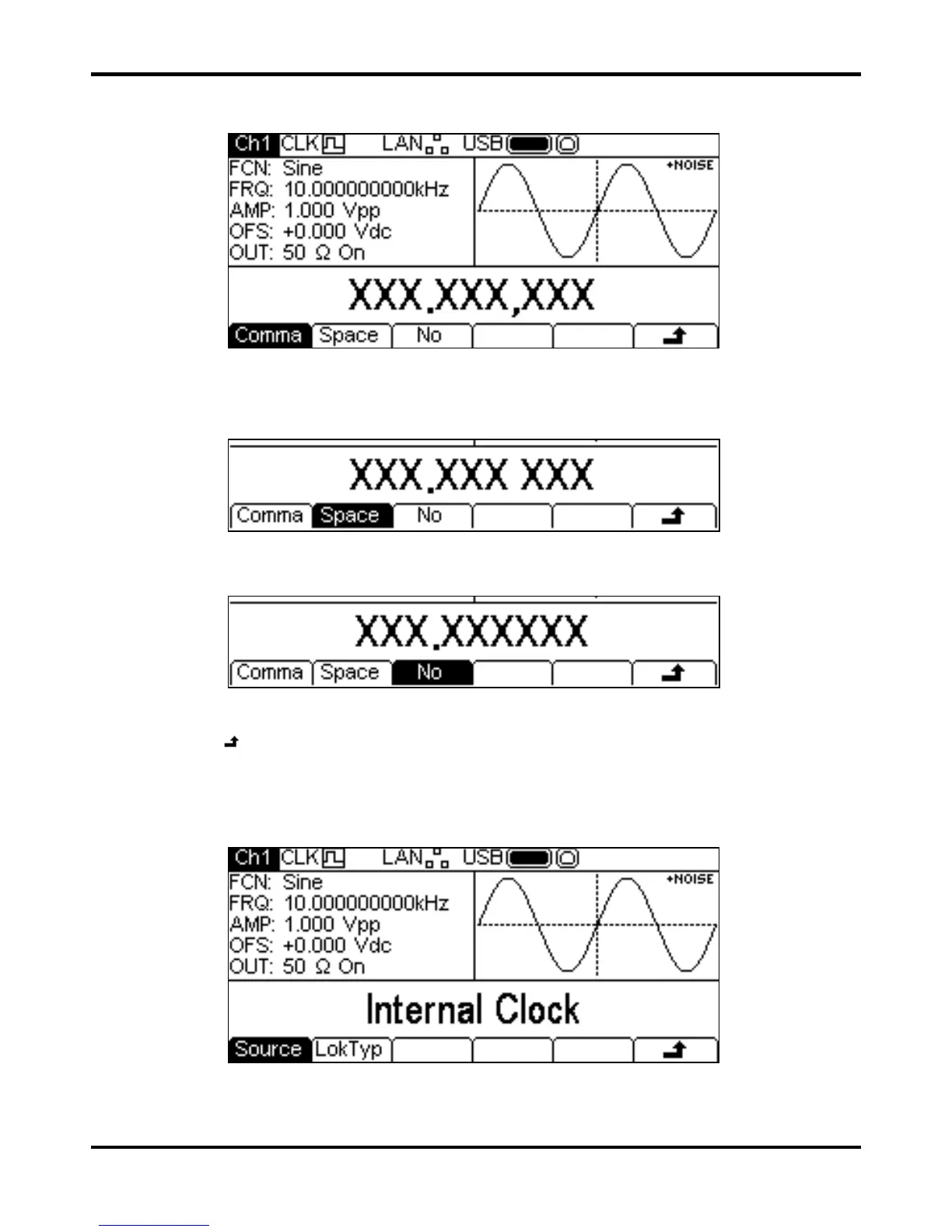
Pressing the Format soft-key will show the Format menu.
This menu allows the number format used in the Edit Box to be customised. The default is comma
format which is selected by pressing the
Comma soft-key. In comma format, digits after the
decimal point are arranged in groups of three with the groups separated by a comma. Pressing the
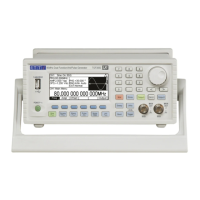
Space soft-key will change to space format.
In space format digits after the decimal point are arranged in groups of three with the groups
separated by a space. Pressing the
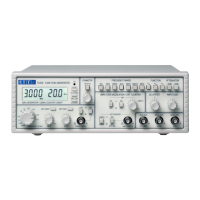
No soft-key will change to no format.
In no format digits after the decimal point are not grouped.
Press the
soft-key to return to the top level system menu or press the UTILITY key to exit the
utility menus.
Reference Clock Control
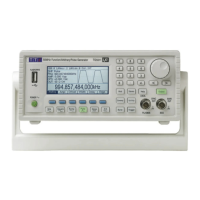
Pressing the
RefClk soft-key will show the reference clock selection menu.
Pressing the
Source soft-key will alternately select between Internal Clock or
External Clock . With internal clock selected the instrument will use its internal TCXO as the
timing reference for the creation of all waveforms. With external clock selected the signal present at


 To Next Page