42
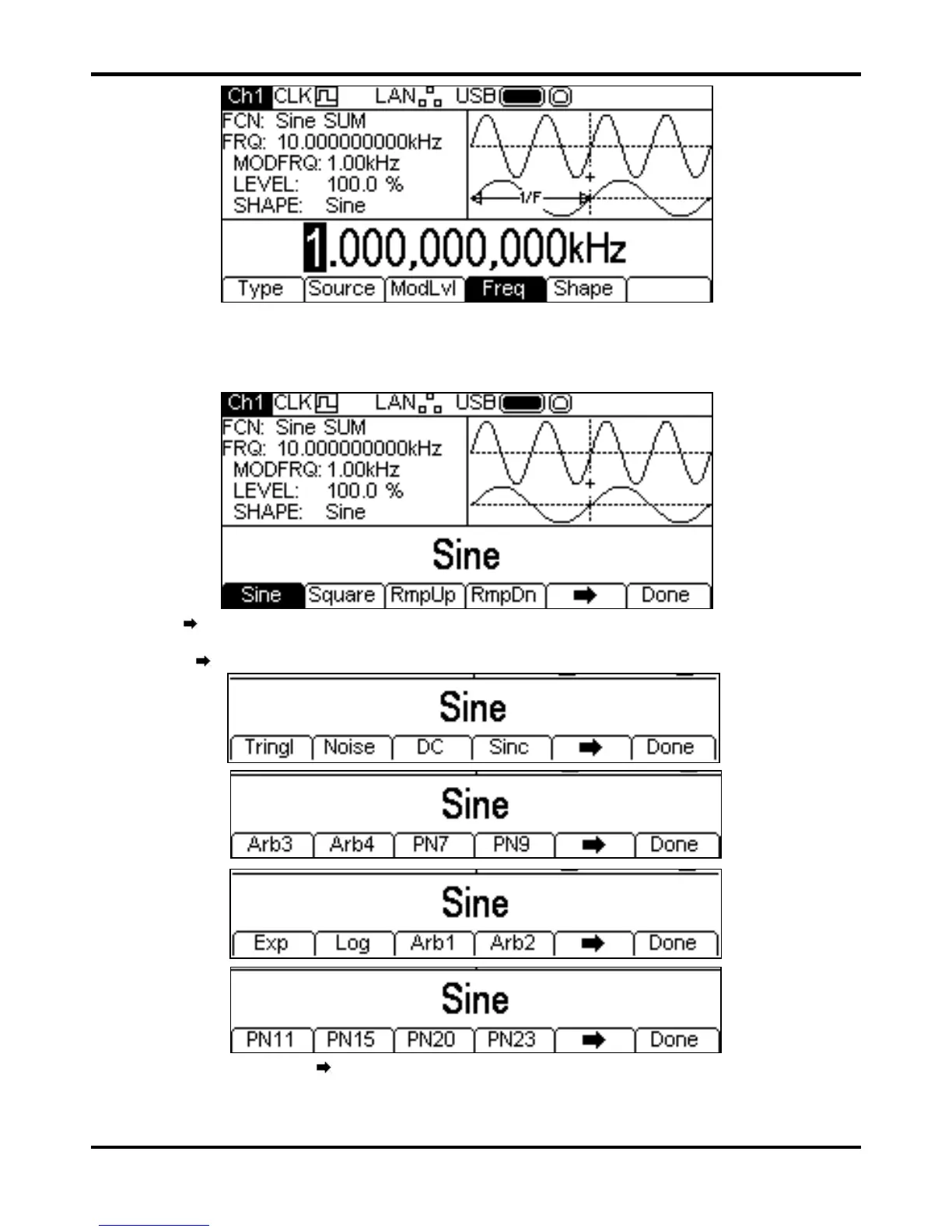
The frequency may be changed in either of the ways detailed in General: Numeric Editing.
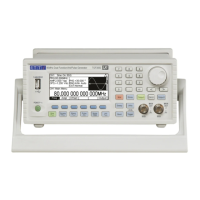
To set the modulation shape press the
Shape soft-key. The currently selected shape will appear
in the Edit Box and the soft-keys will change to a list of shapes available.
The
soft-key indicates that there are too many options to show all at once so press this key to
show more. In this case there are four more lists of shapes which will show with successive presses
of the
soft-key.
One more press of the soft-key will show the first list again. Select the modulation shape
required by pressing the appropriate key then press the
Done soft-key to return to the top level
modulation menu.
All the parameters for SUM are now set.


 To Next Page