69
I/O
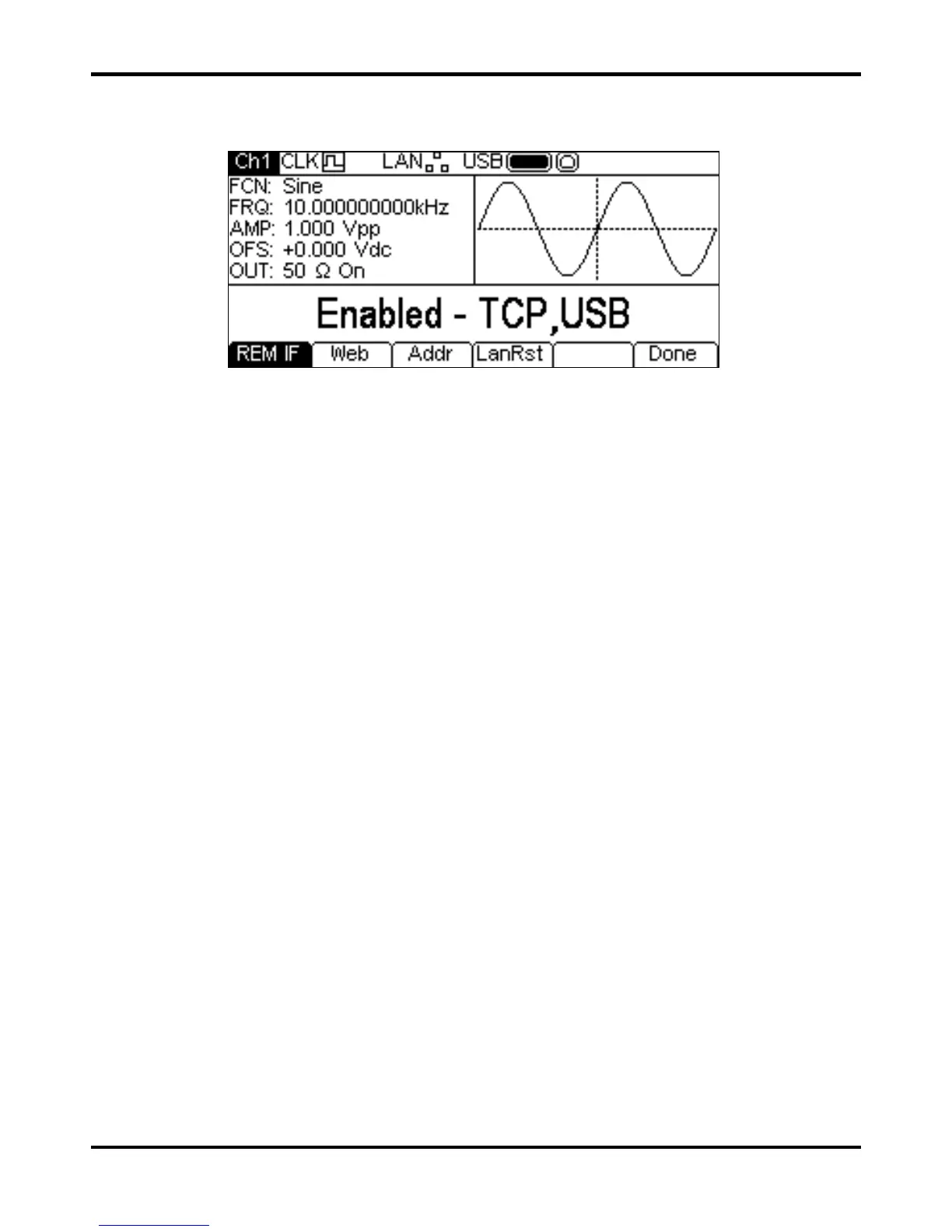
Pressing the I/O soft-key shows the remote interface menu. This allows activation and control of
the installed interfaces.
See the Remote Control section for full details of the use of the interfaces.
Help
This soft-key gives access to the Help menu which is explained in the Help Operations section. The
key is not available on a single channel instrument where help is accessed directly from the HELP
key on the keyboard.


 To Next Page