Technical Documentation - Datasheet MyChron 4 – Version 1.00
3
MyChron 4 data download
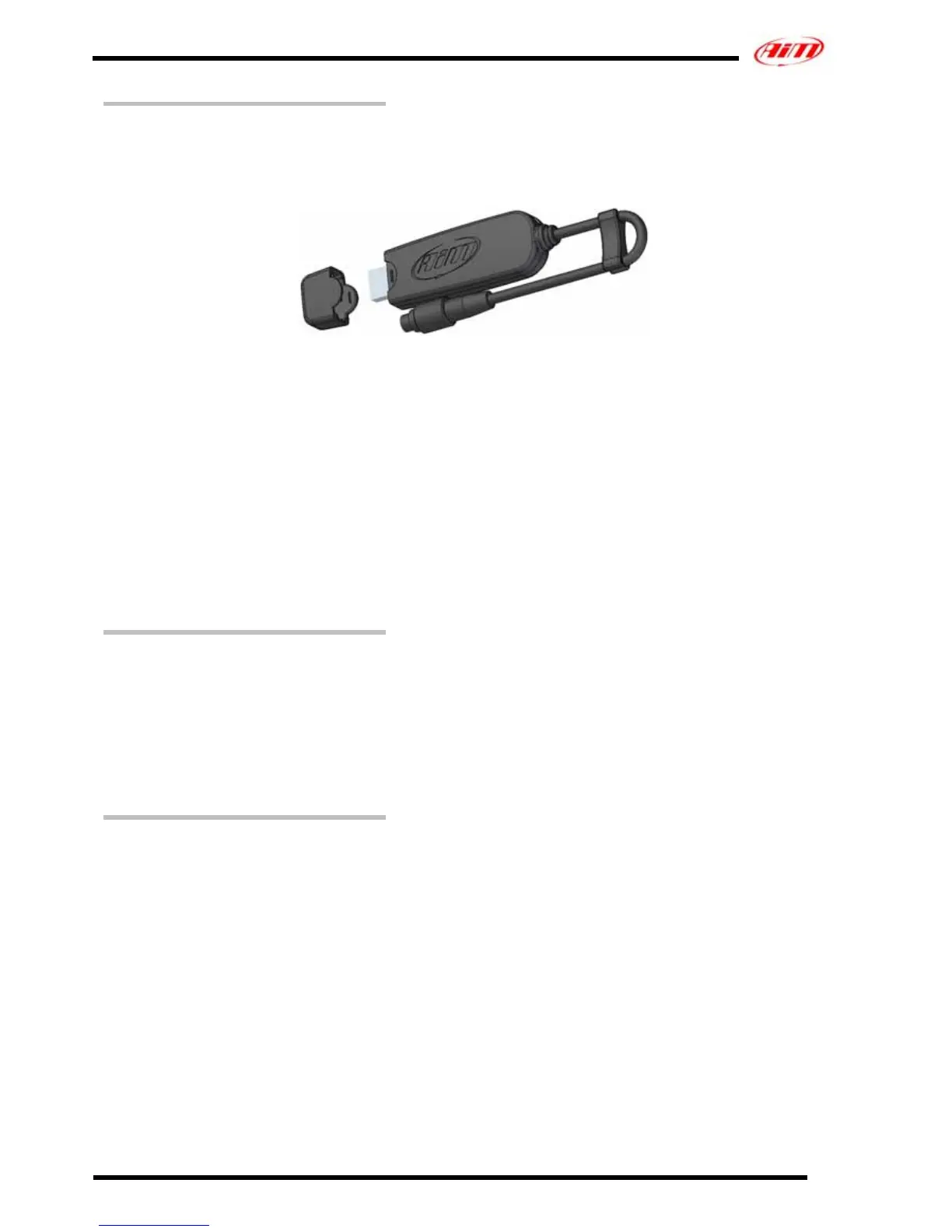
The new MyChron4, thanks to its optional Data-key (Figure 3) allows you to
download data in two ways:
– on the same Data Key
– on a Pc
Figure 3: MyChron4 Data Key
Using only the Data Key you only need to connect Data Key Binder male
connector to the one labelled Exp/Pc on the back of the loggerand data
download starts automatically without the necessity of a Pc available.
Using the Pc:
– connect the Data Key both to MyChron4, as said before and to the Pc
USB port
– run Race Studio 2 software
– activate data download pressing the button corresponding to MyChron4
in Race Studio2 main window.
Software
When the logger is correctly installed and sensors have been plugged in,
please configure your logger to acquire consistent and correct information.
MyChron4 is completely configurable via keyboard.
To donwload data in a Pc you need Race Studio 2, the software properly
developped by Aim to analyze acquired data and supplied together with
the Data Key.
MyChron4 – Power notes
MyChron4 is available in two different versions: internally powered
and externally powered.
• MyChron4 with internal power needs a 9V battery;
• MyChron4 with external power needs an external 9-14,5 V power
source (the kart battery for instance). This version of MyChron4
has two cables, one red (power) and one black (GND) outcoming
from the back of the logger and have to be connected to the
external power.



 To Next Page