WiFi LED (5) is
the only light
showing
Micro SD not
saving data
correctly
Please contact
support@aimcam.com
Format your Micro SD. This can
be completed in the AimCam
APP or via a PC.
13.
Troubleshooting
Insucient SD
card Storage
space
Low Battery
No Function
The WiFi LED indicator light (5)
will blink slowly for ten seconds
then turn o
The WiFi LED indicator light (5)
will blink quickly for ten seconds
then turn o
Ensure that the Micro SD card is
properly secured in the slot (8) If
AimCam is still not responding
use a small pin to press the reset
button (10) to restart the device.
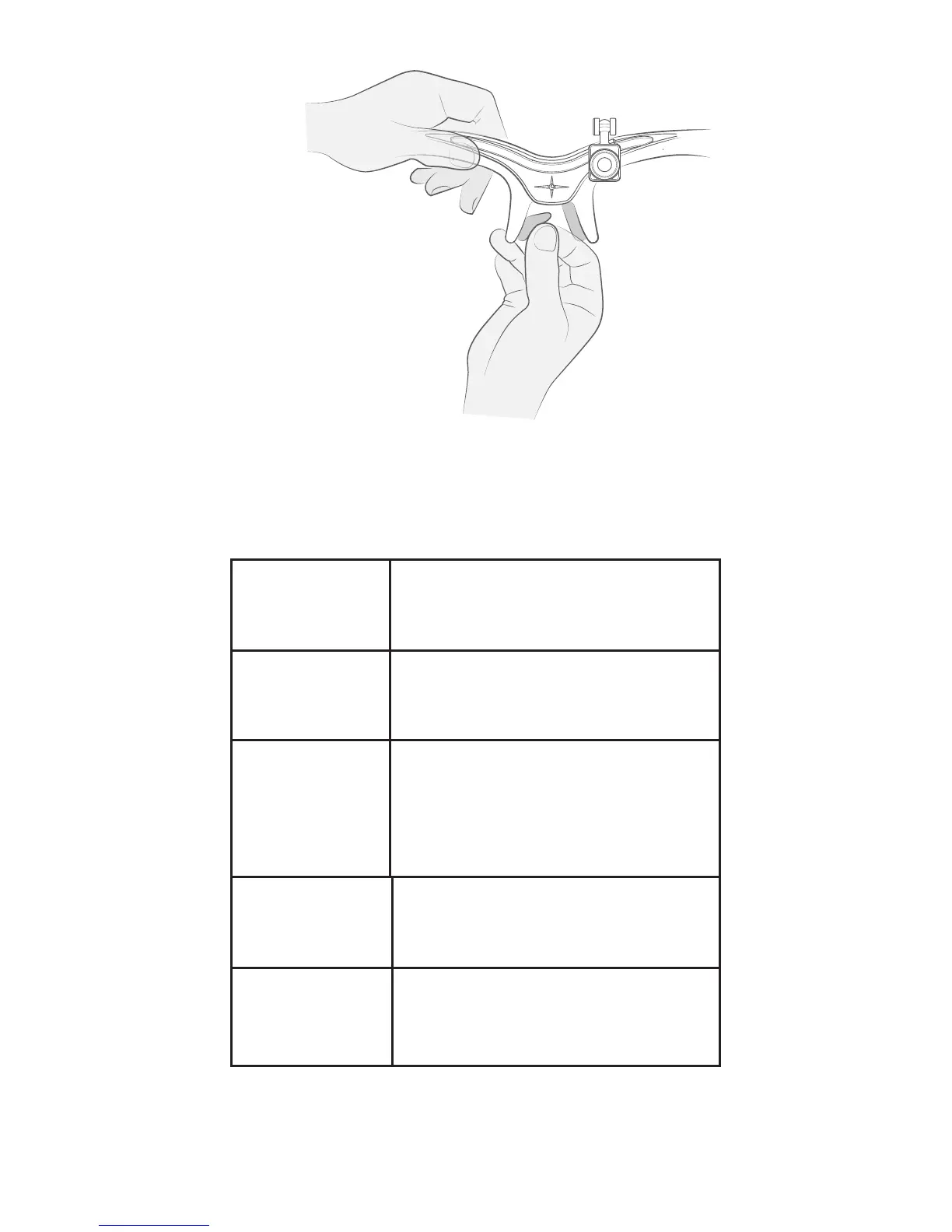
Note: Apply pressure on the nose pads to ensure
product is stuck down.
15


 To Next Page