EasyManua.ls Logo

AIMS Power PIC100012120S - User Manual

AIMS Power PIC100012120S
12 pages
Print Icon
To Next Page IconTo Next Page
Loading...
DC TO AC PURE SINE POWER INVERTER
WITH CHARGER & TRANSFER SWITCH
PIC100012120S
INSTRUCTION MANUAL
4/21

Questions and Answers

  • T
    Tamara VargasJul 28, 2025
    What to do if my AIMS Power Inverter has no output voltage?
    • B
      Bruce MedinaJul 29, 2025
      If your AIMS Power Inverter has no output voltage, first, ensure that the power switch is turned on. If it is already on, check the cables for poor connections, making sure they are tightly connected and in good condition.
  • C
    Casey CastilloAug 5, 2025
    Why is my AIMS Power Inverter showing an incorrect output voltage?
    • B
      Brenda JarvisAug 5, 2025
      If your AIMS Power Inverter is showing an incorrect output voltage, the issue might be with your multimeter. An RMS multimeter measurement error can occur, so use a true RMS multimeter to measure, such as model FLUKE 177/179. Also, low battery power in your RMS multimeter can cause incorrect readings, so change the battery of the multimeter and test again. Maintain the input voltage within the range of rated power. The input voltage is too high or too low.
  • E
    Emily WallaceAug 13, 2025
    What to do if my AIMS Power Inverter has no output voltage and the buzzer sounds continuously?
    • R
      robertsryanAug 13, 2025
      If your AIMS Power Inverter isn't providing output voltage and the buzzer is sounding continuously, it could be due to several reasons. First, check your input DC voltage; it might be too low, requiring you to recharge or replace the battery. Avoid using the inverter while the battery is charging and ensure the battery's rated voltage is within the inverter's specified range. Overload can also cause this issue, so try reducing the load. Finally, overheating can trigger this problem; cut off the load, allow the inverter to cool for 10 to 30 minutes, and restart it once it returns to normal temperature. If overheating persists, reduce the total load to stay within the inverter's rated power, ensure proper ventilation by clearing any obstructions, and try to lower the ambient temperature.
  • G
    grodriguezAug 19, 2025
    Why can't my AIMS Power Inverter drive the load?
    • J
      Jason WilsonAug 19, 2025
      If your AIMS Power Inverter cannot drive the load, it might be because the load is too large, or the appliance's actual power exceeds the inverter's nominal power. Try reducing the load or turning on the appliance first, and then turning on the inverter. It could also be that the starting power is larger than the rated power (for example, a motor). The internal inverter soft-start circuit will buffer starting the appliance.

Summary

Introduction to AIMS Power Inverters

Installation Guidelines

Battery Requirements and Calculation

Battery Voltage and Current Matching

Discusses matching battery voltage and calculating required current for the load.

Connection Procedures

Battery Terminal Connection

Provides instructions for connecting positive and negative battery cables correctly.

Inverter Protections

Input Voltage Protection

Covers low and high input DC voltage alarms and shutdown procedures.

Overload and Short-Circuit Protection

Explains how the inverter handles excessive load and output short circuits.

Troubleshooting Common Issues

No Output Voltage or Buzzer Sounds

Addresses causes like low DC voltage, overload, or over-temperature.

Product Warranty Information

Overview

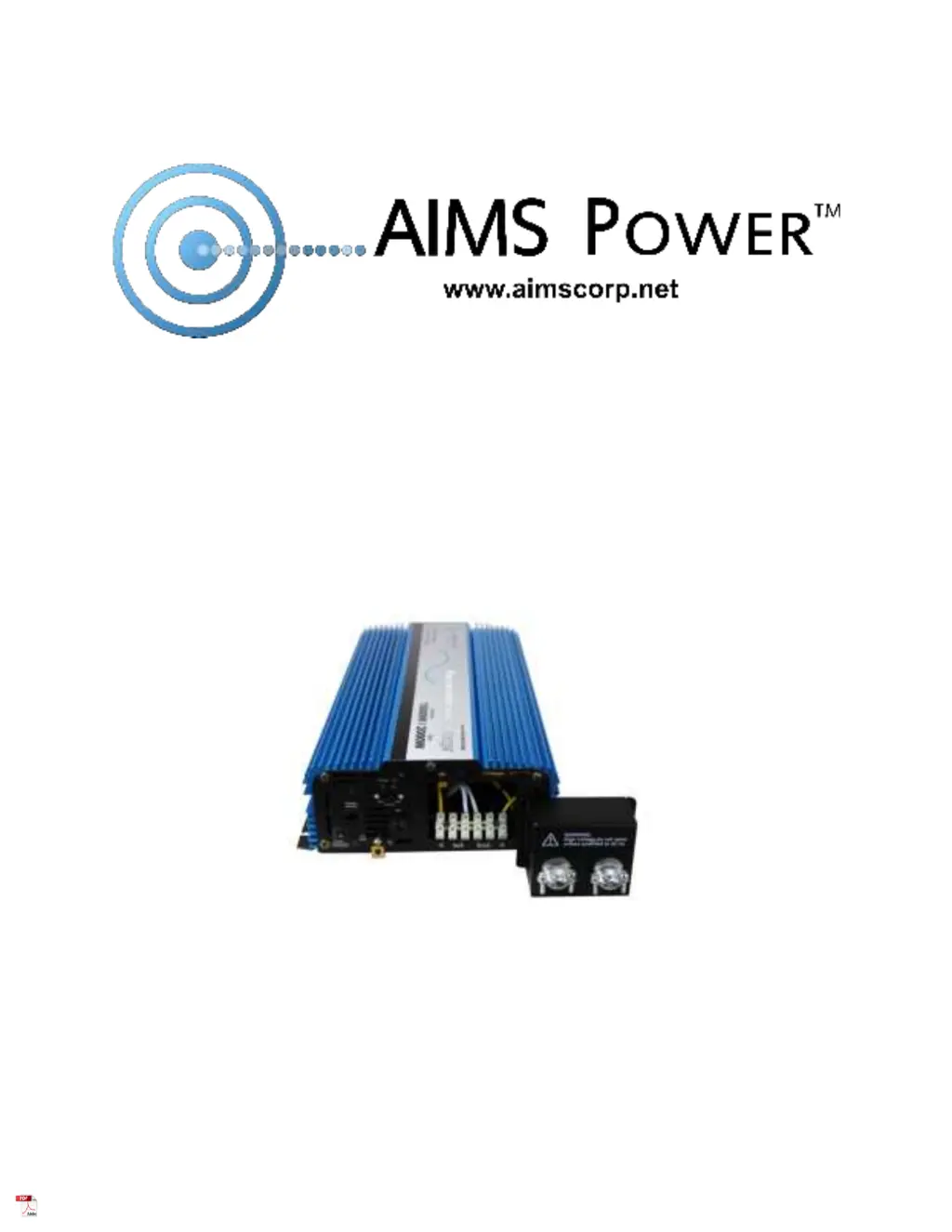
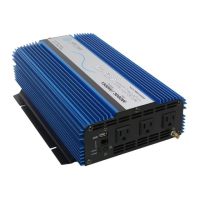
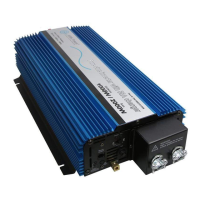
This document describes the AIMS Power PIC100012120S DC to AC Pure Sine Power Inverter with Charger & Transfer Switch.

Function Description:

The AIMS Power pure sine inverter is designed for back-up power applications, transforming DC (direct current) electricity into AC (alternating current) power. This clean power output is ideal for sensitive equipment and a wide variety of tools and appliances. Its integrated charger and transfer switch allow it to function as a mobile power source in vehicles (cars, RVs, boats, work trucks) and as a back-up power source during electrical failures or for applications requiring frequent transfers between grid and inverter power. The pure sine wave output provides a cleaner form of power compared to modified sine wave inverters, effectively reducing noise from appliances.

Important Technical Specifications:

  • Model Number: PIC100012120S
  • DC Input Voltage: 12V (range 9.8V to 16V)
  • Output Wave Form: Pure Sine
  • Output Power: 1000W
  • Surge Power Capacity: 2000W for 40 milliseconds
  • Total Harmonic Distortion (THD): <3%
  • Efficiency: >90%
  • No Load Current: 1 amp (with switch on)
  • Battery Low Alarm: DC 9.8V ± 0.3V
  • Battery Low Shutdown: DC 9.5V ± 0.5V
  • Input Over Voltage Shutdown: 16V ± 0.5VDC
  • Operating Temperature (automatic recovery/shutdown): 32-113°F
  • Over Temperature Protection: 149°F ± 8°F (Thermal based)
  • Charger: 25A or 55A selectable (14.4V bulk, 13.5V float)
  • Breaker: 15 amps
  • Transfer/bypass: 10 amps
  • Inline DC Fuse: 100 amp recommended
  • Recommended DC Cable Size: 6 AWG or larger
  • Dimensions (LxWxH): 17.5" x 9.5" x 3.8"
  • Inverter Weight: 12 lb
  • Marine Protection: Conformal coated to protect against moisture and corrosion.

Usage Features:

  • Built-in Charger: Features a 25/55 amp charger, selectable via a switch on the front panel.
  • Automatic Transfer Switch: An integrated 15 amp transfer switch allows for seamless transition between grid power and inverter power.
  • Easy On/Off Switch: A simple push-button switch controls the inverter's power.
  • Remote Port: Includes a remote port for an optional on/off remote switch (part # REMOTEHF).
  • LED Indicators:
    • LED Protect Indicator: Illuminates to indicate a protection event.
    • LED Power Indicator: Shows the power status.
    • Fault Indicator: A dual-color LED indicates inverter mode (green) or AC mode (yellow).
    • Charging Indicator: Shows when charging is active.
    • Full Charging Indicator: Indicates when the battery is fully charged.
  • Soft Start Technology: This feature gradually increases the AC voltage output, protecting the unit from delivering too much power at once. To utilize this, turn on the appliance before turning on the inverter, especially for inductive loads or electrical motors.
  • Cooling Fan: Thermally controlled cooling fans activate when the internal temperature reaches approximately 104°F to prevent overheating.
  • Hardwire AC Terminal: Provides a robust connection for AC input and output wiring.
  • Battery Connection: Connects to a 12V negative ground battery system. Proper polarity must be observed to avoid damage and voiding the warranty.
  • Grounding: The inverter chassis must be connected to a ground wire, which varies based on installation (vehicle chassis, boat ground system, or earth ground for fixed locations). The ground terminal is internally connected to the AC terminal's ground wire.
  • Installation: Requires a stable mounting location that can support the inverter's weight, with at least 12 inches of clear space around the unit for adequate ventilation. Avoid environments with high dust, direct sunlight, heating sources, or combustible materials.

Maintenance Features:

  • Protections: The inverter incorporates several protection mechanisms:
    • Input Under-Voltage Alarm: An intermittent buzzer sounds when DC input voltage drops below 9.8V.
    • Under Voltage Protection: The inverter automatically shuts down if DC input voltage falls below 9.5V, accompanied by a continuous buzzer, green light off, and red light on. Requires recharging the battery before resuming use.
    • Over Voltage Protection: Automatic shutdown occurs if DC input voltage exceeds 16V, with a continuous buzzer, green light off, and red light on. Requires adjusting input voltage to the admissible range.
    • Overload Protection: Shuts down automatically if the load exceeds the rated power, with a continuous buzzer. Resumes normal operation after removing the excessive load.
    • Short-Circuit Protection: AC output automatically shuts down upon a short circuit and resets once the problem is resolved.
    • Thermal Protection: Shuts down automatically if the internal temperature exceeds 149°F, with a continuous buzzer, green light off, and red light on. The unit will resume operation once it cools down naturally. Users should identify and address the cause of overheating (e.g., ventilation, ambient temperature, load power).
  • Troubleshooting Tips: The manual provides a table of common faults/displays (e.g., low/high input DC voltage, overload, over temperature, switch off, poor cable connection, RMS multimeter error, low battery power, inability to drive load) and their corresponding solutions.
  • Warranty: The product comes with a 1-year worldwide warranty from the date of purchase, provided the product is used and installed correctly. Warranty is voided by physical damage (distortion, damage from external impact not reported at delivery), incorrect DC power connection (reversed polarity), unauthorized disassembly or repair, or damage due to incorrect installation or operating methods.
  • Hi-Pot Testing: All AIMS Power AC inverters are Hi-Pot tested at the factory to ensure electrical safety and prevent shock by detecting leakage between live metal components and the earth-grounded frame.
  • Storage: When not in use for extended periods, disconnect the inverter from the battery bank to prevent over-discharge and potential harm to the equipment. Store away from water and direct sunlight.

AIMS Power PIC100012120S Specifications

General IconGeneral
BrandAIMS Power
ModelPIC100012120S
CategoryInverter
LanguageEnglish

Related product manuals