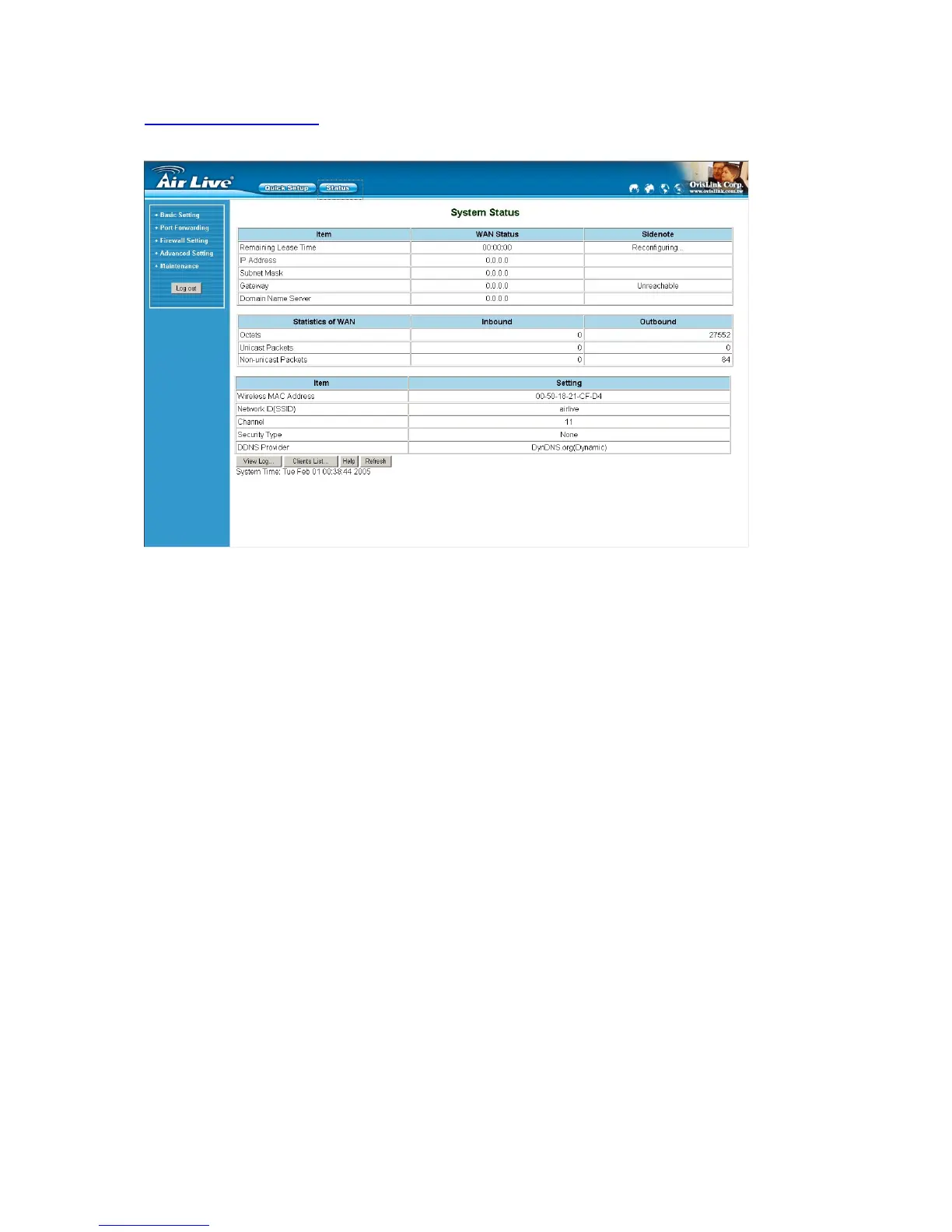
4.1 Start-up and Log in
Activate your browser, and disable the proxy or add the IP address of this product into the exceptions. Then,
type this product’s IP address in the Location (for Netscape) or Address (for IE) field and press ENTER. For
example: http://192.168.1.254.
After the connection is established, you will see the web user interface of this product. There are two
appearances of web user interface: for general users and for system administrator.
A window would pop-up asking for Login and Password. Please enter “admin” for login, and “airlive” for
password.
AirLive WT-200R User’s Manual
12



 To Next Page