A
A
A
p
p
p
p
p
p
e
e
e
n
n
n
d
d
d
i
i
i
x
x
x
D
D
D
W
W
W
D
D
D
S
S
S
S
S
S
e
e
e
t
t
t
t
t
t
i
i
i
n
n
n
g
g
g
How to setup and work:
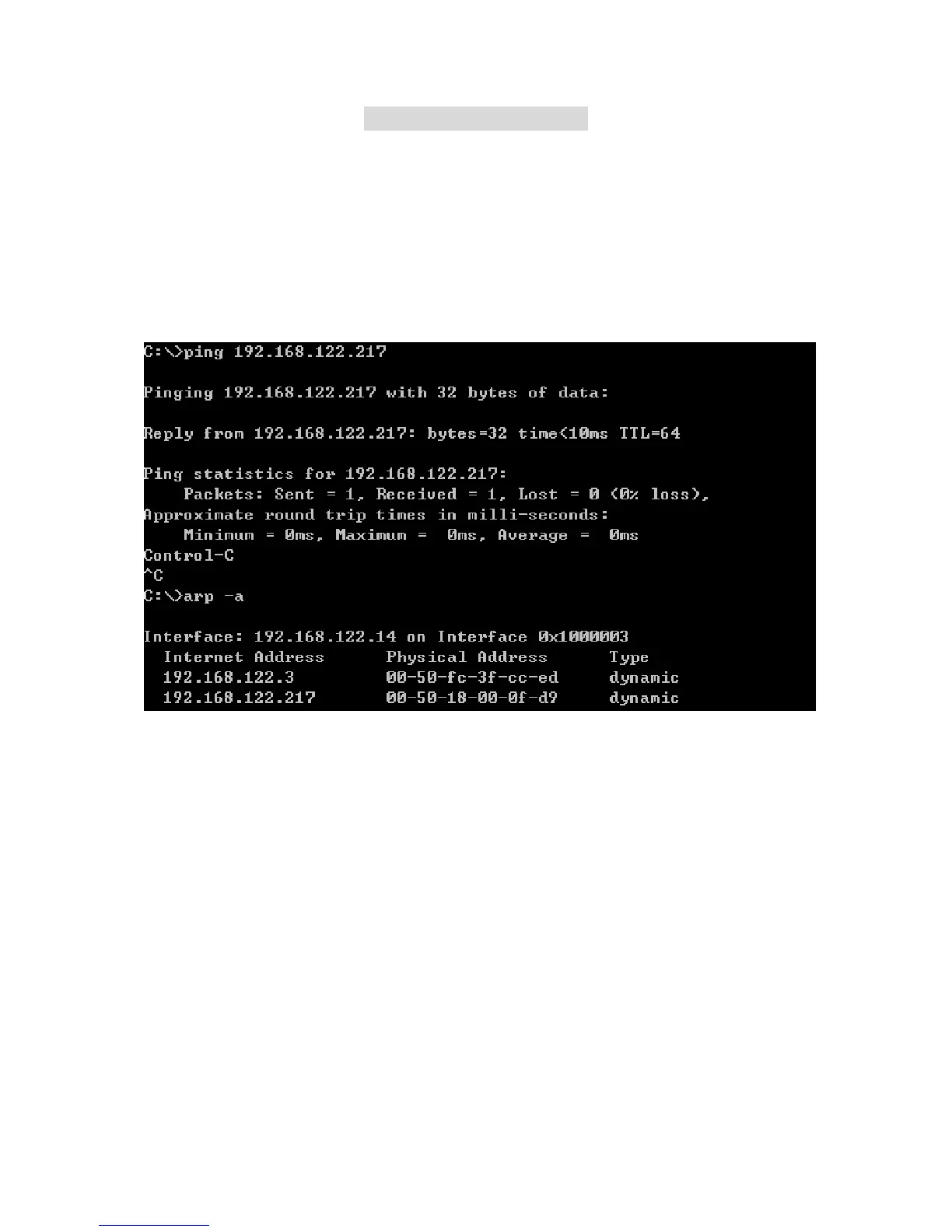
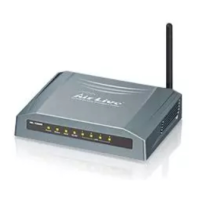
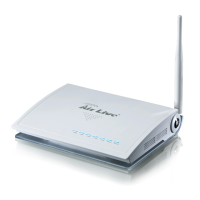
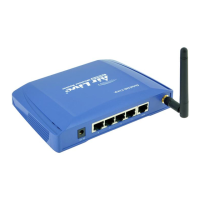
First, check the Wlan-mac address of AP1,AP2 and AP3.Please goto command mode and use
“Arp –a ”.
If you can not find the information of Mac, please make the cable to plug in lan-port of ap and ping the lan ip
address then arp –a. There are some information in the screen. For example:
AP 1: AP2: AP3:
IP:192.168.1.254 IP:192.168.1.253 IP:192.168.1.252
Mac:00-50-18-00-0f-fe Mac:00-50-18-00-0f-fd Mac:00-50-18-00-0f-fc
SSID:Default SSID:Default SSID:Default
Channel:11 Channel:11 Channel:11
Dhcp Server:Enable
Blue Line:Wireless
Black Line:Wire
AirLive WT-200R User’s Manual
88


 To Next Page